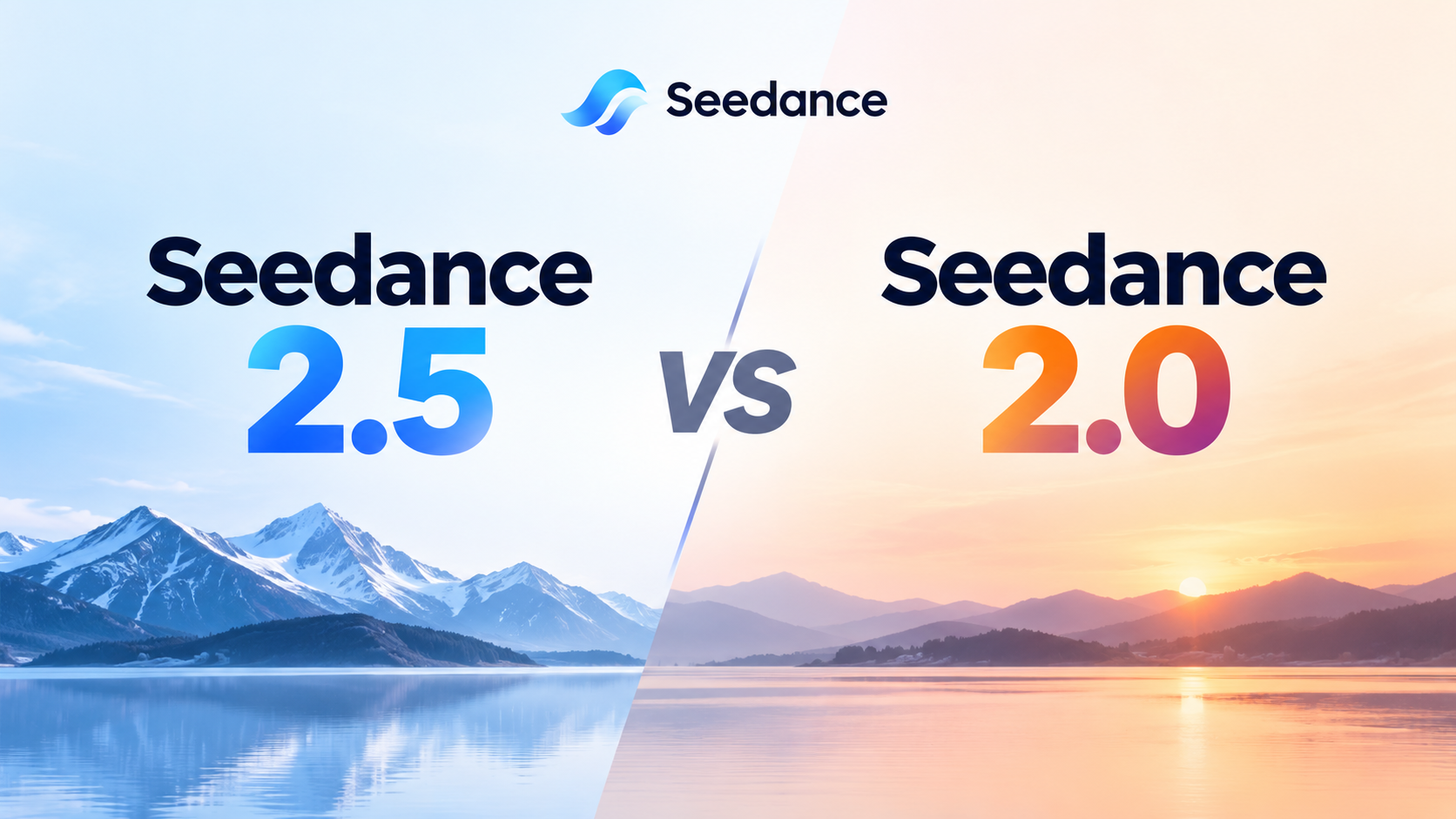
Seedance 2.5 vs 2.0: Length, Res, Pricing & Pick

By Julian Brooks
MyClaw Editorial
MyClaw
Run Best-in-Class AI Agents Now
Run OpenClaw or Hermes Agent on managed MyClaw hosting, so your AI agent stays online, updated, and ready for real work.
AI Takeaway
- Which should you pick? Choose Seedance 2.5 for ~16–30s single passes, large multimodal packs, or timestamp edit/extend; keep Seedance 2.0 when 4K delivery, a mature short-clip workflow, or cheaper drafts decide the job.
- What actually changed? Seedance 2.5 roughly doubles single-pass length (~30s vs ~15s), expands references (often up to 30 images, 10 videos, and 10 audio), and tightens edit/extend; 2.0 still leads on many high-res routes, especially 4K.
- How does Seedance 2.5 vs 2.0 pricing compare? ModelArk bills by video tokens (resolution × duration). Snapshots commonly derive about $0.10/s at 480p and about $0.23/s at 720p for 2.5 without video input, with 2.0 base/Mini/Fast usually cheaper at matched settings — verify the live card and date-stamp.
- Should every 2.0 job move to 2.5? No. Migrate when length, references, or edit/extend remove a real constraint; otherwise draft on 2.0 Mini/Fast and reserve 2.5 or 2.0 Pro high-res for finals that need those ceilings.
- Does MyClaw run Seedance 2.5 or 2.0? No. MyClaw runs private always-on OpenClaw and Hermes agents plus Chat image tools for briefs and stills — Seedance stays on Jimeng, ModelArk, or your reseller beside that loop.
Seedance 2.5 and 2.0 at a Glance
Neither version is a universal upgrade. Longer story beats and bigger reference packs favor 2.5; max resolution and cheaper short drafts often keep 2.0. Capability depth on 2.5 alone lives in the Seedance 2.5 review; this page stays on version tradeoffs and pricing.
| Dimension | Seedance 2.5 | Seedance 2.0 |
|---|---|---|
| Model IDs (common) | dreamina-seedance-2-5-260628; gateway often bytedance/seedance-2.5 | dreamina-seedance-2-0-260128; Pro / Fast / Mini variants |
| Single-pass length | ~4–30s + multi-round extend | ~4–15s |
| References | Up to ~30 images / 10 videos / 10 audio (~50 total); audio-only OK on many docs | Often ~9 / 3 / 3 (~15 total); audio usually needs image/video |
| Edit / extend | Timestamp-level; green screen; camera/perspective; documented edit/extend | Present but shorter window; shot-number timing weaker |
| Resolution | Commonly 480p/720p; 1080p route-dependent; no 4K | Broader high-res path incl. 1080p/4K on Pro-class routes |
| Pricing pattern | Derived ~$0.10/s @480p, ~$0.23/s @720p without video input (ModelArk snapshot) | Often cheaper floors at matched res; Mini/Fast for drafts |
| Access | Jimeng / Doubao Pro apps + ModelArk / resellers | Same family, different model ID / tiers |
| Best fit | 16–30s beats, reference-heavy packs, edit/extend loops | ≤15s workflows, 4K/1080p masters, cheap draft loops |
How to Read the Table Without Mixing Cards
Reseller claims of “4K Seedance 2.5” need a model-ID check against the card you pay for. For competitor context built around Seedance 2.0, use MiniMax H3 vs Seedance and keep version labels explicit so 2.0 review notes do not bleed into a 2.5 decision.
Length, References, and Edit Control
Single-Pass Duration and Multi-Round Extension
Seedance 2.5 targets about 30 seconds in one generation, plus multi-round extension; Seedance 2.0 typically tops out near 15 seconds. When stitching three short clips loses mid-shot continuity, prefer 2.5’s longer pass. Extension inherits drift — lock a keeper before stacking rounds, and name files with model ID, pass number, and duration.
Multimodal Reference Budget
2.5 expands the typed budget to roughly 30 images, 10 videos, and 10 audio clips (about 50 total), with audio-only reference supported on many first-party docs. 2.0 packs are smaller — often around 9 / 3 / 3 — and audio usually needs an image or video companion. Give each asset a job (identity, motion, or voice) and drop unused references.
Timestamp Editing, Green Screen, and Camera Moves
2.5 adds stronger integer-second and timestamp direction, green-screen replacement, perspective edits, and documented edit/extend paths that keep rerolls local. 2.0 remains useful for short, literal, keyframe-style control on some routes (start/end frame patterns vary by provider — verify). Write time-coded edit notes so mid-shot fixes do not force a full-clip regenerate.
Resolution and Quality: When 2.0 Still Wins
High-Res Delivery vs Longer Story Beats
Hard rule: 4K masters → Seedance 2.0 on official-leaning cards; 2.5 has no 4K tier. 1080p historically favors 2.0; 2.5 1080p is route-dependent after mid-August 2026 — verify the live schema, not reseller marketing. Reviews report 2.5 often holds continuity better on longer beats; 2.0 can still win literal short shots and style transforms when length is not the constraint.
Pros:
- 2.5: ~30s one-take window, large multimodal packs, tighter edit/extend
- 2.0: stronger high-res path including 4K on Pro-class routes, cheaper draft tiers
Cons:
- 2.5: no 4K; higher derived $/s at matched resolution; 1080p not guaranteed on every card
- 2.0: ~15s ceiling; smaller reference budget; weaker timestamp edit story for long loops
A Fair Side-by-Side Test
Run the same brief, aspect, and duration (within both ceilings) against one acceptance checklist. Log model ID, resolution, dollars per clip, and keepers. Keep a consistent frame-review habit with video frame analysis. For a shorter conversational video contrast — not a Seedance substitute — see Vidu S2.

Seedance 2.5 vs 2.0 Pricing Tradeoffs
ModelArk Tokens and Derived Dollars per Second
ModelArk bills by video tokens driven by resolution and duration (high-level estimate: duration × width × height × fps / 1024). As a research snapshot dated 2026-09-17 — verify live before you budget — aggregators commonly derive about $0.10/s at 480p and about $0.23/s at 720p for Seedance 2.5 without video input. Seedance 2.0 base rates are often lower at matched settings; Mini/Fast set cheaper draft floors; Pro-class 1080p/4K rates exist on 2.0 routes. Apps (Jimeng / Dreamina-style) bill credits, not identical API dollars. Confirm the live BytePlus, Jimeng, or reseller card on buy day — never invent a forever list price or a MyClaw Seedance rate.
Cost per Accepted Clip Beats Raw $/s
Cost per accepted clip equals (generation dollars plus review labor) ÷ keepers. A 24–30s 2.5 pass that removes stitching can beat two cheaper 2.0 shorts; a 6–10s social cut on 2.0 Mini at 480p often wins on spend. MyClaw hosting and Chat billing is a separate invoice from Seedance tokens or credits — use MyClaw pricing only when sizing an always-on agent workspace beside the render.
Which Version to Use for Common Briefs
- Pick Seedance 2.5 when you need 16–30s ads or story beats, reference-heavy brand packs, edit/extend loops, or audio-only reference support.
- Pick Seedance 2.0 when clips stay ≤15s, you already have a mature short workflow, you need 1080p or 4K masters on cards that expose them, or you want the cheapest draft loop via Mini/Fast.
- Hybrid: iterate on 2.0 Mini at 480p, then final on 2.5 (length, references, edit) or 2.0 Pro (high-res).
Migration gotchas: duration ceilings reject long prompts on 2.0; resolution requests can fail on 2.5 if you assume 4K; reference syntax differs across gateways ([Image1] vs @Image1). Match the model ID on the invoice before you compare keep rates.
Keep Version Decisions and Reference Packs Moving with MyClaw
MyClaw does not host or switch Seedance 2.5 or 2.0 inside Chat. It runs private always-on OpenClaw and Hermes agents for briefs, naming, spend logs, and optional user-configured API calls, plus Chat stills via the Chat image generator. Seedance stays on Jimeng, ModelArk, or your reseller beside that loop.
Step 1: Lock Duration, Resolution Ceiling, and Acceptance Scorecard
Define audience, length, aspect ratio, hard resolution limit (4K versus 720p), reference roles, spend cap, and a model-ID field on the scorecard before the first render.
Step 2: Stage Stills in Chat, Then Route the Chosen Seedance Card
Build identity and product stills in Chat, then send a clean pack to Jimeng, ModelArk, or your reseller. Add a Seedance or BytePlus key only as an explicit user-configured tool if you automate — never assume a native Seedance skill in Chat.
Step 3: Log Model ID, Burn, and Keepers Overnight
Keep the agent online to store prompts, version labels, token/credit burn, and keeper filenames while a human approves brand safety. Soft next step: start from Chat for briefs and stills, or managed hosting for overnight loops — beside Seedance, not as a substitute.
Pick by Deliverable, Not by Version Number
Pick by deliverable ceilings, not by version number. Length, references, and edit/extend point to 2.5; max resolution or cheap short drafts point to 2.0; hybrid when both constraints appear. This URL owns the comparison and pricing tradeoff; the Seedance 2.5 review covers capability depth. Keep MyClaw as the always-on briefing and asset loop beside either version — not as an in-Chat Seedance switch.
Skip the Setup, Run Best-in-Class AI Agents Now
Launch a managed OpenClaw or Hermes Agent workspace in minutes, with always-on hosting, updates, and support handled by MyClaw.