Qwen Image 3.0 vs GPT Image 2: Dense Layouts or Production Polish?

By Alex Morgan
MyClaw Editorial
MyClaw
Run Best-in-Class AI Agents Now
Run OpenClaw or Hermes Agent on managed MyClaw hosting, so your AI agent stays online, updated, and ready for real work.
AI Takeaway
- What are Qwen Image 3.0 and GPT Image 2?Alibaba’s
qwen-image-3.0(plus an optionalqwen-image-3.0-protier) and OpenAI’sgpt-image-2. Both generate and edit images; neither is Qwen Image 2.0 or GPT Image 2.5. - Which should you try first for most creative jobs?Start with GPT Image 2 when general polish and a mature Images API matter most. Start with Qwen Image 3.0 when long briefs, dense layouts, or small multilingual type decide the job.
- How do list prices compare?Qwen Image 3.0 lists $0.03 per output image in Singapore (Pro: $0.04 at 1K, $0.075 at 2K). GPT Image 2 bills $8 / $30 per million image input / output tokens, so per-image cost shifts with size and quality.
- Is there a clean independent winner on quality benchmarks?No. Neither vendor has published a matched test, so score your own frozen brief on both models.
- Can you run both Qwen Image 3.0 and GPT Image 2 on MyClaw?Yes. MyClaw Chat runs both models, so you can send the same brief to each and compare the images side by side.
Lock the Image IDs Before You Compare Vendors
Start with the strings you call. Qwen Image 3.0 ships through Alibaba Cloud Model Studio (DashScope) as qwen-image-3.0, with qwen-image-3.0-pro as a within-generation tier for finer detail. GPT Image 2 ships through OpenAI’s Images API as gpt-image-2, pinned as gpt-image-2-2026-04-21.
Two neighbors cause most mix-ups. Deciding whether to upgrade inside Qwen? The Qwen Image 2.0 vs 3.0 comparison covers that. OpenAI’s newer Flare and Sunburst models form a separate stack, covered in GPT Image 2.5. This page stays on gpt-image-2.

What Each Model Is Built For
Qwen Image 3.0 targets images that work like designed documents. Alibaba lists prompts up to about 4.5k tokens, legible text down to about 10px in 12 languages, and one-pass posters, UI screens, menus, and infographics. One model ID handles generation and editing with one to three reference images. Output stays in a 512²–2048² pixel band, roughly 2K.
GPT Image 2 is OpenAI’s general-purpose model for fast, high-quality generation and editing. It offers flexible sizes, quality settings, and high-fidelity image inputs through separate generation and edit endpoints. It also powers ChatGPT and Codex image workflows, though product names and API IDs differ.
Specs and List Pricing Side by Side
Provider list prices, re-checked September 25, 2026. These are not MyClaw prices; promotions and regional tables can differ.
| Axis | Qwen Image 3.0 / 3.0-Pro | GPT Image 2 |
|---|---|---|
| API ID | qwen-image-3.0 / qwen-image-3.0-pro | gpt-image-2 |
| Billing shape | Per successful image | Tokens per million |
| Standard list (Singapore / OpenAI) | $0.003 per input image + $0.03 per output image | Image $8 in / $30 out; text $5 in |
| Pro or discount tier | Pro: $0.003 in + $0.04 (1K) / $0.075 (2K) out | Batch: half rate ($4 / $15 image, $2.50 text) |
| Prompt budget (vendor) | About 4.5k tokens | No 4.5k-class figure published |
| Resolution | 512²–2048² (~2K) | Flexible sizes |
| Editing | Same ID; 1–3 reference images | Dedicated edits endpoint; high-fidelity inputs |
| Rate limits | ~20 RPM standard / ~5 RPM Pro | Usage-tier images per minute |
The billing shapes differ. Qwen charges a flat sticker per successful image; GPT Image 2 charges for tokens, so the same canvas costs more at higher quality. Third-party roundups using OpenAI’s calculator estimate a 1024×1024 GPT Image 2 output at roughly $0.006 (low), $0.053 (medium), and $0.211 (high) at Standard rates—estimates derived from token pricing, not list prices. Batch halves those token rates if your pipeline can wait for asynchronous results. Match size and quality before calling either model cheaper. For GPT-only depth, including prompts and agent workflows, see the GPT Image 2 guide.
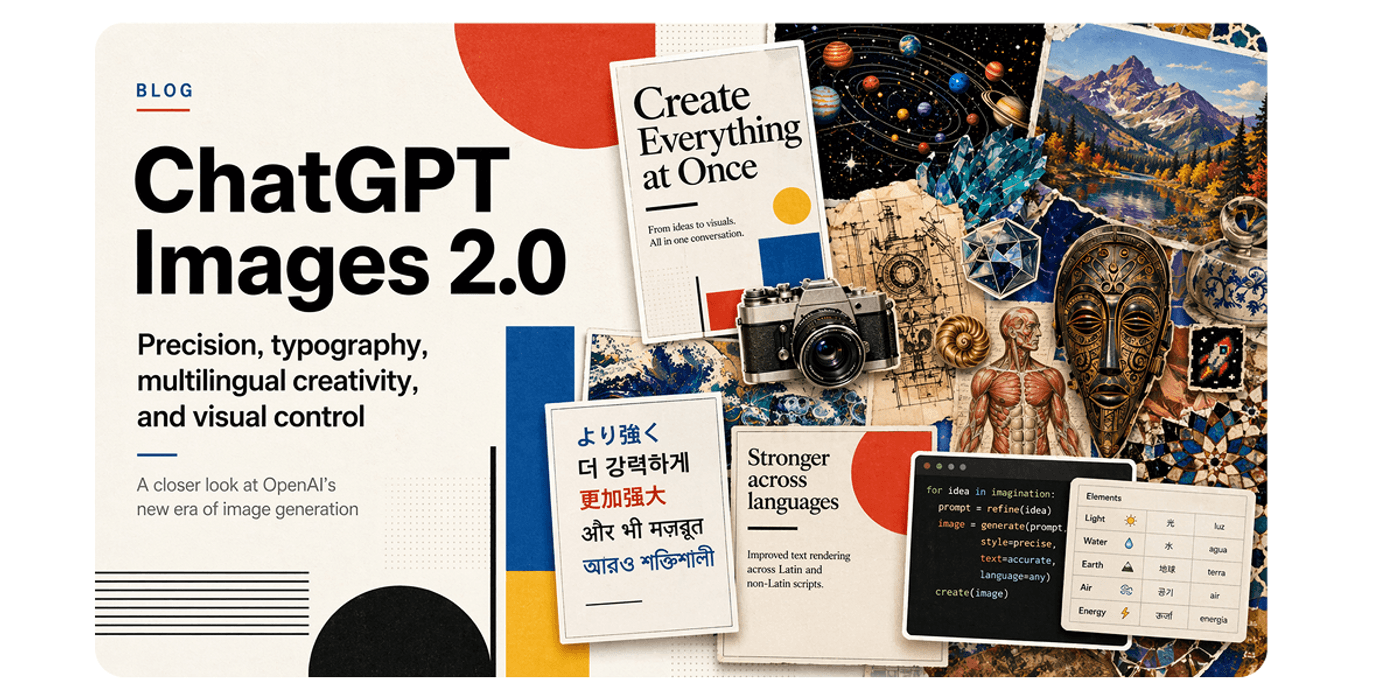
Qwen Image 3.0: Pros and Cons for Dense Layouts
Pros:
- Long structured briefs (about 4.5k tokens) and one-pass dense layouts for UI, newspaper, menu, and infographic work
- Vendor-stated 10px text across 12 languages and multiple fonts
- Predictable per-image stickers, with Pro as an optional step up inside the same generation
- One model ID for generation and editing, with up to three reference images
Cons:
- Output stays in the ~2K pixel band—no 4K
- Hosted only, and the model, key, and endpoint must match the same region
- Pro lists about 5 RPM, which slows volume runs
- No first-party head-to-head against GPT Image 2
GPT Image 2: Pros and Cons for Production Polish
Pros:
- Mature public Images API with generate and edit endpoints, snapshots, and usage tiers
- Quality and size controls trade cost for finish on the same prompt
- High-fidelity image inputs for edits that must preserve product or identity detail
- Fits teams already building on OpenAI tools, ChatGPT, or Codex
Cons:
- Token billing makes per-image cost depend on size and quality
- Edit reference images are processed at high fidelity, adding input tokens
- OpenAI’s speed and precision split now lives in the 2.5 stack, not in Image 2
- Less vendor focus on tiny multilingual type and document layouts than Qwen 3.0
Pick by Job: Typography, Edits, and Cost Shape
Choose by the failure you cannot accept. A poster with a misspelled label or a small line that turns to noise has failed, however good the lighting. A product hero that looks plastic has failed, even if every word is correct.
Run Qwen Image 3.0 first on dense, text-heavy assets: bilingual event posters, pricing cards, catalog grids, UI mockups, exam-style pages, and infographics with many labeled zones. Its long prompt budget lets you specify every block of copy in one brief instead of patching it over several rounds. The flat sticker also keeps volume budgets easy to forecast.
Run GPT Image 2 first on polish: lifestyle and product heroes, campaign visuals, and edits where the reference must survive intact. Third-party write-ups citing the Artificial Analysis Image Arena place GPT Image 2 ahead of standard Qwen Image 3.0 on general text-to-image preference—consistent with that split, but no substitute for your own test.
Check edits separately. Did the model change only what you asked, and did faces, logos, and packaging survive? Then count retries: a cheaper sticker loses if it takes three rounds to produce one usable asset.
Also weighing Google’s Gemini image family? Qwen Image 2.0 vs Nano Banana maps that peer. Nano Banana is Google’s image-model nickname, not MyClaw’s NanoClaw.
Try the Matchup in MyClaw Chat
MyClaw Chat runs both qwen-image-3.0 and gpt-image-2, so you can test one brief on each without juggling two consoles. Guests get a limited try; signed-in plans and fair-use limits are on AI Chat pricing, separate from Alibaba and OpenAI list rates.
Step 1: Freeze One Brief and a Pass/Fail Rule
Lock one brief: canvas size, required text strings, languages, and whether the job is generation or an edit. Set the pass rule before you see any output—for example, “every label legible at final size” or “logo unchanged.”
Step 2: Run the Same Brief on Qwen Image 3.0 and GPT Image 2
Open MyClaw Chat and generate on qwen-image-3.0. Switch to gpt-image-2 and send the identical brief with the same reference images, so the model is the only variable.
Step 3: Score the Asset You Rendered, Then Keep the Default
Judge readable type, layout zones, edit locality, and retries. Score the images you made, not another host’s screenshot. Keep the model that passes in fewer rounds, and re-run the brief when prices or model IDs change.
Choose One Default, Then Keep a Fallback
| If you need… | Start with… |
|---|---|
| Dense layouts, small multilingual type, long briefs | Qwen Image 3.0 (Pro if detail fails on standard) |
| General polish, product heroes, mature Images API | GPT Image 2 |
| High-volume assets with a fixed per-image budget | Qwen Image 3.0 standard |
| Edits that must preserve identity or packaging | GPT Image 2, then check Qwen on the same reference |
Pick one default per job class, not one model for everything. Keep the other as a fallback for the failure your default repeats, and re-test both when list rates or IDs move.
Skip the Setup, Run Best-in-Class AI Agents Now
Launch a managed OpenClaw or Hermes Agent workspace in minutes, with always-on hosting, updates, and support handled by MyClaw.