Qwen Image 2.0 vs 3.0: When to Upgrade (and When Pro Matters)

By Olivia Hart
MyClaw Editorial
MyClaw
Run Best-in-Class AI Agents Now
Run OpenClaw or Hermes Agent on managed MyClaw hosting, so your AI agent stays online, updated, and ready for real work.
AI Takeaway
- What is Qwen Image 2.0? Alibaba’s
qwen-image-2.0/qwen-image-2.0-pro: unified gen+edit, ~1k-token prompts, strong EN/CN type, ~2K pixels; Singapore list ~$0.035 / ~$0.075 per image. - What is Qwen Image 3.0? Next gen
qwen-image-3.0/qwen-image-3.0-pro(Recommended): unified T2I/I2I with 1–3 refs, ~4.5k-token prompts, ~10px / 12-language dense layouts, same ~2K band. - How do Singapore list prices compare for the same ~2K job? Accel 2.0 ~$0.035 flat; 2.0-Pro ~$0.075; 3.0 ~$0.03 out (+ tiny edit input); 3.0-Pro ~$0.04 (1K) / ~$0.075 (2K). Stickers move; not MyClaw Chat prices.
- When should you stay on 2.0 versus move to 3.0? Stay on 2.0 for volume bilingual ~2K jobs when ~1k prompts and accel RPM/$ win. Move to 3.0 when long specs, small multilingual type, or dense UI/newspaper layouts fail on 2.0.
- Do the Pro variants change the generation pick? No — Pro is a within-generation quality/RPM/price tier. Pick 2.0 vs 3.0 first, then Pro if you need max text fidelity and can take lower RPM.
Lock the SKUs Before You Compare Generations
Both series ship through Alibaba Model Studio / DashScope — not Imagen, and not Gemini Nano Banana (that cross-vendor fight lives on a sibling post). Lock the API strings before you compare brochure years:
| Generation | Standard / accelerated | Pro | Snapshots note |
|---|---|---|---|
| 2.0 | qwen-image-2.0 | qwen-image-2.0-pro | Dated aliases exist (e.g. 2026-03-03 / 04-22 / 06-22) |
| 3.0 | qwen-image-3.0 | qwen-image-3.0-pro | Both marked Recommended on overview docs |
Shared facts: unified gen + edit, PNG output, and pixel area 512²–2048² (~2K — not 4K). 3.0 docs also add auto size, prompt_extend / prompt_extend_mode, enable_thinking, an OpenAI-compatible endpoint, async, and a broader region list. Pro SKUs stay secondary inside this page. For Alibaba Cloud hosting context beside Model Studio keys, see Alibaba Cloud OpenClaw.
Qwen Image 2.0 vs 3.0 at a Glance
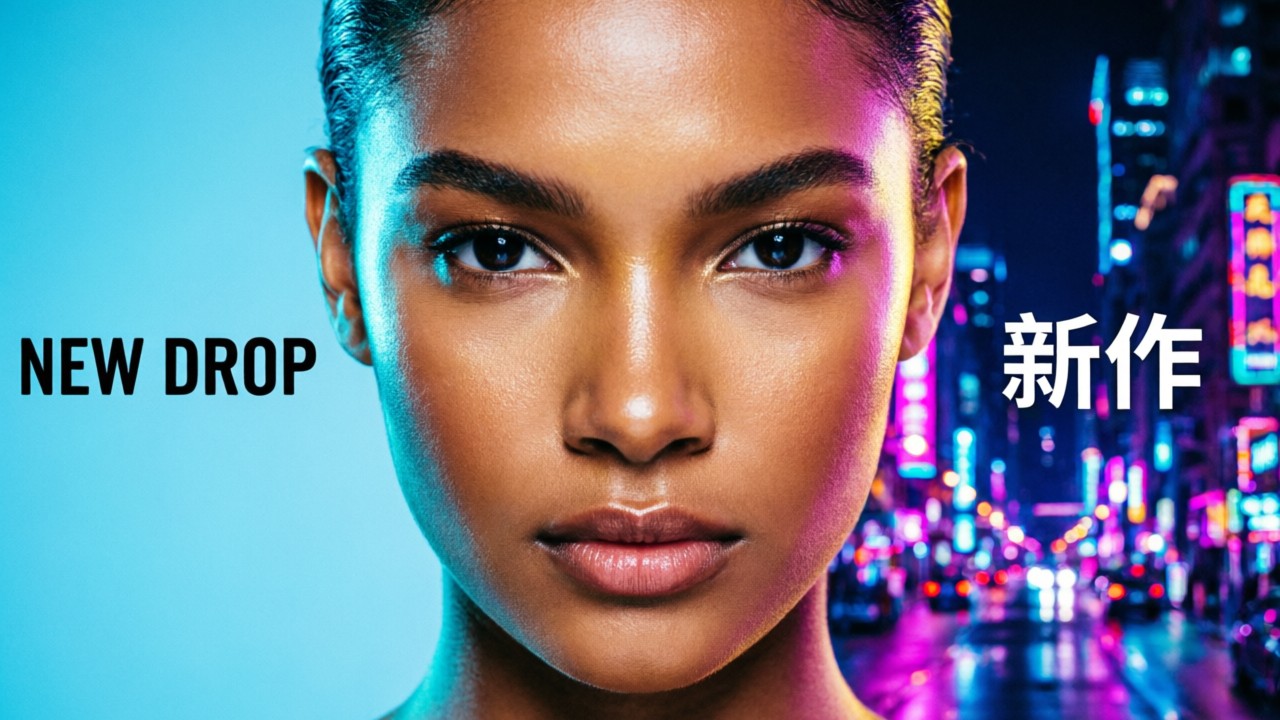
| Axis | Qwen Image 2.0 / 2.0-Pro | Qwen Image 3.0 / 3.0-Pro |
|---|---|---|
| Prompt budget | ~1k–1.3k tokens | Up to ~4.5k tokens |
| Typography pitch | Strong EN/CN long layouts | ~10px text, 12 languages, dense info graphics |
| Max res band | ~2K | ~2K (auto size if omitted) |
| Editing | Unified gen+edit | Unified + 1–3 refs; thinking / agent extend knobs |
| SG list $ (T2I ballpark) | ~$0.035 / ~$0.075 flat | ~$0.03 out; Pro ~$0.04 (1K) / ~$0.075 (2K) |
| RPM (list tables) | Accel ~120; Pro ~2 | Std ~20; Pro ~5 |
| Open weights | 2.0 uncertain; 1.0 was open | Closed / hosted-only |
| Regions (docs) | SG + Beijing primary | Broader intl set (SG, Beijing, Virginia, HK, Frankfurt, Tokyo) |
Arena Elo jumps in launch chatter stay soft and attributed — decide on job fit and same-resolution list dollars, not brochure badges.
Qwen Image 2.0: When the Older Generation Still Fits
Stay on 2.0 when the job is a proven bilingual ~2K layout — posters, PPT frames, comics, or volume runs — prompts fit ~1k tokens, and accelerated list dollars plus high RPM beat a longer prompt ceiling. Prefer qwen-image-2.0 for throughput; escalate to qwen-image-2.0-pro when text fidelity needs the Pro sticker (~$0.075) and you can live with low RPM.
Unified edit still covers “make then fix” on one vendor. Honest limits: shorter prompt ceiling, less emphasis on 10px / 12-language dense UIs, and fewer documented intl regions than 3.0. Cross-vendor peer (without rewriting its job): Qwen Image 2.0 vs Nano Banana.
Qwen Image 3.0: When Dense Layouts and Long Prompts Win
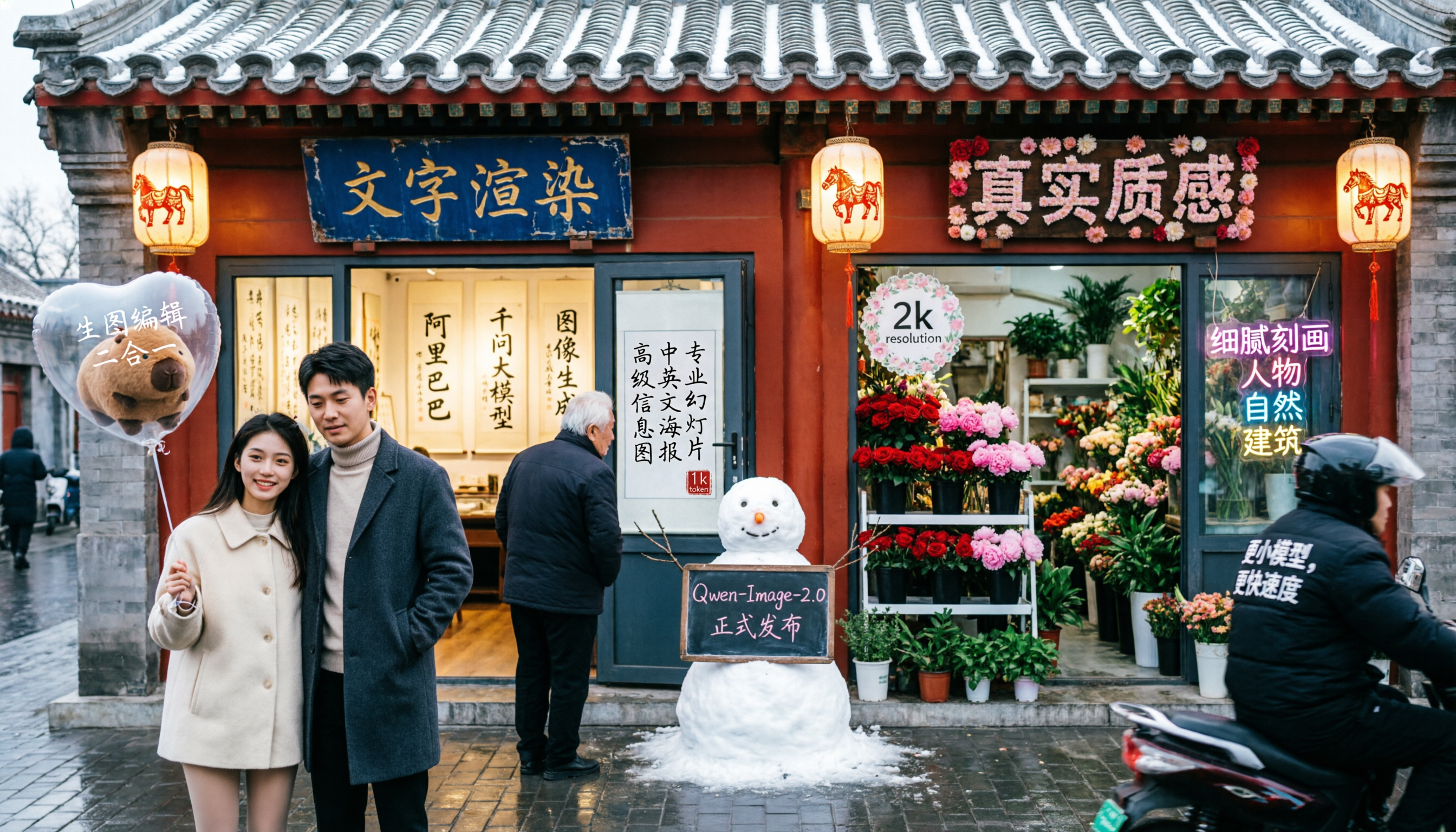
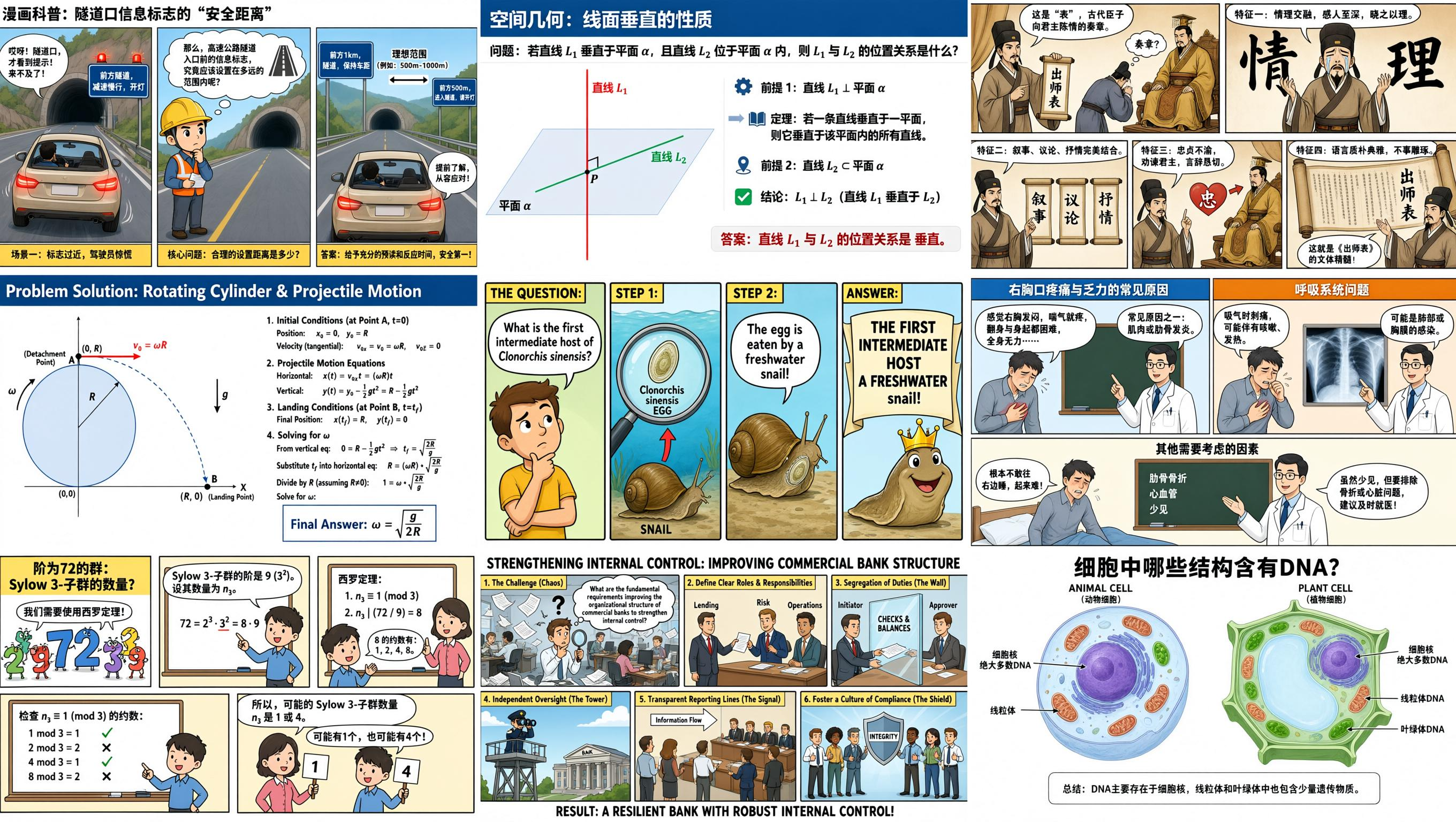
Move to 3.0 when the brief behaves like a spec, not a sentence: newspapers, exam papers, nested UI mocks, storyboards, dense infographics, or multi-language small type that fails on 2.0. Prefer qwen-image-3.0 for daily cost/speed (~$0.03 Singapore output); escalate to qwen-image-3.0-pro for hardest layouts, watching the 1K vs 2K output tier (~$0.04 → ~$0.075).
Thinking and agent prompt extend are quality levers that can add latency — not magic. Honest limits: same ~2K band (no free 4K), closed weights, and fewer public Alibaba benches at launch, so validate on your frozen prompt. Dense typography job check outside this family: AI album cover generator.
Pricing, Regions, and Rate Limits Side by Side
Always compare at the same resolution band and successful-image billing before calling anything cheaper. Singapore list snapshot (research 2026-09-24 CST — re-check Model Studio before you budget):
| Model ID | How billed (SG intl tables) | Ballpark |
|---|---|---|
qwen-image-2.0 | Flat per successful image | ~$0.035 |
qwen-image-2.0-pro | Flat per successful image | ~$0.075 |
qwen-image-3.0 | Input + output; 1K/2K output same on SG table | Input ~$0.003; output ~$0.03 |
qwen-image-3.0-pro | Input + output; 1K vs 2K by pixel area ≤/> 2.25M | Input ~$0.003; out ~$0.04 / ~$0.075 |
RPM reality: accelerated 2.0 can be the volume king; both Pros are throttle-heavy. Region lock: Beijing vs Singapore (and 3.0’s extra regions) need separate keys and URLs. Optional Qwen-Image watermark exists — do not invent commercial reuse rights. These are provider list rates; stickers move and are not MyClaw Chat or hosting prices → AI Chat pricing.
Freeze one dense brief in Chat and score a live 2.0 ID against a live 3.0 ID yourself — that beats another host’s screenshot.
Honest Strengths and Limits
Pros:
- Clear generation map: 2.0 for proven bilingual ~2K volume; 3.0 for long-prompt and dense-layout upgrades inside the same ~2K band
- Unified gen+edit on both generations, with documented Pro tiers inside each
- Public Singapore list rates enable same-resolution apples-to-apples
- 3.0 adds thinking, agent extend, OpenAI-compatible, and async knobs without a vendor switch
Cons:
- Same ~2K ceiling — no 4K leap inside this family
- Pro RPMs are low; “best quality” bottlenecks batch jobs
- Open-weights story regresses: 1.0 open, 2.0 uncertain, 3.0 closed / hosted-only
- Pickers mix standard vs Pro IDs — lock the string, not the marketing year
- Third-party Elo jumps are soft; not official Alibaba ranks
Guest Chat is capped — limited try with automatic routing, not forever-free image tokens. For dense printable cards beside either generation, an AI birthday invitation card generator workflow is a useful layout stress test.
Try Qwen Image 2.0 and 3.0 for Free in MyClaw Chat
MyClaw is a peer try surface, not a parent ranking. Soft guest wording: limited try, automatic routing; Chat plans stay separate from DashScope list stickers.
Step 1: Open Chat and Confirm Live Qwen Image IDs
Open MyClaw AI Chat and scan for Qwen Image 2.0, 2.0-Pro, 3.0, and 3.0-Pro only if listed. If a brochure ID is missing, run the closest live ID and note the substitution.
Step 2: Freeze One Dense Layout Brief Across Both Generations
Lock one bilingual poster or one dense UI / newspaper-style brief with a written pass/fail rule — text legibility, element retention, layout fidelity. Run the same frozen prompt on a live 2.0 ID and a live 3.0 ID (Pro vs Pro when both are available). Score the asset you rendered, not another host’s screenshot.
Step 3: Keep the Workspace Online for Generation Swaps
When winning prompts should survive laptop sleep, keep the workspace online so 2.0 ↔ 3.0 (and Pro) swaps do not rebuild the brief. Start in Chat; host when the loop must stay up. Sign in to keep conversations — never invent MyClaw $ for any image SKU.
Final Call: Match the Generation to the Job
Default 2.0 / 2.0-Pro for volume, ~1k-token bilingual layouts, and accelerated list $/RPM. Default 3.0 / 3.0-Pro when long structured prompts, small multilingual type, or dense layouts fail on 2.0. Pick generation first, then Pro tier.
Start with one frozen Chat try, then wire production keys on DashScope / Model Studio in the matching region.
Skip the Setup, Run Best-in-Class AI Agents Now
Launch a managed OpenClaw or Hermes Agent workspace in minutes, with always-on hosting, updates, and support handled by MyClaw.