Professional Headshots for Men: Attire, Poses & LinkedIn Tips

By Emma Reed
MyClaw Editorial
Free Headshot Generator
Create a Professional Headshot
Generate a professional profile photo from a selfie—online and free to try.
Generate a HeadshotAI Takeaway
- What should men wear for a professional headshot? Match industry formality — suit and tie for finance or law; blazer or collared shirt for tech — in solid navy, charcoal, or light blue with collar contrast and no logos.
- How should a man pose for a headshot? Angle the body about 15–45° off the camera, bring the face to the lens, push the chin slightly forward and down, drop the shoulders, and look into the real lens.
- Should men smile in a LinkedIn or corporate headshot? Use a warm half-smile for LinkedIn and client-facing roles; use a calmer closed-mouth look for legal, finance, or executive portraits — capture both when you can.
- How should men groom before a headshot? Get a haircut about 7–14 days ahead, trim or shave facial hair a day or two before (not the morning of), and keep your usual work hair and beard.
- How do you try MyClaw without paying first? A guest can try one AI request without a credit card (shared across text and image on Image Generator); after that, AI Chat plans include image generation under your account’s fair-use allowance.
What Makes a Strong Men's Professional Headshot
A men's professional headshot has one job: make your face readable in a small crop on LinkedIn, a company site, a resume, or an email signature. Authority and approachability both matter; industry sets the dial — composed for finance and law, warmer for tech and sales, more personality for creative roles as long as the face stays clear.
Fit and contrast beat expensive clothes. A pressed navy blazer that sits clean on the shoulders will outperform a wrinkled luxury suit. Keep the background quiet. Shared pose fundamentals live on the general headshot poses guide; this piece adds men-specific wardrobe, grooming, jaw cues, and corporate LinkedIn looks.
What to Wear for Men's Professional Headshots
Match Attire to Your Industry
Finance, law, and consulting still photograph best in a dark suit, light shirt, and a tie when the field expects it. Charcoal or navy keeps the frame classic without swallowing the face. Tech, startups, and many LinkedIn profiles do well with a blazer over a solid collared shirt, or a sharp crew under a blazer if your workplace is smart-casual — tie optional. Creative and media roles can show personality within clean lines: solid colors, thoughtful texture, still nothing that moirés on camera. Healthcare and other client-facing work usually wants trustworthy warmth — a blazer or clean collared layer beats flashy fashion.
Dress for the role you want the photo to support. Between industries, err slightly more formal rather than underdressed.
Colors, Fit, and What to Skip
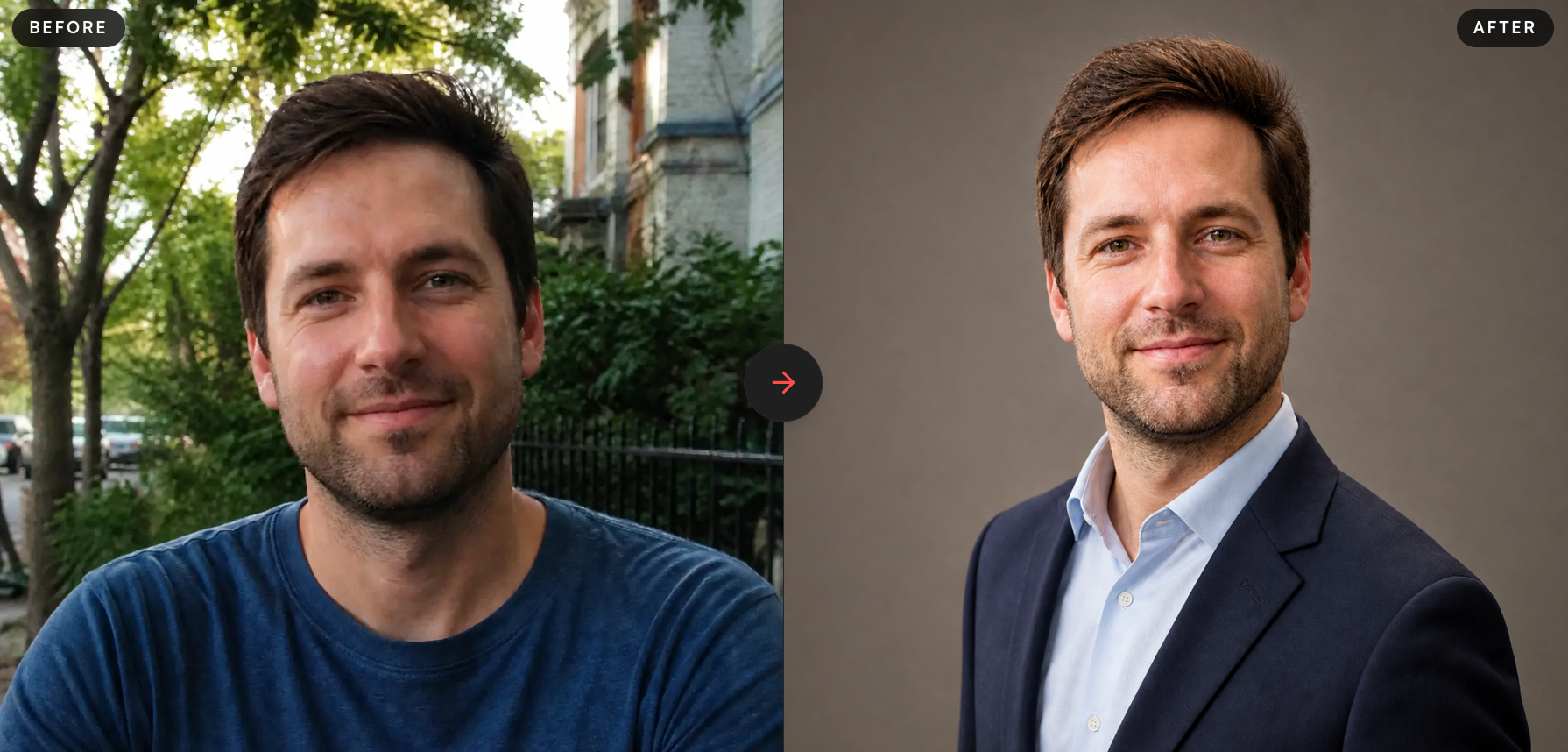
Navy, charcoal, light blue, and other muted solids photograph reliably. Avoid neon, busy patterns, large logos, and pure white alone — white can wash out under strong light. Skip colors that sit too close to your skin tone; you want contrast at the collar and jawline. Collar points should sit flat; jacket shoulders should match your frame; press wrinkles the night before. Bring a second outfit if you can.
Wear a V-neck undershirt or skip it so the neckline stays clean — crew cotton peeking above the collar reads unfinished.
Grooming That Reads Clean on Camera
Schedule the haircut about 7–14 days before you shoot. A same-week cut can leave raw lines, gel residue, or a too-sharp fade that photographs harsher than your everyday look. Facial hair should be a clean shave or a deliberate trim: cheek and neck lines matter more than length. Trim or shape a day or two ahead so nicks settle — morning-of shaves often show irritation under bright light.
Sleep and hydrate the night before. Skip new skincare on shoot morning. If you wear SPF, prefer matte so glare does not sit on the forehead and nose. Wear the hair, glasses, and beard style you actually use at work — recognition beats a temporary “photo day” look.
Professional Headshot Poses for Men
Lean on the shared skeleton in the poses guide, then dial these men-specific cues.
Keep the body 15–45° off the camera (often 15–30° for corporate) and bring the face back to the lens. Square-on widens the shoulders into mugshot energy. For the jaw, push the chin slightly forward, then tip it a touch down — the classic “turtle.” Lightly set the back teeth for definition; do not clench into a hard scowl. Drop the shoulders and roll them slightly back. Weight on the back foot, tiny lean toward the camera.
In a true head-and-shoulders crop, keep hands out of frame. In a wider shot, one hand in a pocket (thumb out) or a light lapel touch can finish the frame — avoid tight crossed arms. Eyes on the real lens; a soft squinch beats a wide stare.
Men’s stiff defaults: squared shoulders locked to the ribs, chin lifted “for confidence,” a held Blue Steel, and a hard jaw with zero warmth. Reset the feet and ribs first; the face follows.

LinkedIn and Corporate Looks for Men
Expression should match the job. A warm half-smile usually wins for LinkedIn, sales, recruiting, and most tech profiles — think greeting a colleague across a lobby, teeth optional, eyes involved. Legal, finance, and many executive portraits often prefer a calmer closed-mouth look: composed, not cold. Capture both when you can so the same face works on a company site and a circular avatar.
Crop to head and upper shoulders. Before you upload, check the circular LinkedIn preview: eyes in the upper third of the circle, a little headroom, no clipped chin. Wardrobe energy must match expression — a severe legal stare with a loud patterned jacket feels mismatched even when the angle is perfect.
If you polish the frame with AI, likeness must still be you. Generator shopping belongs in the best AI LinkedIn profile picture generator guide — this piece stays on prep and the one-selfie path.
Mistakes That Kill Men's Headshots
Square-on posture, chin up, hunched shoulders, a held grin, and eyes locked on the phone screen push any shoot toward ID-photo energy. A day-before haircut, wrinkled collar, logo tee, or busy stripes (moiré on camera) undermine otherwise solid posing. Mixing passport rules into a LinkedIn brief is another common miss: square crop, no tilt, and a neutral face are for ID — send those needs to the passport photo guide instead.
Over-edited skin or a new face that fails LinkedIn likeness will also sink the photo. If the result could be a different man wearing your shirt, start over from a clearer source selfie rather than pushing more edits.
Turn One Clear Selfie into a Men's LinkedIn Headshot
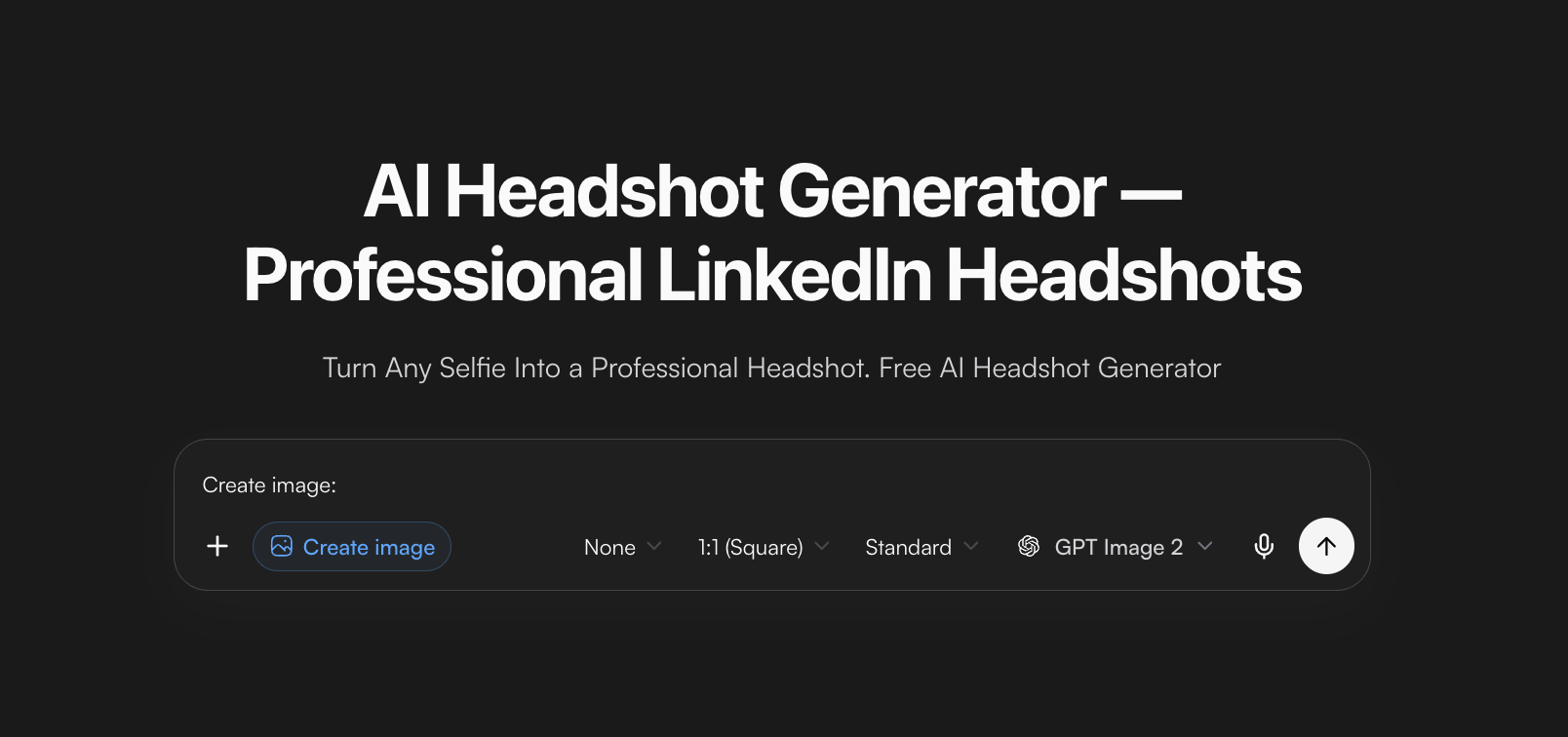
Once attire, grooming, and pose are dialed in, you can polish lighting, wardrobe finish, and background without rebuilding the face from scratch. MyClaw’s AI LinkedIn headshot tool is built for one clear selfie into a head-and-shoulders portrait for LinkedIn, resumes, and directories. Start with classic executive, modern business, or creative-industry styling, then edit the prompt if wardrobe or backdrop still feels off.
How to Use MyClaw for a Men's Headshot
- Prep and shoot one sharp selfie. Wear the industry-right collar or blazer, settled grooming, a slight body angle, chin forward and down, relaxed shoulders, and a natural expression. Keep the full face visible under even light — no heavy filter that melts the jaw.
- Open the LinkedIn headshot tool, choose executive, modern, or creative to match your field, and generate.
- Tweak the prompt for wardrobe, background, or lighting if needed; download and check the face in a small circular crop before you upload to LinkedIn.
A guest can try one AI request without a credit card — the allowance is shared across supported text and image. After that, continue under an AI Chat plan and check live fair-use limits in your account. Keep the same selfie when you A/B styles so you judge wardrobe and lighting, not a new angle. Weak light and a stiff source are hard to fix later.
Conclusion
Photographer, phone, or AI polish — men’s professional headshots still turn on attire fit, settled grooming, jaw and pose, and an expression matched to the job. Get the source right once, then choose the path that fits your timeline and budget. When you need more generations after a guest try, check live AI Chat pricing instead of guessing plan limits.
Generate a Professional Headshot with MyClaw
Create a studio-quality professional headshot from a casual photo. Free to try.
Generate a Headshot