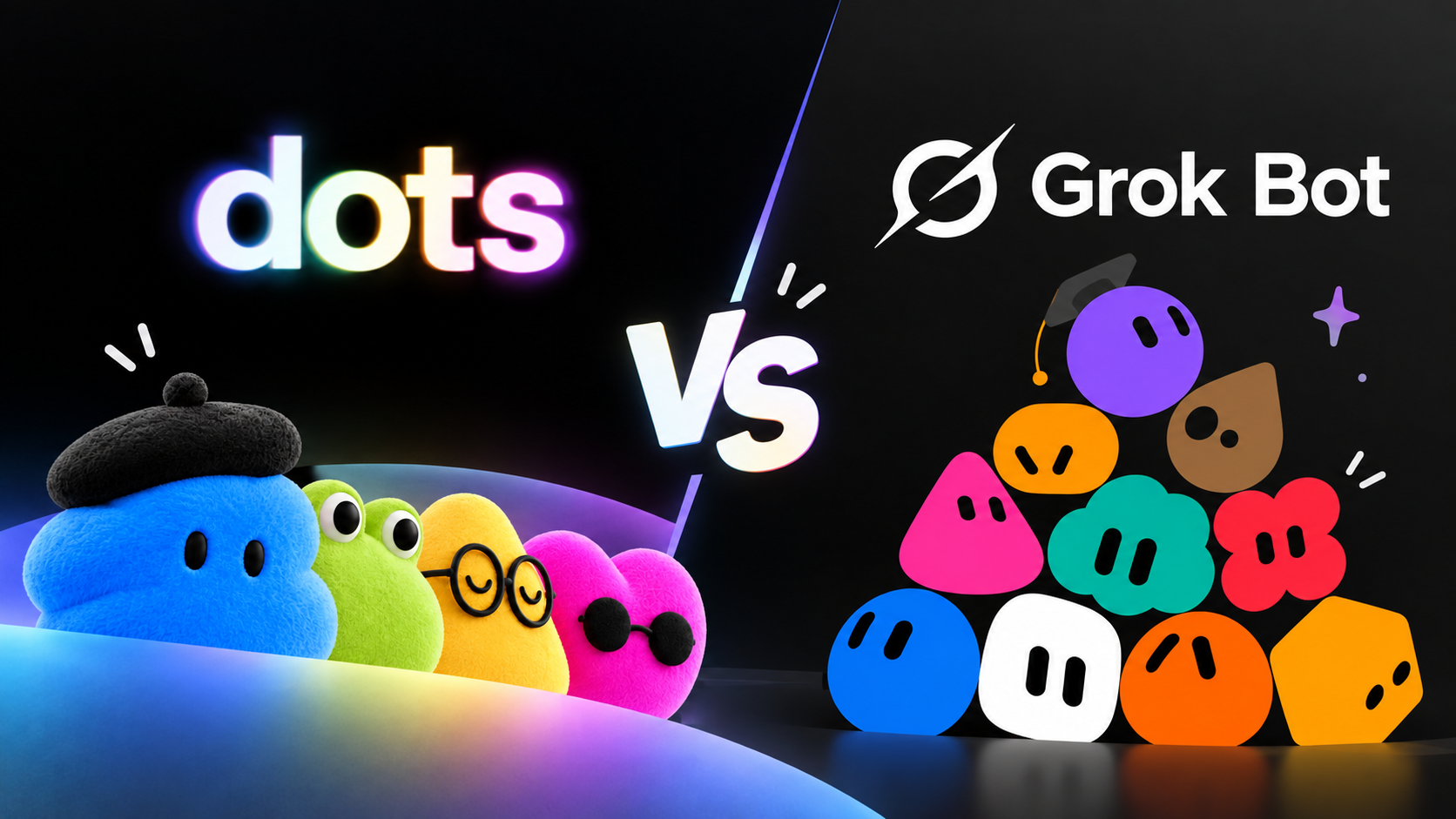
OpenAI Dots vs Grok Bot: Which Always-On AI Agent Fits Your Work?

By Alex Morgan
MyClaw Editorial
MyClaw
Run Best-in-Class AI Agents Now
Run OpenClaw or Hermes Agent on managed MyClaw hosting, so your AI agent stays online, updated, and ready for real work.
AI Takeaway
- What is the main difference? OpenAI Dots starts with one primary agent inside ChatGPT. Grok Bot lets you create several named Bots that can coordinate and hand work to one another.
- Can they work while your laptop is closed? Both can continue cloud tasks. A dot's optional access to your own computer depends on that computer being online with ChatGPT open.
- Which should you try first? Choose Dots if your work already centers on ChatGPT and Codex. Choose Grok Bot if distinct Bot roles and repeatable workflows across apps matter more.
- Which costs less to start? Cursor Pro lists Grok Bot access at $20 per month; eligible ChatGPT Pro starts at $100 per month for a dot. Subscription price alone does not measure the cost of finished work.
OpenAI Dots vs Grok Bot at a Glance
Dots gives one primary ChatGPT agent ongoing responsibility. Grok Bot gives distinct jobs to named Bots that can hand work to one another. Both can use cloud computers, but their organization and access rules differ.
| Decision point | OpenAI Dots | Grok Bot |
|---|---|---|
| Agent structure | One primary dot at launch; more dots are planned | Multiple named Bots can coordinate |
| Cloud computer | A dot has its own; local-computer access is optional | Bots on one account share a computer, files, and browser sessions |
| Repeatable work | Scheduled tasks and connected ChatGPT tools | Skills, routines, and taught browser workflows |
| Approvals | Custom Rules and action review | Approval requests and Auto Review rules |
| Access | First dot with eligible ChatGPT Pro or Business Premium; Enterprise beta | Paid Cursor individual or Teams plans, or eligible linked subscriptions |
This compares agent products, rather than ordinary ChatGPT and Grok chats. Published scores for underlying models do not test how reliably either agent completes a workflow across apps, interruptions, and approvals.
How the Two Agents Handle Ongoing Work

One Primary Dot or Several Named Bots
A dot is meant to carry responsibility across conversations. You can give it a goal, connect relevant apps, and return to an activity view showing work in progress, scheduled work, and completed tasks. It can use ChatGPT context and delegate suitable coding or document work to Codex or ChatGPT Work. At launch, an eligible person gets one primary dot; OpenAI describes adding more dots as a future option.
Grok Bot makes roles explicit now. You might create one Bot for account research and another for preparing a weekly operations report. Bots can exchange messages, work in group chats, and hand ownership of a task across the roster. Each keeps its own conversation and learned role context, while sharing some working resources.
If one person owns the whole project, a primary dot keeps decisions in one place. If research, operations, and outreach need different instructions and review rules, named Bots make ownership easier to see. Choose around that division of work.
Cloud Computers, App Access, and Shared State
A dot has a cloud computer and can work through connected apps. You may also connect your own computer, but that access starts off and requires a separate setup. Cloud tasks can continue when your laptop sleeps; tasks using your local files or browser need your computer online and the ChatGPT app open. Check which environment a proposed task will use before assuming it can finish unattended.
Grok Bot also keeps working on a cloud computer after you close the app. Its Bots share the computer assigned to your account: files, browser sessions, and signed-in websites can be available across your Bots. That makes handoffs convenient, but a separate Bot name does not create a separate credential boundary. Keep sensitive accounts scoped to the work you actually want the roster to perform.
Both can work through connected services and browsers. A website may still block automation, expire a login, or require your help. Before scheduling a task, check whether the agent can reach the required source, show the actions it took, and report a blocked step clearly.

Recurring Tasks and Human Approvals
Dots can run scheduled checks and surface proactive suggestions. Custom Rules let you define actions it may take, actions needing approval, and actions it should hand back to you. Grok Bot can save a successful process as a skill, schedule it as a routine, and, where available, learn a browser path you demonstrate. Its approval and Auto Review controls let you set boundaries on consequential actions.
For example, a weekly competitor-monitoring workflow should gather current pages, identify what changed, and prepare a source-linked brief. It should ask before changing a live pricing page or sending a claim to customers. That boundary matters more than whether the agent can run the task at 8 a.m.
Test failure handling too. What does the agent do when a source is unavailable, a login expires, or a page layout changes? A useful recurring agent reports the gap instead of filling it with old information. Review its first few runs before trusting a schedule.
Access, Usage, and the Cost of a Completed Task
As of September 30, 2026, OpenAI is gradually rolling out dots to eligible Pro and Business Premium users. Enterprise access is a beta that an admin must enable. At launch, Pro access excludes the European Economic Area, Switzerland, and the UK. Your first dot is included with an eligible plan; OpenAI lists Pro 100 at $100 per month. Availability can still depend on rollout to your account.
Grok Bot comes with paid individual Cursor plans and Cursor Teams. Eligible individual SuperGrok or X Premium+ subscriptions can also grant usage through a linked Cursor account. Cursor lists Pro at $20 per month. Included Bot usage resets weekly; after it runs out, on-demand usage can be billed through Cursor if enabled. A linked subscription does not add a second weekly grant to an eligible Cursor plan. OpenAI says dots usage will not count toward eligible plan allowances during the first month after launch; later terms are pending. Check both usage screens before subscribing.
The lower entry price does not establish a lower cost per finished job. Compare the same week's accepted outputs, extra usage, time spent correcting mistakes, and minutes spent reviewing approvals. If a report takes ten minutes to request but an hour to verify, that review time belongs in your calculation. Likewise, a subscription you already pay for may change the incremental cost of trying an agent.
If you also evaluate managed OpenClaw, compare a MyClaw hosting plan, model usage, and any included credits as separate cost components.
Which One Should You Choose?
Start with Dots if you are eligible, already keep important context in ChatGPT, and want one assistant to watch an ongoing project and coordinate work with Codex or connected apps. Its fit depends on the permissions your workspace allows and whether the tools you need are actually connected.
Start with Grok Bot if you want named roles, parallel handoffs, or a routine you can teach and repeat. It is especially worth testing when several jobs use the same browser sessions and files. If those jobs need strict separation, inspect its shared-computer boundary before granting access.
Run a fair trial before declaring a winner. Give each agent the same saved snapshot and three competitor pages. Ask for a five-point change report with links to evidence, and require approval before any external message or page edit. Count correct changes, missed sources, corrections, approval interruptions, and usage. That result says more about your workflow than a model benchmark.
If your deciding factor is control over the runtime, model provider, and messaging channels, compare Grok Bot with MyClaw as a separate decision. MyClaw runs OpenClaw or Hermes; it does not host a ChatGPT dot or Grok Bot.
Run an Always-On Research Agent with MyClaw
MyClaw's managed OpenClaw hosting gives an agent a private cloud environment without asking you to maintain a server. You can choose among supported models and connect channels such as Telegram, WhatsApp, or Slack. That is useful when the goal is a continuing workflow you can adapt beyond one vendor's agent app.
- Launch the research workspace. Start an OpenClaw instance and choose a supported model suited to source review. Give it a narrow goal: monitor three competitors and return only changes that affect your product decisions.
- Connect sources and set the handoff. Add the sources and one messaging channel you will actually review. Ask for a cited change brief, and require your approval before any outbound message or live edit. The research-agent use case shows a practical evidence-first pattern.
- Schedule, inspect, then refine. Run the task once, check every cited change and missed source, and adjust the instructions. Schedule it only after the draft format and approval boundary work as intended.
Skip the Setup, Run Best-in-Class AI Agents Now
Launch a managed OpenClaw or Hermes Agent workspace in minutes, with always-on hosting, updates, and support handled by MyClaw.