Muse AI vs OpenClaw: Meta Agent or Open-Source Agent? (2026)

By Emma Reed
MyClaw Editorial
MyClaw
Run Best-in-Class AI Agents Now
Run OpenClaw or Hermes Agent on managed MyClaw hosting, so your AI agent stays online, updated, and ready for real work.
AI Takeaway
- Which should you pick, Muse AI or OpenClaw? Pick Muse for zero-setup errands if you live in the US or Canada; pick OpenClaw if you want to choose the model, own your data and use it from any country.
- Is Muse built on OpenClaw? Meta says no: its product head Nat Friedman says Muse was written from scratch but heavily inspired by OpenClaw, which explains the shared SOUL.md file and near-identical personality notes.
- Which costs less? OpenClaw software is free under the MIT license, so you pay only for a machine and model usage, while Muse costs nothing up to Meta's weekly usage allowance and then $20 or $100 a month (Meta, October 10, 2026).
- Which is safer for email and payments? Muse is safer out of the box thanks to an isolated VM and a separate checking agent, while OpenClaw can be just as safe only if you configure sandboxing and vet skills yourself.
- Can I run Muse on MyClaw? No, Muse runs only on Meta's cloud, but MyClaw hosts OpenClaw or Hermes Agent for you, including for readers in the UK and EU where Muse has not launched.
Muse AI and OpenClaw Side by Side: Maker, Model, Price, Reach
| Muse AI | OpenClaw | |
|---|---|---|
| Maker | Meta Superintelligence Labs | OpenClaw Foundation, a US nonprofit |
| First release | September 8, 2026 | November 2025, under the name Clawdbot |
| Source code | Closed | Open, MIT license |
| Model | Muse Spark only | Any provider you connect, or a local model |
| Where it runs | A private VM per user in Meta's cloud | Your Mac, Windows or Linux machine, a rented server, or a managed host |
| Chat surfaces | Muse apps, muse.ai, WhatsApp | WhatsApp, Telegram, Slack, Discord, Signal, iMessage and more |
| Price (vendor, October 10, 2026) | Free with a weekly limit; Power $20/mo; Max $100/mo (Meta) | Free software; you pay for hosting and model usage |
| Regions | US and Canada | Anywhere |
Same Blueprint, Different Owners: Why Muse Looks Like OpenClaw
Within days of launch, early users found Muse's internal files shared OpenClaw's names, including SOUL.md for personality, and whole lines of personality text matched. Some called Muse a wrapper.
Meta's answer came from Nat Friedman, who runs product at Meta Superintelligence Labs. He said the team built Muse from scratch but that it is "heavily inspired as a product" by OpenClaw, whose creator he credited with getting those design choices right. Meta's goal was an OpenClaw-style assistant made secure and simple for a mass audience. Muse does not run OpenClaw's code, and because OpenClaw is MIT-licensed, borrowing ideas raises a product question, not a legal one.
Early demand looks real: The Verge reported roughly 600,000 daily US users, a figure Meta has not confirmed. Our Muse AI review covers the app in full.

Model Choice and Customization: One Model vs Any Model
Muse runs on Meta's Muse Spark model alone. You can rename the agent, give it an avatar, adjust settings and even have it build a connector from an API, but Meta reviews and approves the official connectors and decides which ones get featured. The core behavior is Meta's to change.
OpenClaw hands you the controls. Route hard reasoning to a frontier model, routine check-ins to a cheap one and sensitive files to a model running on your own hardware. The files defining the agent, such as SOUL.md, AGENTS.md and MEMORY.md, are plain text you edit, and skills can be Markdown or TypeScript. The whole setup moves with you, and recent releases even support Meta's own Muse Spark model, so choosing OpenClaw doesn't rule out Meta's model. Readers weighing open runtimes can compare it with its closest sibling in our OpenClaw vs Hermes Agent breakdown.
Where You Can Chat With Each Agent
Muse lives in Meta's own apps for iPhone, Android and Mac, on muse.ai and inside WhatsApp. Every conversation runs through Meta's surfaces.
OpenClaw plugs into messengers you already use: WhatsApp on your own linked account, Telegram, Slack, Discord, Signal, iMessage and a long tail of others. You also decide who may give it instructions, using pairing codes or allowlists, so a stranger who finds the number gets nowhere unless you allow it.
What Each Costs in October 2026
Meta's Help Center, checked October 10, 2026, lists a free plan with a refreshing weekly allowance, then Power ($20 monthly, with a 500M weekly token allowance) and Max ($100 monthly, with 3B). It never sizes the free tier or defines a Muse token, so heavy users learn their real cost from the meter.
OpenClaw is free, with no paid edition, per the Foundation. Your bills come from two places: a computer that stays on, whether a spare desktop or a rented server, and whatever your model provider charges. A light user on a cheap model can undercut Power's fee; someone running frontier models all day can spend far more. Our OpenClaw server guide helps size the server side.

Security and Privacy: Meta's Guardrails vs Your Own
Muse runs each user's agent on an isolated Secure VM, and a second agent called Sentinel must sign off before any outbound request leaves. Stored passwords and payment details stay out of the agent's view. The trade-offs are on Meta's side of the line: the company may access the VM when it needs to operate the service, training on your chats stays on unless you switch it off, and a TIME investigation published October 6 says Muse keeps detailed profiles of its users and of people they discuss, a claim Meta left unchallenged.
OpenClaw gives you the opposite deal. Your memory files and history stay on hardware you run, and by default an install sends the Foundation nothing but a daily version check. But sandboxing is off out of the box, and the community skill store has hosted malicious skills before. Since October 2, 2026, every skill uploaded to ClawHub passes through two scanners, NVIDIA's SkillSpector and Tencent's AI-Infra-Guard, with an AI judge weighing both results. That lowers risk without removing it, so keep patching, sandboxing and reading what you install.
Regions and Sign-Up: Muse Stops at the US and Canada
Muse needs a Meta account and serves only American and Canadian users. Anyone in Britain, Europe, Australia or beyond gets a not-available screen with no waitlist, and Meta has given no rollout date.
OpenClaw has no account and no regional gate. You download it, add a model key and start. For readers outside North America who still want a personal agent, this roundup of Muse AI alternatives covers options open to them.
Self-Hosting OpenClaw: What the Setup Really Involves
Desktop installers for macOS, Windows and Linux get you a first reply in minutes. Keeping it useful takes longer. An agent on a laptop stops when the lid closes, so round-the-clock jobs need a machine that stays on. Releases arrive often: version 2026.9.9 became the stable build on October 8, with 2026.10.1 in beta. You also manage model API keys, chat-app pairing and sandbox settings yourself. Our OpenClaw install walkthrough covers each step.
Verdict: Muse for Effortless Errands, OpenClaw for Control
Muse AI Pros:
- Works the moment you sign in, with no server or keys
- Built-in guardrails, including Sentinel checks on outbound actions
- Lives in WhatsApp and Meta's polished apps
Muse AI Cons:
- Limited to North America
- One model, and connectors Meta approves
- Meta can access the VM, and chat training is on by default
OpenClaw Pros:
- Free, MIT-licensed and usable anywhere
- Any model, editable agent files and portable setup
- Works in almost every major messenger
OpenClaw Cons:
- You own uptime, updates and security
- Sandboxing is off until you configure it
- Costs vary with your model choice
The call: Muse wins for North American users who want errands and shopping handled with no setup and accept Meta holding the keys. OpenClaw wins on model choice, data control and global reach. Want OpenClaw without running a server? Managed hosting sits between the two.
Hosted OpenClaw on MyClaw: Keep Control, Skip the Maintenance
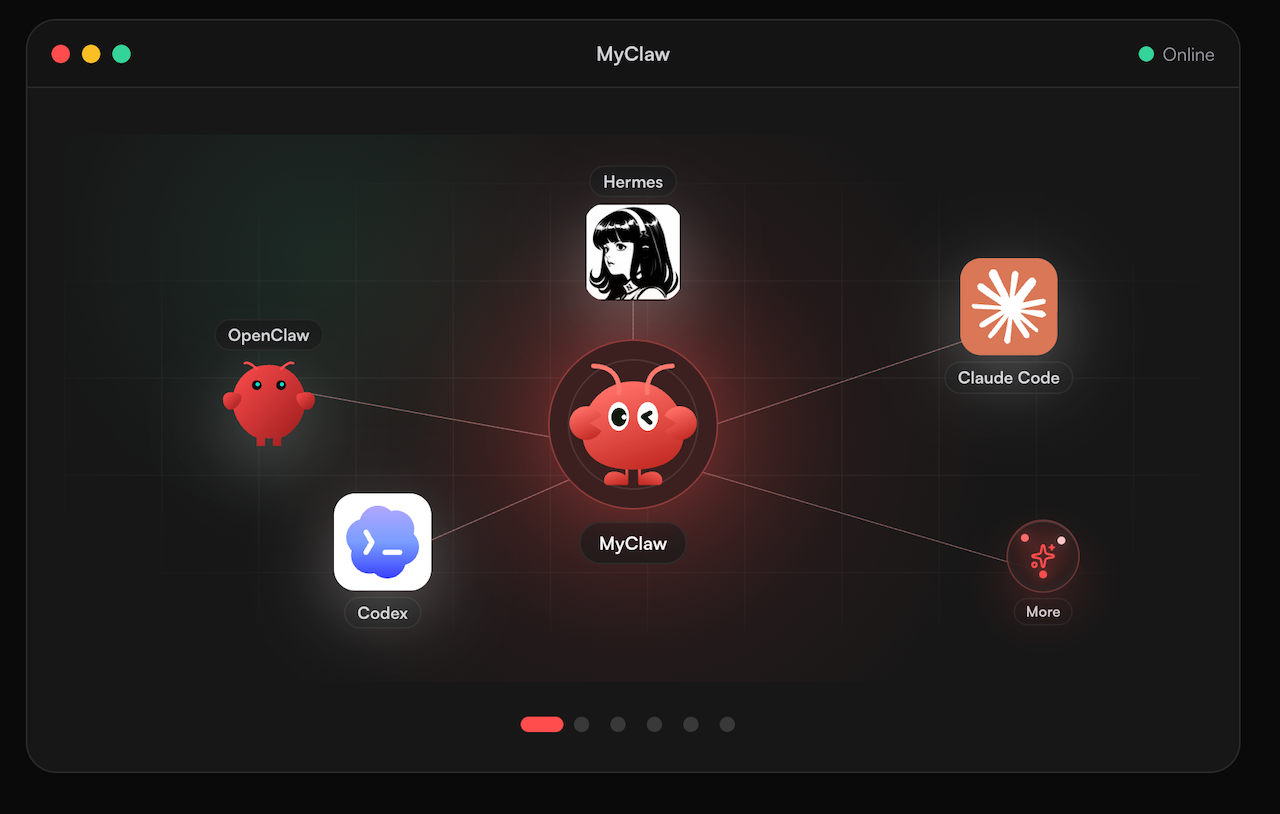
MyClaw runs OpenClaw or Hermes Agent for you, so the agent stays online and updated without a machine at home. Muse does not run on MyClaw. What you get is the open-source agent with your own model and files, available in regions such as the UK and EU. Our MyClaw vs OpenClaw comparison explains how managed and self-run setups differ.
- Sign up for MyClaw and launch an OpenClaw or Hermes Agent instance.
- Connect your chat app, choose which model the agent uses, and switch on only the tools the first task needs.
- Start with one recurring errand, then widen access once the logs look right.
Skip the Setup, Run Best-in-Class AI Agents Now
Launch a managed OpenClaw or Hermes Agent workspace in minutes, with always-on hosting, updates, and support handled by MyClaw.