
Lovable Reviews 2026: AI App Builder Pros, Cons, Pricing

By Julian Brooks
MyClaw Editorial
MyClaw
Run Best-in-Class AI Agents Now
Run OpenClaw or Hermes Agent on managed MyClaw hosting, so your AI agent stays online, updated, and ready for real work.
AI Takeaway
- What do Lovable reviews agree on? Users praise fast plain-language builds into working web apps and MVPs; friction clusters around credit burn and consistency once projects get complex (G2, Trustpilot, and Product Hunt themes, checked Nov 1, 2026).
- What is Lovable? An AI software engineer / web app and website builder: you chat to create, iterate, and host, with claimed code ownership (lovable.dev pricing page, Nov 1, 2026).
- How does pricing work? Free plus Pro, Business, and Enterprise. Pro starts at $25/month for 100 credits; Business starts at $50/month for 100 credits; tiers scale to 10,000, with daily build grants plus Cloud and AI grants (docs and pricing, Nov 1, 2026).
- Who is it best for? Rapid prototypes, landing pages, and early SaaS MVPs that need a hosting, auth, and payments path — with caution on heavy logic and long debug loops.
- What about after the app is built? Host OpenClaw or Hermes on MyClaw for always-on, scheduled agent jobs alongside or after the builder — not as an app-builder substitute.
Lovable AI Review: What the App Builder Is
A useful Lovable AI review starts with product type. Lovable calls itself an AI software engineer for the web: describe a product in plain language, watch it create production-oriented software, then refine and ship (lovable.dev, Nov 1, 2026). That speed-from-idea-to-preview spine is what most Lovable reviews and Lovable AI app builder review searches are really buying — not a classic drag-and-drop-only canvas.
Hands-on coverage updated July 2, 2026 (TechRadar) describes prompt-to-app UI plus backend pieces, Lovable Cloud with a Postgres-style path via Supabase, two-way GitHub sync, browser and mobile prompting, visual edits, and deploy on a Lovable subdomain or a custom domain on paid plans. The pricing page states you own projects, code, customer data stored in Lovable, and AI output, subject to third-party rights in underlying models (lovable.dev/pricing, Nov 1, 2026).
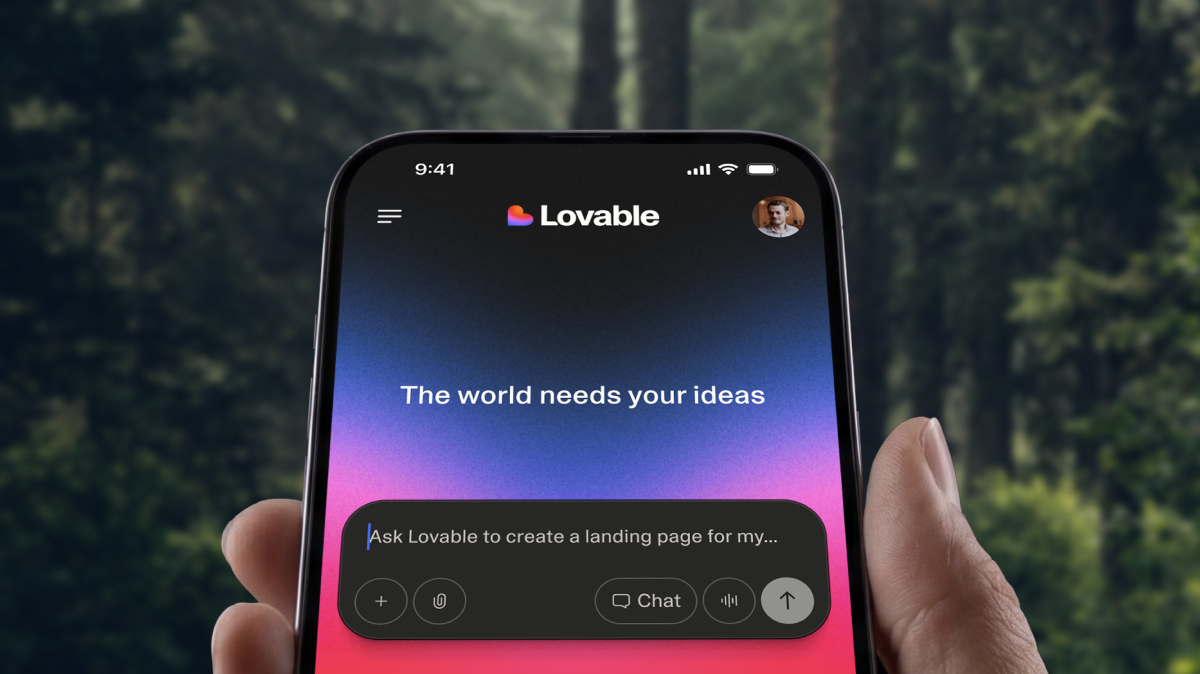
Scope check: Lovable targets responsive web apps and sites. For how that stacks against a broader agent-plus-mobile builder, see Manus vs Lovable.
Lovable Reviews: User Themes (Not Scoreboards)
Aggregator Lovable reviews converge on a few labeled themes (checked Nov 1, 2026) — themes only, not star averages:
- Speed and ease. G2 Pros/Cons language and Product Hunt notes highlight plain-English generation, quick prototypes, and polished UI-heavy MVPs without hand-coding every screen.
- Credit burn and opacity. Trustpilot and G2 dislike themes stress unclear or aggressive credit use, especially when prompts pay for fixing regressions instead of shipping features. Reddit threads on r/lovable in 2026 echo tighter sessions and mid-task cutoffs that frustrate non-technical builders.
- Complex-build consistency. Praise for the first hour often fades when logic, state, or multi-step backends grow. “Fixed” issues reappear; small style tweaks can disturb unrelated parts.
- Export and continue. Community advice lands on Plan mode, tighter prompts, and Git sync so work can leave the chat loop when credits or consistency fail.
Treat those as sentiment themes, not MyClaw lab scores. Plan math still comes from Lovable’s own docs.
Features, Workflow and Limits
Default Mode charges variable credits by task complexity. The pricing page (Nov 1, 2026 spot-check) still shows example prompts from about 0.50 credits (restyle a button) to about 1.70 credits (landing page with generated images). Plan Mode remains 1 credit per message. Hover costs in history help, but review themes still call real iteration a black box.
Included grants (docs subscription-plans and credits pages, Nov 1, 2026):
- Daily build credits: 5/day on Free, Pro, and Business. Free caps them at 30 per calendar month; after the cap, daily grants pause until the 1st 00:00 UTC. Pro and Business do not apply that Free monthly daily-grant cap.
- Monthly Cloud grant: 20 credits (temporary; subject to change).
- Monthly AI grant: 4 credits for AI inside deployed apps (temporary; subject to change).
- Chat allowance: separate daily Chats / Chat mode allowance; resets daily; does not roll over; docs mark chat pricing temporary.
Small or new apps often run on included grants; traffic-heavy apps can draw the general credit balance (pricing page). After you leave the builder canvas, OpenClaw 2.0 is a different layer — always-on agents, not prompt-to-UI generation.

Lovable Pricing and Credits Before You Subscribe
| Plan | Starter list price | Monthly subscription credits | Daily build grant |
|---|---|---|---|
| Free | $0 | — | 5/day, capped at 30/month |
| Pro | From $25/mo ($250/yr ≈ $21/mo) | From 100/month (tiers to 10,000) | 5/day, no Free-style monthly daily-cap |
| Business | From $50/mo ($500/yr ≈ $42/mo) | From 100/month (tiers to 10,000) | 5/day, no Free-style monthly daily-cap |
| Enterprise | Contract | Volume-based | Contract (no standard daily/Cloud/AI grants) |
Sources: Lovable docs subscription-plans and lovable.dev/pricing, Nov 1, 2026. Paid balances cover building, Cloud, and in-app AI after grants. Workspaces allow unlimited members; you pay for credits, not seats. Monthly plan credits expire about two months after issue; annual-plan credits stay valid until one month after the annual period ends; daily grants do not roll over; top-up credits last 12 months (pricing page).
Top-ups (Pro/Business): Pro $15 per 50 credits ($0.30 each); Business $30 per 50 ($0.60 each) (docs credit-top-ups). Students and teachers can get 50% off Pro 100 monthly for up to 12 months after academic verification (docs). Shopping multiple builders instead of one plan card? Use our Lovable alternatives roundup.
Phrase cost honestly: lower list tiers still face higher burn risk on fix loops — never a vague bargain claim.
Pros and Cons
Pros:
- Fast path from a plain-language prompt to a previewable web app or MVP
- Full-stack-leaning workflow (hosting, auth, payments path) with Git sync and claimed code ownership
- Published credit tiers, example prompt costs, and Plan Mode’s simple 1-credit messages
- Strong fit for non-coders validating ideas and shipping early internal tools
Cons:
- Credits can burn quickly on repairs and complex logic — a recurring theme across Lovable reviews
- Consistency often drops as projects grow; regressions and off-script changes show up in user feedback
- Credit and Cloud opacity makes budgeting hard once you leave the happy path
- Weak as the only long-term engineering home for large, structured products
Who Should Use Lovable — And When to Move On
Choose Lovable when you need a fast prototype, marketing site, early SaaS MVP, or internal tool spike, and you will actively manage a credit budget. Stay on Free long enough to feel Default Mode costs before you lock a Pro tier. Step up a credit tier when daily grants plus 100 monthly credits cannot cover real iteration — not merely when the marketing page looks done.
Move on — or export via Git sync and continue in a repo — when structured state, long debug loops, or credit runway fail. Community Lovable reviews that stay positive often treat the builder as a scaffold, then finish elsewhere. Adjacent builder shopping: Manus reviews. For standing up an OpenClaw-style agent workspace after export, see OpenClaw getting started.
Re-check live credit tiers and example prompt costs before you commit: list prices and grants move faster than a static Lovable AI app builder review.
Keep Building With Agents on MyClaw: 3 Steps
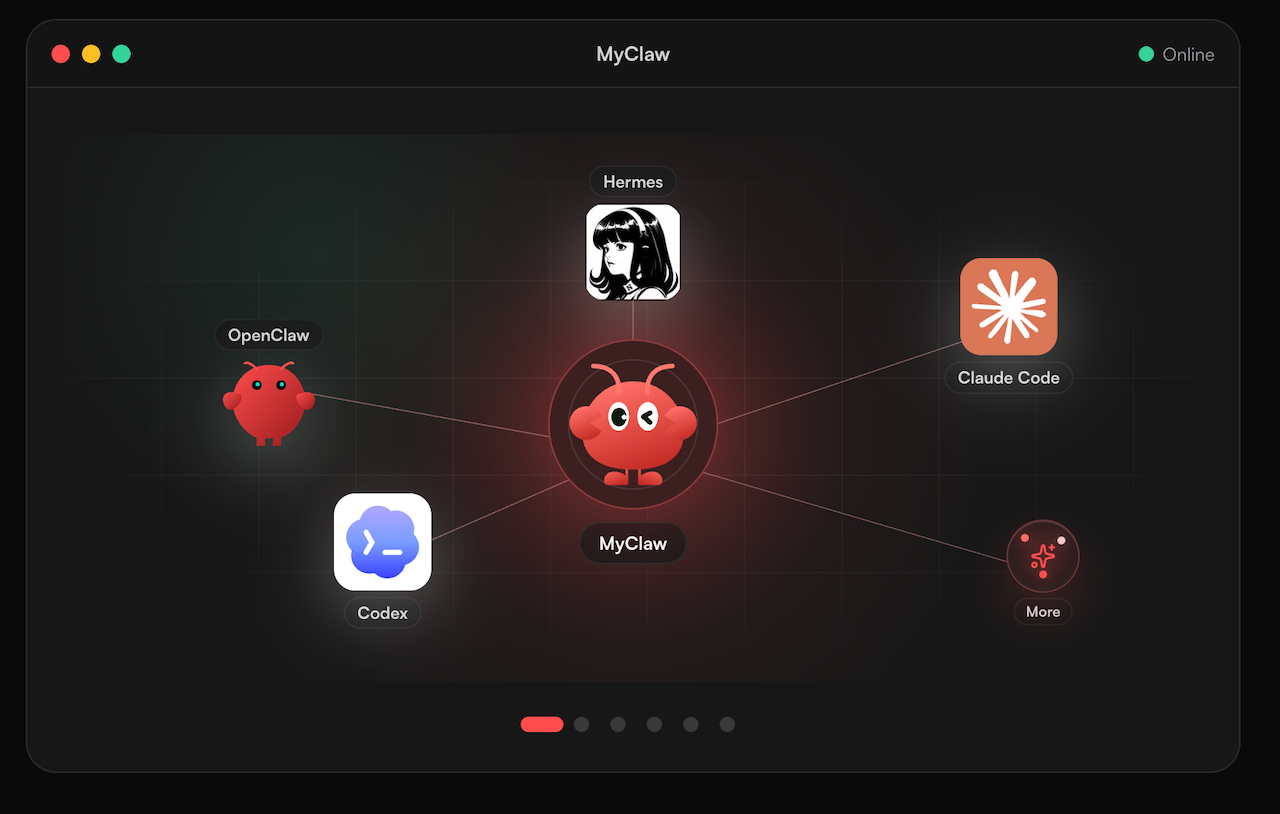
MyClaw is not an app builder and does not replace Lovable’s prompt-to-UI loop. After you ship a preview or MVP — or while you run tests, digests, and ops around an exported repo — you still need agents that stay up. MyClaw is managed OpenClaw / Hermes hosting: always on, scheduled jobs, no server work on your side, works with most popular models. This post does not claim MyClaw runs Lovable or builds apps for you.
- Open MyClaw and start a managed agent workspace — skip VPS setup and process babysitting.
- Point the agent at the repo or docs you exported from your builder workflow; keep secrets in your own vaults.
- Schedule the job and leave it running — CI checks, monitoring digests, or recurring ops while you step away.
Use MyClaw when the bottleneck is uptime after the build, not when you still need a visual app generator.
Conclusion
Lovable reviews in 2026 rhyme: exceptional speed to a working web MVP, then rising friction from credits and consistency as complexity grows. Match the plan tier to expected iteration volume, lean on Plan Mode and Git sync, and export when prompt loops stop paying off. Keep always-on agents on MyClaw with most popular models for the work that continues after — or alongside — the builder session, without treating MyClaw as another app builder.
Skip the Setup, Run Best-in-Class AI Agents Now
Launch a managed OpenClaw or Hermes Agent workspace in minutes, with always-on hosting, updates, and support handled by MyClaw.