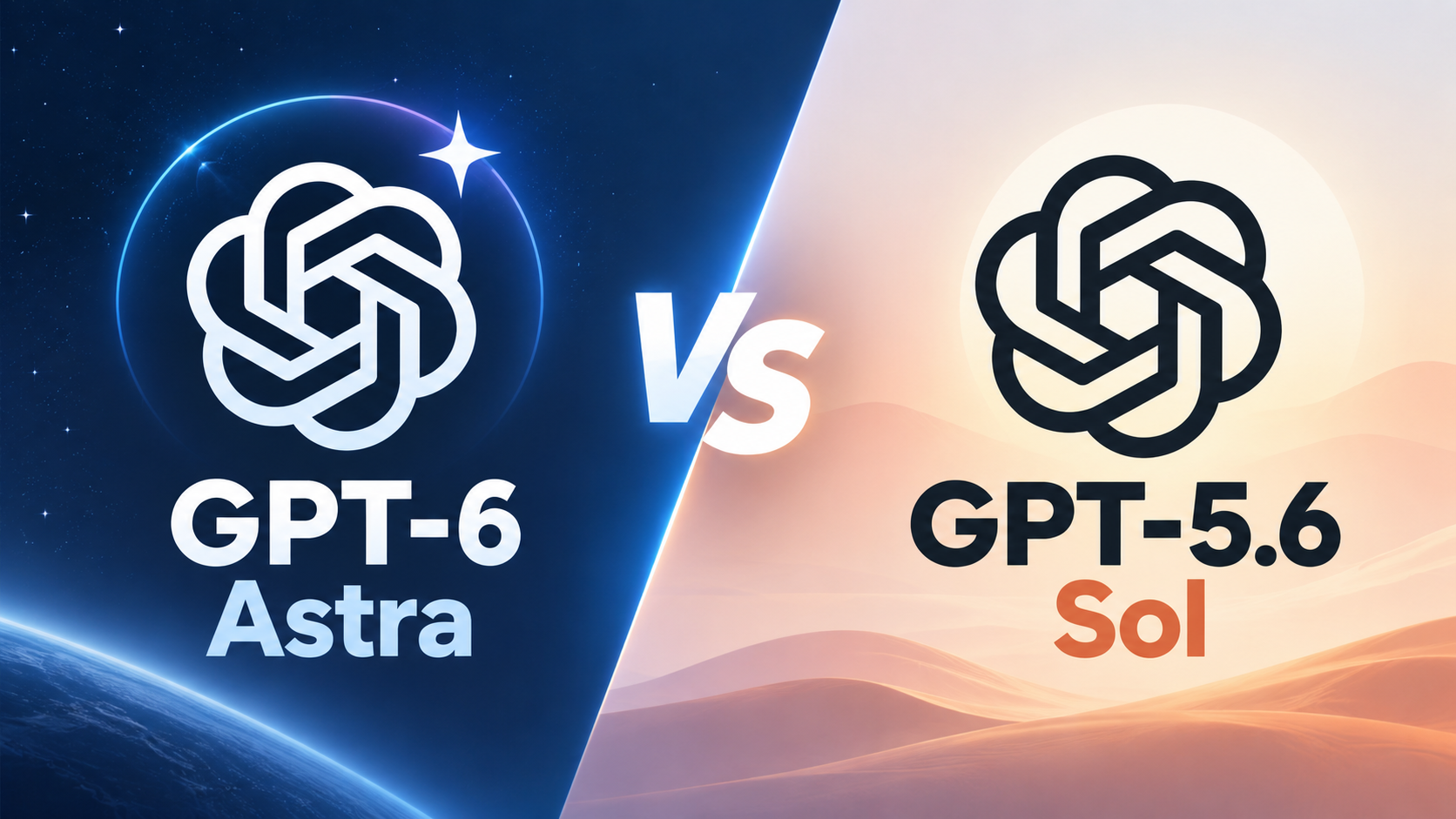
GPT-6 Astra vs GPT-5.6 Sol: Is the Upgrade Worth It?

By Alex Morgan
MyClaw Editorial
Compare in MyClaw
Compare GPT-6 Astra and GPT-5.6 Sol on your own work
Run the same task in both models to compare completion quality, retries, speed, and cost before choosing your default.
AI Takeaway
- Which should you choose? Start with Sol for work it handles reliably. Test Astra on difficult coding, research, and agent tasks where mistakes or repeated corrections make Sol expensive.
- How much more does Astra cost? Standard short-context API rates are $10 input and $50 output per million tokens, versus Sol’s promotional $4 and $20. Equal token usage costs 2.5x as much.
- Does Astra always cost more per task? No. Fewer retries or fewer billable tokens can offset the higher rate. Measure the complete job.
- Does Astra have a larger context window? No. Both list 1.05 million tokens. Capacity alone does not tell you how well a model will handle a long assignment.
- Can you run them in MyClaw? MyClaw lists Sol for hosted agents. Confirm current model availability and integration support before planning an Astra workflow.
GPT-6 Astra vs GPT-5.6 Sol at a Glance
OpenAI positions Astra as its most capable model for difficult work from start to finish. Sol remains the flagship of the GPT-5.6 family for complex professional tasks.
| Comparison | GPT-6 Astra | GPT-5.6 Sol |
|---|---|---|
| API model ID | gpt-6-astra | gpt-5.6-sol |
| Practical starting point | Difficult workflows that need stronger reasoning | Complex work at lower per-token rates |
| Context window | 1,050,000 tokens | 1,050,000 tokens |
| Maximum input / output | 922,000 / 128,000 tokens | 922,000 / 128,000 tokens |
| Input / output types | Text and images / text | Text and images / text |
| Reasoning effort | low, medium, high, xhigh, max | Same levels, plus none |
| Standard short-context input / output per 1M tokens | $10 / $50 | $4 / $20 promotional |
Both models can accept large documents and image inputs. A shared context limit does not establish equal reasoning quality or retrieval accuracy. GPT-5.6 Sol is available in MyClaw for hosted-agent workflows. All prices in this comparison refer to OpenAI’s direct API, checked on September 5, 2026.
Coding, Reasoning, and Agent Workflows
Following a Task Through to Completion
For coding, the useful comparison is the entire repair cycle: locating the problem, inspecting related files, making a change, and responding to failed tests while preserving the original requirement.
OpenAI says Astra is better than Sol at staying coherent during long tasks and following instructions. That makes it worth evaluating when Sol repeatedly fixes one issue but misses another, forgets constraints, or needs you to restart the investigation.

For research, look at whether the agent resolves conflicting evidence and carries the correct facts into its finished document. A larger context window alone cannot prevent an early misunderstanding from shaping the final answer.
These are OpenAI’s capability claims and practical test cases; this comparison does not include our own benchmark results. Sol remains capable of complex work, so assess the improvement on tasks you actually run.
The surrounding software matters too. OpenClaw’s runtime and tools provide the environment for browser sessions, files, and ongoing work. A model upgrade cannot compensate for missing access or a broken tool.
Working While Tools Run and Requirements Change
Astra adds asynchronous tool calling: an application can let it continue independent work while a tool finishes. It also supports mid-turn steering, allowing new instructions to enter an ongoing task through the supported API flow.
Imagine an agent preparing a report while a data export runs. It could work on another section, then incorporate a changed reporting period without restarting everything.
The application must implement these features, and Astra’s tool calling requires the Responses API. Before upgrading an agent, verify that its model integration supports the tools you need. Also specify when the agent should ask questions: OpenAI notes that Astra may seek clarification more often than earlier models.
GPT-6 Astra vs GPT-5.6 Sol Pricing
Astra’s Standard token rates are 2.5x Sol’s current rates. Sol’s $4 input and $20 output pricing is promotional and available at least through November 21, 2026. These charges are separate from ChatGPT subscriptions.
For an illustrative request using 100,000 ordinary uncached input tokens and 10,000 total billable output tokens:
- Astra:
(0.1 × $10) + (0.01 × $50) = $1.50 - Sol:
(0.1 × $4) + (0.01 × $20) = $0.60
This hypothetical example excludes cache writes, tools, hosting, and other fees. The billable output total includes reasoning tokens, which means a short visible answer can still carry a substantial output charge.

Caching changes the calculation. Cached input costs $1 per million tokens for Astra and $0.40 for Sol; cache writes cost $12.50 and $5. Requests exceeding 272,000 input tokens use higher rates for the whole request: twice the input and cache rates, and 1.5 times the output rate.
To compare value, divide total model spend by successfully completed jobs. In the example above, one successful Astra attempt costs $1.50. Three Sol attempts at $0.60 each cost $1.80. Two cost $1.20. Astra therefore needs a meaningful reduction in retries or token consumption to offset its premium; a small improvement may not be enough.
Track human review time separately. A modest API saving may disappear if the result needs extensive correction. Add MyClaw hosting costs separately and check your selected provider’s billing rates.
Which Model Should You Choose?
Evaluate Astra for Difficult, Extended Work
Start with tasks where a failed result is costly: a complicated code change, a research brief with conflicting evidence, or a document that must preserve many requirements.
Prioritize failures that the model could plausibly fix, such as losing requirements or drawing inconsistent conclusions. If a run failed because a connector lacked permission or a source file was missing, correct the setup before paying for a stronger model.
Adopt Astra for a workflow when its improvement in completion rate, review time, or total cost is repeatable across several examples.
Keep Sol When It Meets Your Quality Bar
Sol is a sensible baseline for repeatable work with clear acceptance checks. A report that reconciles correctly or a repair that passes meaningful tests does not need an upgrade simply because a newer model exists.
Sol also offers a none reasoning setting that Astra lacks. This gives you another configuration to test for straightforward requests, although it does not establish which model finishes faster. Measure elapsed time in your own setup.
If neither model meets your requirements, broaden the shortlist with Fable 5.1 vs GPT-5.6 Sol and apply the same acceptance checks.
Test Both Models on the Same Real Tasks
Choose a code repair with a known check, a research brief whose claims you can verify, and a recurring file or report task. Confirm access through your provider and, for hosted workflows, the current MyClaw model directory.
Give each model equivalent starting files, prompts, tools, and output requirements. Use a shared reasoning level such as high for the first comparison. Equal setting names do not guarantee equal compute, but recording them makes the result interpretable.
Run several examples, resetting the environment between attempts. Record four things: correct completion, elapsed time, human interventions, and total billed cost. Include unsuccessful attempts in the spending total.
For research, inspect sources and conclusions. For code, run meaningful checks. For reports, verify calculations and missing fields. A polished answer is not sufficient evidence of completion.
Keep the model version and test date with the results. Revisit the comparison when your workload, integration, or provider pricing changes.
Put Your Model Choice to Work in MyClaw
1. Start a Hosted OpenClaw Workspace
Once you have a useful agent task, managed OpenClaw hosting gives it a private, always-on workspace. MyClaw handles deployment and maintenance. Choose a plan for the runtime resources you need, then connect the files and tools required for the job.
2. Check Availability and Set Your Baseline
Select Sol as your initial model and confirm it is active for the task. Astra support in MyClaw was not verified as of September 5, 2026; check current availability and tool compatibility before planning a comparison inside the platform.
3. Run One Repeatable Job and Review the Result
Start with a weekly report whose totals you can verify, or a code repair with a defined test. Review the result and usage before scheduling repeated runs. Keep Sol for jobs it completes reliably, and test Astra on the difficult exceptions when your setup supports it.
Compare in MyClaw
Compare GPT-6 Astra and GPT-5.6 Sol on your own work
Run the same task in both models to compare completion quality, retries, speed, and cost before choosing your default.