GPT-6.2 Astra vs 6.1 Sol: Coding, Speed, and Cost

By Julian Brooks
MyClaw Editorial
MyClaw
Run Best-in-Class AI Agents Now
Run OpenClaw or Hermes Agent on managed MyClaw hosting, so your AI agent stays online, updated, and ready for real work.
AI Takeaway
- Which should you choose? Keep GPT-6.1 Sol for coding and recurring tasks it already handles well. Consider GPT-6.2 Astra for demanding professional work or terminal tasks where its additional capability is useful.
- How much more does Astra cost? Standard input, cached-input, and output token rates are four times Sol's. Actual spending also depends on reasoning, caching, tools, and retries.
- Is Astra faster? It finishes sooner in Artificial Analysis's general Intelligence Index workload, but takes longer in the Codex coding comparison below. Speed depends on the job.
- Does Astra handle more context? Both list a 1,050,000-token API context window and 128,000 maximum output tokens. Client limits can differ.
GPT-6.2 Astra vs 6.1 Sol at a Glance
GPT-6.2 Astra is OpenAI's model for its hardest projects. GPT-6.1 Sol targets complex coding, computer use, and professional work at lower token prices. Astra's higher overall benchmark score makes it worth considering, while the coding results give existing Sol users a reason to be selective.

OpenAI's API specifications, checked November 18, 2026:
| Specification | GPT-6.2 Astra | GPT-6.1 Sol |
|---|---|---|
| API model ID | gpt-6.2-astra | gpt-6.1-sol |
| Standard input, per million tokens | $8 | $2 |
| Cached input, per million tokens | $0.40 | $0.10 |
| Output, per million tokens | $40 | $10 |
| API context window | 1,050,000 tokens | 1,050,000 tokens |
| Maximum output | 128,000 tokens | 128,000 tokens |
| Input / output | Text and images / text | Text and images / text |
The earlier GPT-6.1 Sol vs 6 Astra comparison concerns the original Astra. Its results and fivefold input/output price gap should be kept separate from this comparison with GPT-6.2 Astra.
Benchmarks, Coding, and Speed: What Changes?
Overall Performance and Speed
Artificial Analysis's Intelligence Index v5.0.1 covers nine evaluations across coding, knowledge work, science, and other capabilities. At max reasoning effort, its November 18 snapshot shows:
| Measurement | GPT-6.2 Astra | GPT-6.1 Sol |
|---|---|---|
| Intelligence Index, rounded | 62 | 55 |
| Weighted average cost per Index task | $4.00 | $1.27 |
| Time per Index task | 10.7 minutes | 23.3 minutes |
Astra scores higher and finishes sooner in this workload. Sol retains the lower cost. These averages describe the benchmark's task mix; they are useful starting points for budgeting a trial.
Effort settings also change the tradeoff. Astra at xhigh retains the rounded score of 62, with a $2.52 weighted task cost and 6.2-minute task time in the same leaderboard. A rounded tie can conceal score differences, but it gives you a reason to test xhigh before defaulting to max.
Coding Results in Codex
The same evaluator's separate Coding Agent Index v2.1, checked November 18 with both models using Codex at max effort, shows a narrower gap:
| Codex Measurement | GPT-6.2 Astra | GPT-6.1 Sol |
|---|---|---|
| Coding Agent Index | 53 | 52 |
| FrontierCode-AA 2.0 | 42 | 42 |
| Terminal-Bench 4.1 | 64 | 54 |
| SWE-Atlas-QnA-AA | 55 | 60 |
| Average API cost per task | $5.12 | $1.51 |
| Average task time | 25.1 minutes | 21.9 minutes |
Astra leads on terminal work, ties on FrontierCode, and trails Sol on repository Q&A in these runs. Its higher aggregate score comes with greater expense and longer average completion time.
For existing GPT-6.1 Sol for coding workflows, that supports keeping Sol on jobs it completes reliably and testing Astra on difficult terminal tasks. This is a recommendation based on the measured split, rather than evidence that either model wins every coding task.
Keep these coding figures separate from the general Index above: they use different workloads and evaluation setups. Coding time measures active agent runtime, excluding environment startup and grading. First-token latency, text generation speed, and task time also answer different questions.
Professional Work and Deliverable Quality
OpenAI highlights Astra's ability to produce slides, spreadsheets, and documents that follow supplied templates and professional conventions. Treat those vendor claims as a reason to evaluate deliverables you currently spend time repairing.
For a forecast, check whether totals reconcile, assumptions are visible, and formulas survive an input change. For a research brief, check source support and missing requirements. Astra's premium has practical value when it reduces the work between the first output and a file your team can use.
API Pricing: What a Finished Task Costs

Compare an Equal Token Budget
Suppose one request uses 40,000 uncached input tokens and 8,000 billable output tokens at Standard short-context rates:
- GPT-6.2 Astra: $0.32 input + $0.32 output = $0.64.
- GPT-6.1 Sol: $0.08 input + $0.08 output = $0.16.
Any charged reasoning tokens are included within that output allowance. Tools, cache writes, hosting, and retries are excluded. At 1,000 identical requests, the illustrative totals become $640 and $160.
Real runs consume different token budgets. Use this example to understand the rates, then inspect actual usage. OpenAI API prices also differ from ChatGPT or Codex subscription allowances and the billing arrangements of hosted providers.
Include Long Context, Retries, and Review Time
For both models, prompts exceeding 272,000 input tokens trigger double input/cache rates and 1.5 times the output rate for the full request. Keep the processing mode consistent when comparing bills.
Cached-input prices apply to qualifying reused input; cache writes can carry additional charges. Check the usage breakdown before estimating a recurring conversation at the cached rate.
To measure the cost of usable work, divide spending across all attempts by accepted results. Include tool charges and failed runs, and track human review separately. For illustration, five minutes of review at $60 an hour costs $5—more than the $0.48 model-price difference in the equal-token example. A quality improvement that saves those five minutes can therefore matter more than the token premium.
Choose a Model with a Same-Task Trial
Choose three jobs: a routine task, a difficult task, and something Sol previously failed. Define success before running either model: a reproduced bug fixed without unrelated changes, for example, or a brief whose conclusions are supported by the supplied sources.
Use fresh starting files, identical instructions, and the same tools. Begin with matching effort settings, then tune each model toward your required quality. Matching labels control one variable; they do not guarantee identical computation. Repeat the jobs and set a correction limit so one lucky result does not decide your default.
The AI agent vs. LLM distinction matters: runtime, permissions, and tool access affect completion. Confirm compatibility, including Responses API tool calling, before judging the model.
Record accepted results, elapsed time, actual charges, and corrections. GPT-6.2 Sol is another candidate to evaluate separately: it launched alongside Astra at GPT-6.1 Sol's Standard token rates, so a move to Astra is not the only upgrade path.
Put Your Chosen Model to Work with MyClaw
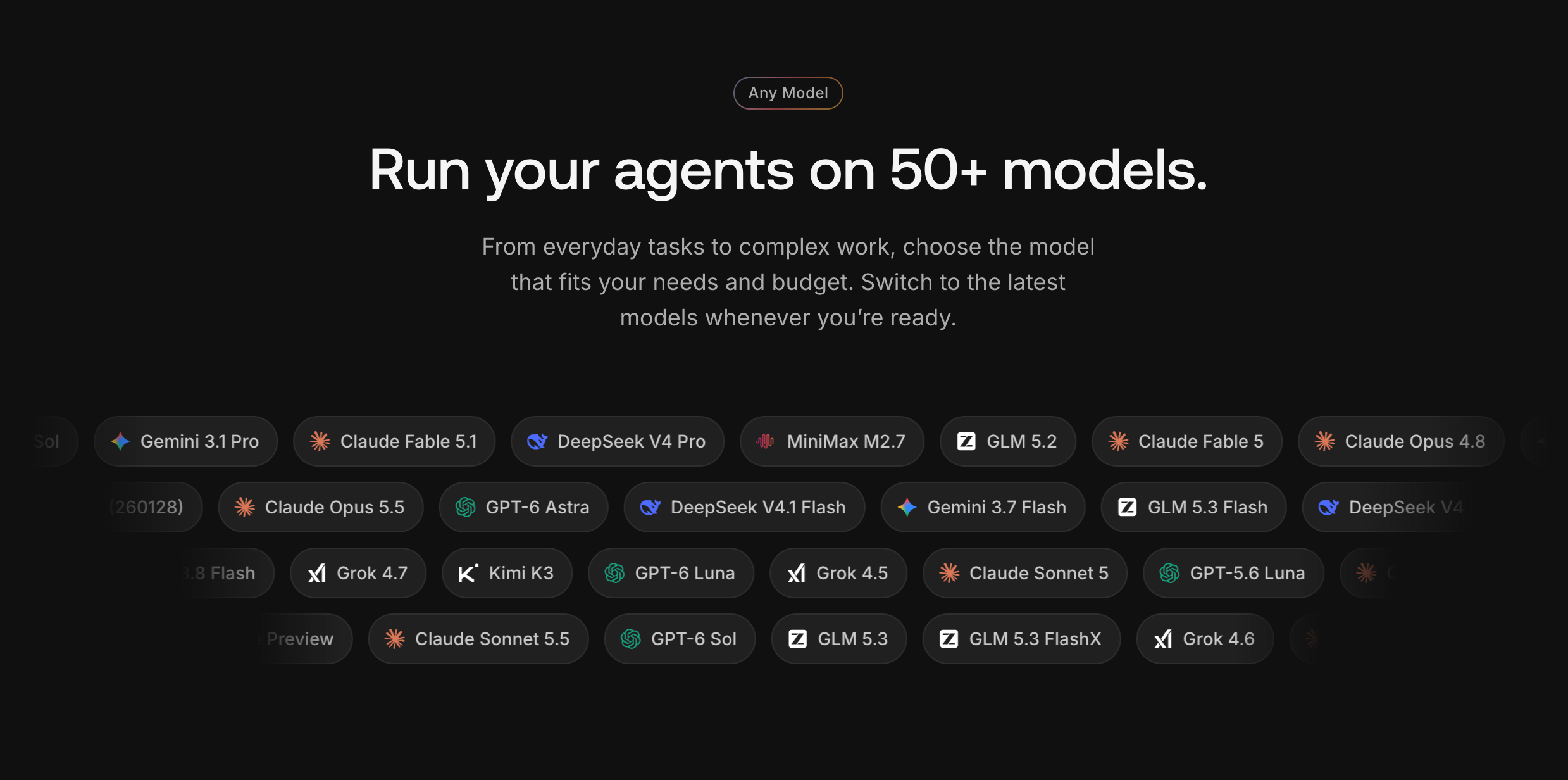
MyClaw is a cloud platform for building an AI team you can assign real work to. Create teammates for roles such as researcher or software engineer, give each a runtime and model, and connect the tools and files needed for the job. Their cloud computers keep work moving after you close your laptop.
For this comparison, start with one teammate and a task you can review:
- Choose a Role and Define the Job. Create a coding or research teammate with a clear brief, relevant files, and a description of the result you need.
- Select the Runtime and Model. Choose from supported runtimes such as Codex, OpenClaw, or Hermes Agent, then check that runtime's available models. Use separate, equivalent tasks to compare Astra and Sol where both are available. Check MyClaw pricing for the plan, included Credits, and applicable usage charges.
- Assign the Work and Review the Result. Connect the required tools, hand over the brief, and inspect the finished code, report, or document. Use what you learn to refine that teammate's instructions and model choice for future work.
Conclusion
GPT-6.1 Sol remains a strong budget choice for coding and recurring work it already completes reliably. GPT-6.2 Astra offers a higher general Intelligence Index score and stronger terminal-task results, but its coding advantage varies by benchmark. The evidence supports a selective upgrade: use Astra where its strengths solve a problem in your workflow.
Compare a real task from the same starting files, and count model spending, failed attempts, completion time, and human corrections. Confirm access before changing a scheduled agent. Choose the configuration that consistently produces usable work at a total cost you can justify, then revisit it as requirements change.
Skip the Setup, Run Best-in-Class AI Agents Now
Launch a managed OpenClaw or Hermes Agent workspace in minutes, with always-on hosting, updates, and support handled by MyClaw.