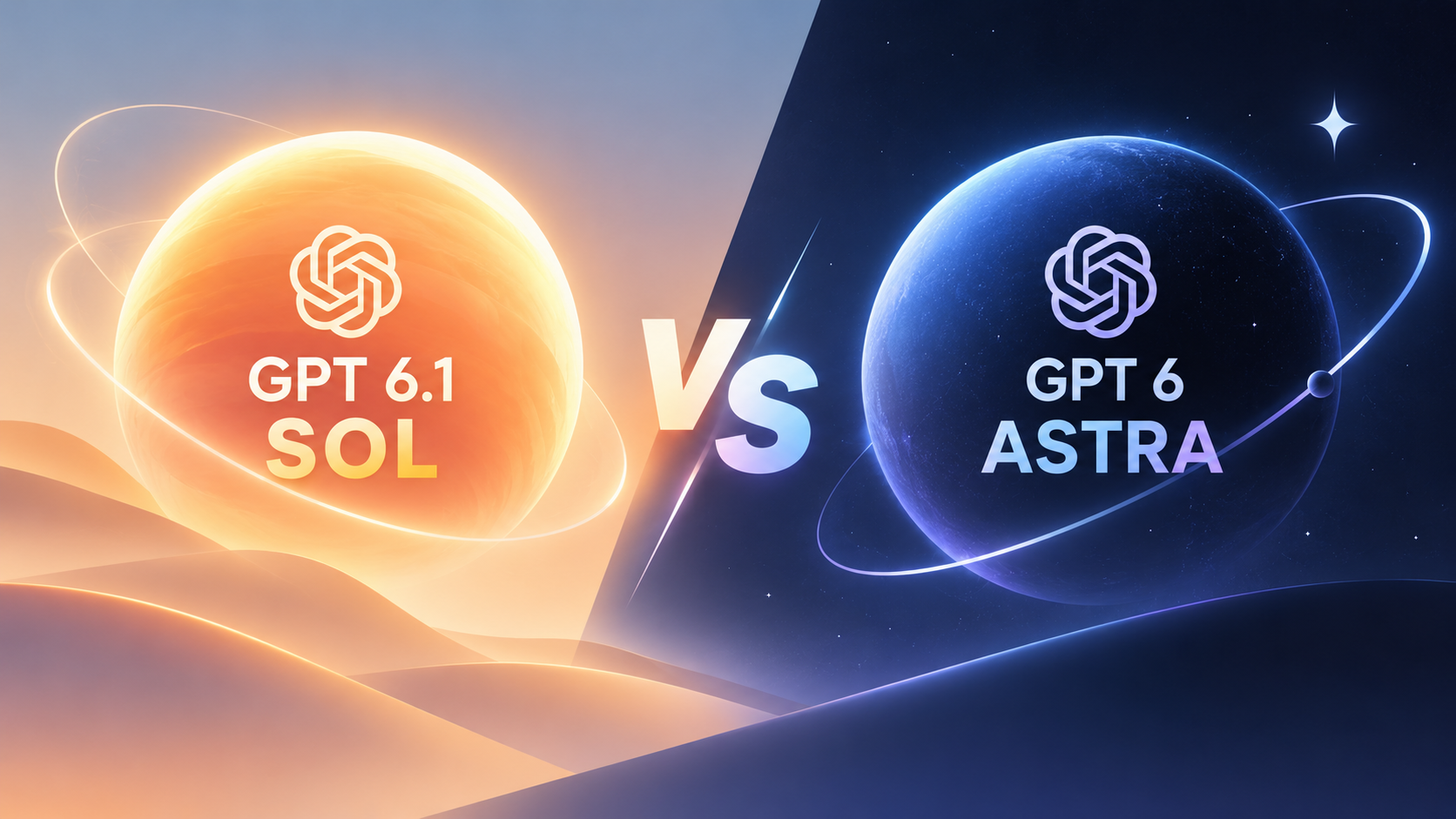
GPT 6.1 Sol vs 6 Astra: Cost, Coding & Agent Workflows

By Julian Brooks
MyClaw Editorial
Compare in MyClaw
Compare GPT-6.1 Sol and GPT-6 Astra on your own work
Run the same task in both models to compare coding quality, tool use, speed, and cost before choosing your default.
AI Takeaway
- Which should I choose? Start with GPT-6.1 Sol for recurring coding and agent tasks where cost matters. Consider Astra first for difficult work where mistakes or extensive rework would be expensive.
- How much cheaper is Sol? Its Standard input and output rates are 80% lower than Astra's at the same token usage. That does not guarantee an 80% reduction in the total cost of a task.
- Does Astra handle more context? No. Both list a 1,050,000-token context window and 128,000 maximum output tokens.
- Is Sol faster? Lower pricing does not establish faster completion. Compare the time needed to produce an acceptable result, including tools and corrections.
GPT 6.1 Sol vs 6 Astra at a Glance
The main difference is the price you pay for the model's capability. OpenAI positions GPT-6.1 Sol for complex coding, computer use, and professional work at a lower cost, with performance approaching Astra's. GPT-6 Astra is its most capable option for the most demanding work.
The specifications below were checked against OpenAI's documentation on September 30, 2026. Prices are in US dollars per million tokens, using Standard short-context rates.
| Comparison | GPT-6.1 Sol | GPT-6 Astra |
|---|---|---|
| API model ID | gpt-6.1-sol | gpt-6-astra |
| Intended role | Complex work at lower cost | Most demanding work |
| Input price | $2 | $10 |
| Cached input price | $0.10 | $1 |
| Output price | $10 | $50 |
| Context window | 1,050,000 tokens | 1,050,000 tokens |
| Maximum output | 128,000 tokens | 128,000 tokens |
| Reasoning effort | low, medium, high, xhigh, max | low, medium, high, xhigh, max |
Sol's newer version number does not make it a higher tier than Astra. Also distinguish GPT-6.1 Sol from GPT-6 Sol: benchmarks for the earlier model do not establish the newer model's performance.
Our recommendation is to use Sol as the starting point for cost-conscious work and evaluate Astra where additional capability could reduce failures or manual effort. This follows the official positioning; it is not an independent benchmark verdict.
API Pricing: What a Finished Task Actually Costs
Compare the Same Token Budget
Suppose a job consumes 40,000 uncached input tokens and 8,000 billable output tokens. At the Standard short-context rates:
- GPT-6.1 Sol: $0.08 for input + $0.08 for output = $0.16.
- GPT-6 Astra: $0.40 for input + $0.40 for output = $0.80.
For 1,000 identical runs, that becomes $160 versus $800. These are illustrative calculations, with charged reasoning tokens included in the output allowance. They exclude cache writes, tools, retries, and hosting.
The fivefold price difference applies to ordinary input and output. Cached input is ten times cheaper on Sol, although the savings depend on how much input actually qualifies for caching. Cache writes have their own charges.
Account for Long Context, Retries, and Hosting
The million-token context window comes with an important billing threshold. For both models, prompts exceeding 272,000 input tokens trigger higher rates for the full request: input and cache rates double, while output rates increase by 50%. Standard long-context input/output prices therefore become $4/$15 for Sol and $20/$75 for Astra per million tokens.
Processing mode also matters. Batch and Flex have lower rates than Standard, while Fast mode costs more. Keep the mode consistent when comparing bills.
Then account for how the agent behaves. Repeated tool calls, longer reasoning, and failed attempts can change the total. Divide spending across all attempts by the number of accepted results, and record review time separately. If no run succeeds, there is no meaningful cost per successful result yet.
For a hosted agent, MyClaw pricing covers the workspace subscription separately from AI token usage. OpenAI API prices also do not describe ChatGPT or Codex subscription allowances. Use the rates of your actual provider when budgeting.
Coding, Research, and Computer Use: Which Model Fits?

Coding: Start with Sol for Work You Can Verify
Sol is a reasonable first choice for contained fixes, test generation, and routine repository maintenance. These tasks offer a clear way to judge whether its lower price delivers value: reproduce the issue, inspect the patch, and run the relevant checks.
For example, a pagination fix should address the boundary condition without changing unrelated behavior. In recurring coding agent workflows, that combination of a focused change and supporting evidence matters more than a confident explanation.
Consider Astra earlier for problems spanning several modules, unfamiliar systems, or failures that have resisted simpler attempts. Its official positioning makes those sensible places to assess its additional capability. Look for a concrete benefit: finding the cause sooner, preserving constraints, or producing a patch that needs fewer corrections.
Neither model should get credit for tests it did not run. Judge the resulting code and verification evidence together.
Research and Computer Use: Judge the Whole Deliverable
For a recurring brief assembled from a defined set of sources, Sol is a sensible starting point. Ask it to identify the evidence, reconcile differences, and produce a consistent output. A well-scoped research agent workflow makes omissions and unsupported conclusions easier to spot.
Astra is worth considering when the job requires resolving conflicting evidence, sustaining a long investigation, or coordinating several difficult steps. The premium has practical value only if it improves the finished work or reduces your involvement.
For computer use, check whether the agent reaches the requested end state. Finding information in a browser is different from transferring it accurately into a document and saving the right file. Count incomplete steps and recovery attempts alongside answer quality.
Both models have the same published context capacity, but this does not establish equal accuracy across a large document set. Include checks against specific details from different parts of your material. Uploading more context is useful only when the agent uses it correctly.
Compare Speed and Quality on Your Own Workflow
There is no universal speed winner established by this comparison. Time to the first response, text generation speed, and time to a usable result measure different things. For an agent, the last one usually matters most.
Choose three representative jobs: a routine task, a difficult task, and a previous failure. Give both models the same brief, starting files, tools, and completion criteria. Reset the task state between runs so neither inherits the other's solution.
Start with the same reasoning effort, then tune each toward your required quality. Matching effort labels provides a starting control, not a guarantee of equal computation. Set a correction limit in advance and include failed runs in your records.
If you use the coding-agent skill to delegate implementation, also record which coding tool and model it invokes. A change to the delegated model can obscure what your Sol-versus-Astra comparison is measuring.
Track four things: accepted results, elapsed time, model charges, and human corrections. Repeat the jobs before drawing a conclusion. A small trial will not rank the models universally, but it can reveal which configuration suits your recurring work.
Run Your Chosen Agent Workflow with MyClaw
Model selection is one part of operating an agent. Recurring jobs also need a persistent workspace, connected tools, and a runtime that remains available when your laptop is closed. MyClaw provides managed OpenClaw hosting for private, always-on agents, with infrastructure maintenance handled for you.
Start with one workflow whose results you can review:
- Launch your OpenClaw workspace. Choose a suitable hosting plan and connect the files or services needed for a specific job, such as a repository review or weekly research brief.
- Confirm your model access. MyClaw publicly lists GPT-6 Astra as available. Before choosing Sol 6.1, check your model catalog or connected provider; this comparison could not verify its availability in MyClaw.
- Run the job before scheduling it. Supply the inputs, completion criteria, and review requirements. Check the output and usage, refine the instructions, and schedule the routine once it performs reliably.
A hosting plan supplies the operating environment. Model access and token charges remain separate considerations, so confirm both before committing to frequent runs.
Choose the Model That Meets Your Quality Bar
Pick one job from your actual backlog and define what a successful result must contain. Compare Sol and Astra on that job, then make a provisional choice. Revisit it when the task changes or your records show rising costs, more corrections, or incomplete work.
Compare in MyClaw
Compare GPT-6.1 Sol and GPT-6 Astra on your own work
Run the same task in both models to compare coding quality, tool use, speed, and cost before choosing your default.