Google Stitch vs Claude Design: Free Canvas or Brand-to-Code

By Alex Morgan
MyClaw Editorial
MyClaw
Run Best-in-Class AI Agents Now
Run OpenClaw or Hermes Agent on managed MyClaw hosting, so your AI agent stays online, updated, and ready for real work.
AI Takeaway
- Is Google Stitch free? Yes. Google Labs offers it free with a daily credit limit that resets at midnight UTC (Google FAQ, checked Oct. 28, 2026).
- What does Claude Design cost? It ships on Free through Enterprise and draws from the same usage pool (Anthropic pricing, checked Oct. 28, 2026).
- Which wins a big multi-screen brief in one pass? Claude Design, in a third-party same-spec test; Stitch needed screen-by-screen prompts (Jesse Wei, Oct. 16, 2026).
- Who owns design-system portability? Stitch open-sourced DESIGN.md (Google Labs, Apr. 21, 2026); Claude Design imports systems from repos and files (Anthropic, Oct. 28, 2026).
- Where do recurring jobs run after the mockup? On a managed MyClaw OpenClaw or Hermes agent—always on, scheduled, with no server work for you.
Google Stitch vs Claude Design: Specs and Access at a Glance
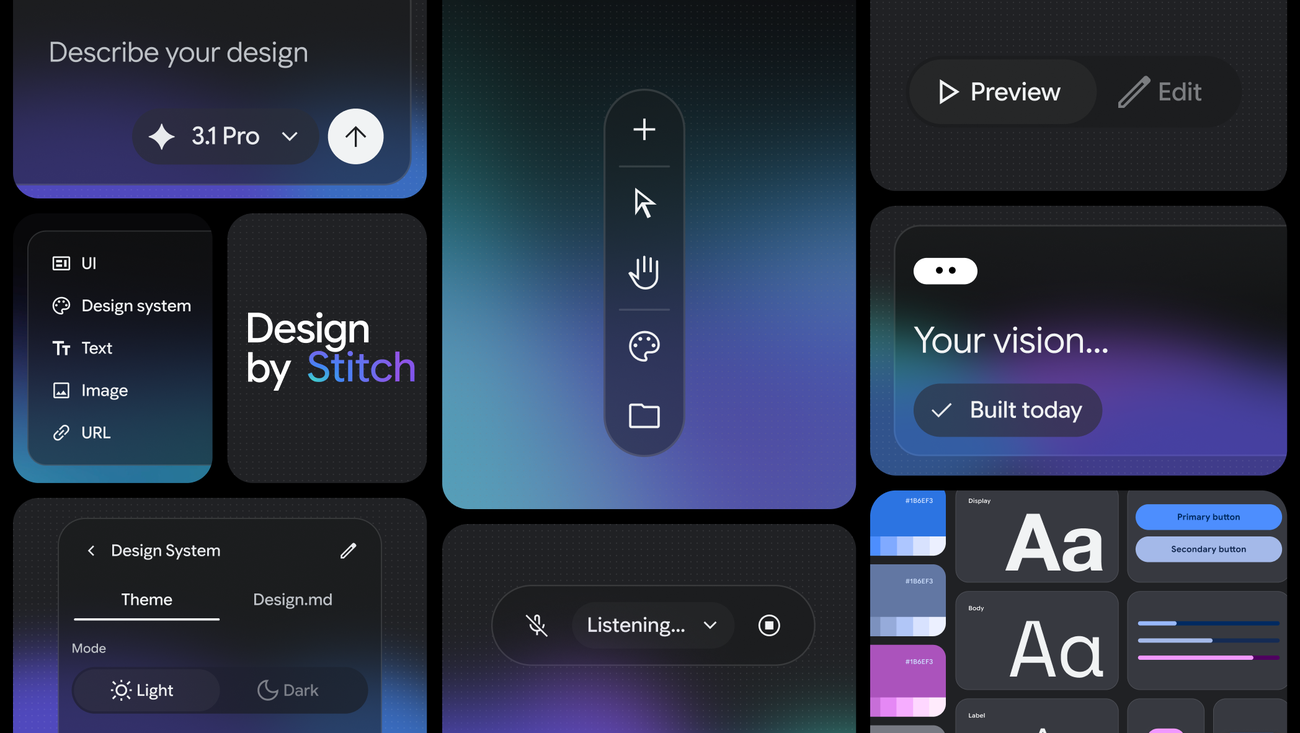
Google Stitch is a Google Labs tool for high-fidelity UI from text, images, sketches, or code. Google rebuilt it as an AI-native infinite canvas for “vibe design” on March 18, 2026 (vendor blog). At I/O on May 19, 2026, it added a real-time streaming agent, voice control, Google AI Studio share links, Google Antigravity export, and Netlify publish (vendor blog). DESIGN.md import and export were open-sourced on April 21, 2026 (vendor blog). Access is free with a daily credit limit. Google’s FAQ lists no paid upgrade (checked October 28, 2026).
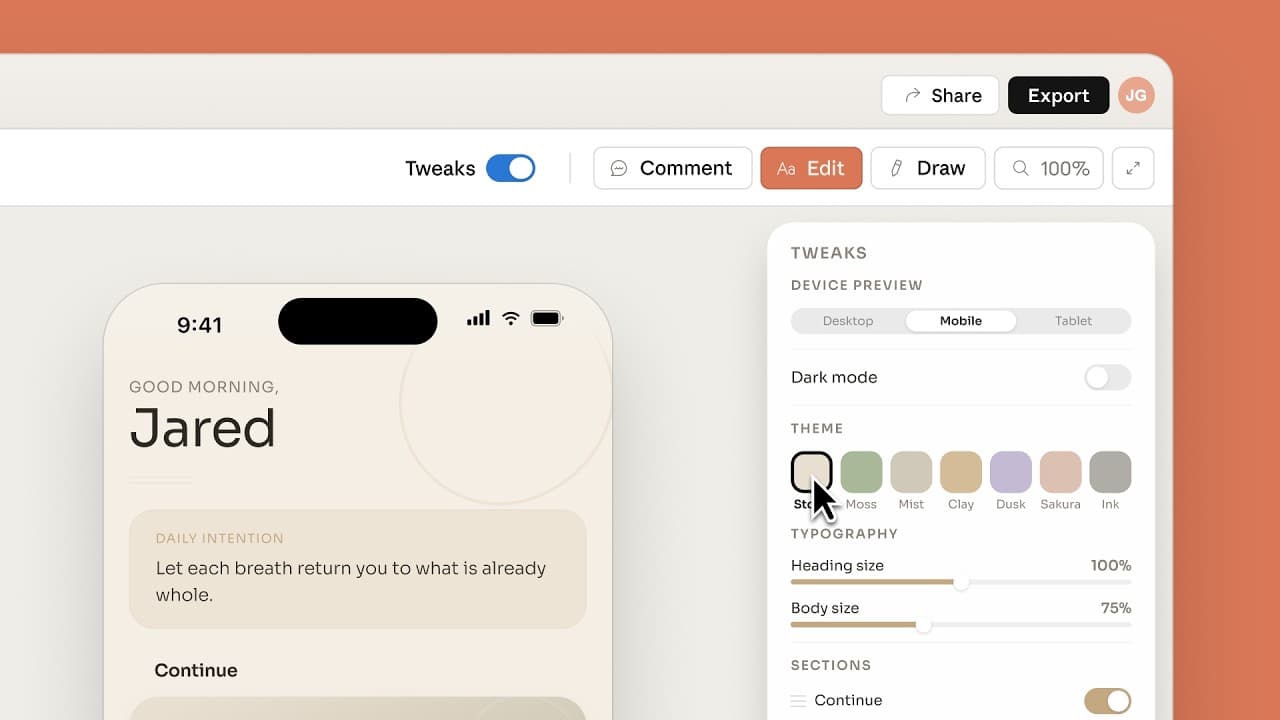
Claude Design is an Anthropic Labs product launched April 17, 2026. It covers designs, interactive prototypes, slides, one-pagers, and campaign assets (Anthropic news). It now runs inside Anthropic chat, Artifacts, and Claude Code. The standalone site at claude.ai/design stays open until December 14, 2026 (Help Center, checked October 28, 2026). It is on Free, Pro, Max, Team, and Enterprise. Enterprise turns it on by default on October 15, 2026 (Help Center). Claude Design uses the models on your plan (product page, checked October 28, 2026).
For product background, see our Claude Design explainer. For the wider UI-test category, see Design Arena AI alternatives.
Google Stitch vs Claude Design Feature Comparison
Vendor facts unless marked; checked October 28, 2026:
| Dimension | Google Stitch | Claude Design |
|---|---|---|
| Maker / status | Google Labs experiment | Anthropic Labs product, integrated into Anthropic chat |
| Price | $0; daily credit limit; no paid upgrade (Google FAQ) | Included on Free–Enterprise; Pro $17/mo annual or $20 monthly; Max from $100/mo (Anthropic pricing) |
| Usage meter | Daily credits reset at 00:00 UTC; exact count is not on a Google pricing page | Shared plan limits with chat and Claude Code; large designs use more of the pool (Help Center) |
| Canvas | Infinite AI-native canvas; voice; real-time agent streaming (Google, Mar–May 2026) | Conversation plus canvas; on-canvas edit, inline comments, sliders (Anthropic) |
| Design system | DESIGN.md extract/import; URL extract; open draft spec (Google, Apr. 21, 2026) | Import from GitHub, design files, uploads, or a codebase; Team/Enterprise admin lock (Anthropic) |
| Strong outputs | UI screens, interactive flows, HTML/CSS and Figma-oriented handoff (vendor) | UI plus decks, one-pagers, campaign assets, interactive prototypes (vendor) |
| Code / build path | AI Studio, Antigravity, Netlify, Stitch MCP/SDK (Google, May 19, 2026) | Claude Code handoff (/design, /design-sync); connectors including Adobe, Canva, Gamma, Lovable, Miro, Replit, Vercel, and Wix (Anthropic) |
Independent note: a same-spec UI brief published October 16, 2026 showed Claude Design return the full 11-section set, plus dark mode, mobile, and a component sheet, from one paste in about 15 minutes. Stitch covered the core screens only after one prompt per screen. It still skipped dark mode and mobile (Jesse Wei, third-party; one run).
Google Stitch vs Claude Design Price: Free Credits vs Plan Limits
Stitch has a $0 cash outlay and a hard daily ceiling. Google’s FAQ says it is free of charge. Credits reset at midnight UTC. There is no paid way to buy more (Google FAQ and Google staff on the developer forum; checked October 28, 2026). That fits burst exploration. It blocks you when the day-cap lands mid-iteration.
Claude Design is included on Free through Enterprise. Paid plans raise the shared usage pool. Pro is $17 per month on annual billing ($200 up front) or $20 monthly. Max starts at $100 per month (Anthropic pricing, checked October 28, 2026). Design draws from the same pool as chat and Claude Code. A heavy design day can leave less room for coding that week (Help Center).
Pick Stitch when cash spend must stay at zero and a daily reset is fine. Pick Claude Design when brand work already lives inside an Anthropic plan.
Google Stitch vs Claude Design: Design Systems and Fidelity
Stitch’s DESIGN.md is an agent-readable rule file for colors, roles, and accessibility checks. Google open-sourced the draft so those rules can travel across tools (Google Labs, April 21, 2026). You can also extract a system from a URL inside Stitch.
Claude Design builds team design systems from GitHub repos, design files, uploads, or a codebase. It checks output against the system before you see it. On Team and Enterprise, admins can lock one approved system (Anthropic Help Center, checked October 28, 2026).
In the October 16, 2026 same-spec test, Claude Design matched the specified type and icon set more closely. Stitch drifted on icons. In one run it generated a second system of its own (Jesse Wei, third-party). The gap is adherence and completeness, not single-screenshot polish. When the system already lives in a repo, Claude Code for beginners covers the coding side of that handoff.
Google Stitch vs Claude Design: Export and Handoff Paths
Stitch leaves the canvas into Google’s build path. That includes AI Studio share links, Google Antigravity for backend work, Netlify publish, paste toward Figma, and the Stitch MCP server and SDK (vendor, March 18 and May 19, 2026).
Claude Design leaves the canvas into docs, decks, and Claude Code. As of October 28, 2026, Anthropic lists PDF, PPTX, HTML, and zip export. Send destinations include Adobe, Canva, Gamma, Lovable, Miro, Replit, Vercel, and Wix. Ready designs hand off to Claude Code with /design or /design-sync (Help Center).
Neither path is a finished production app. After a Claude Design handoff, see Claude Code vs Cursor for the implementation-agent choice. MyClaw does not host Google Stitch or Claude Design.
Google Stitch vs Claude Design: Which to Use for Which Job
Rules from vendor scopes and the dated third-party test (our recommendation, October 28, 2026):
- Google Stitch for free UI exploration, many screen variants, DESIGN.md or Figma-oriented systems, voice iteration, and AI Studio → Antigravity builds.
- Claude Design for on-brand multi-deliverable briefs (flows, decks, one-pagers), Team design-system lock-in, and Claude Code handoff.
- Both when exploration and branded packing are separate stages. Use Stitch for early screens and Claude Design for the stakeholder pack—or the reverse if DESIGN.md is the bridge.
If the job is “ship a working web app,” compare Lovable alternatives. If the job is “keep work running after the mockup,” start with MyClaw vs OpenClaw.
Keep the Work Moving on a MyClaw Agent After the Mockup
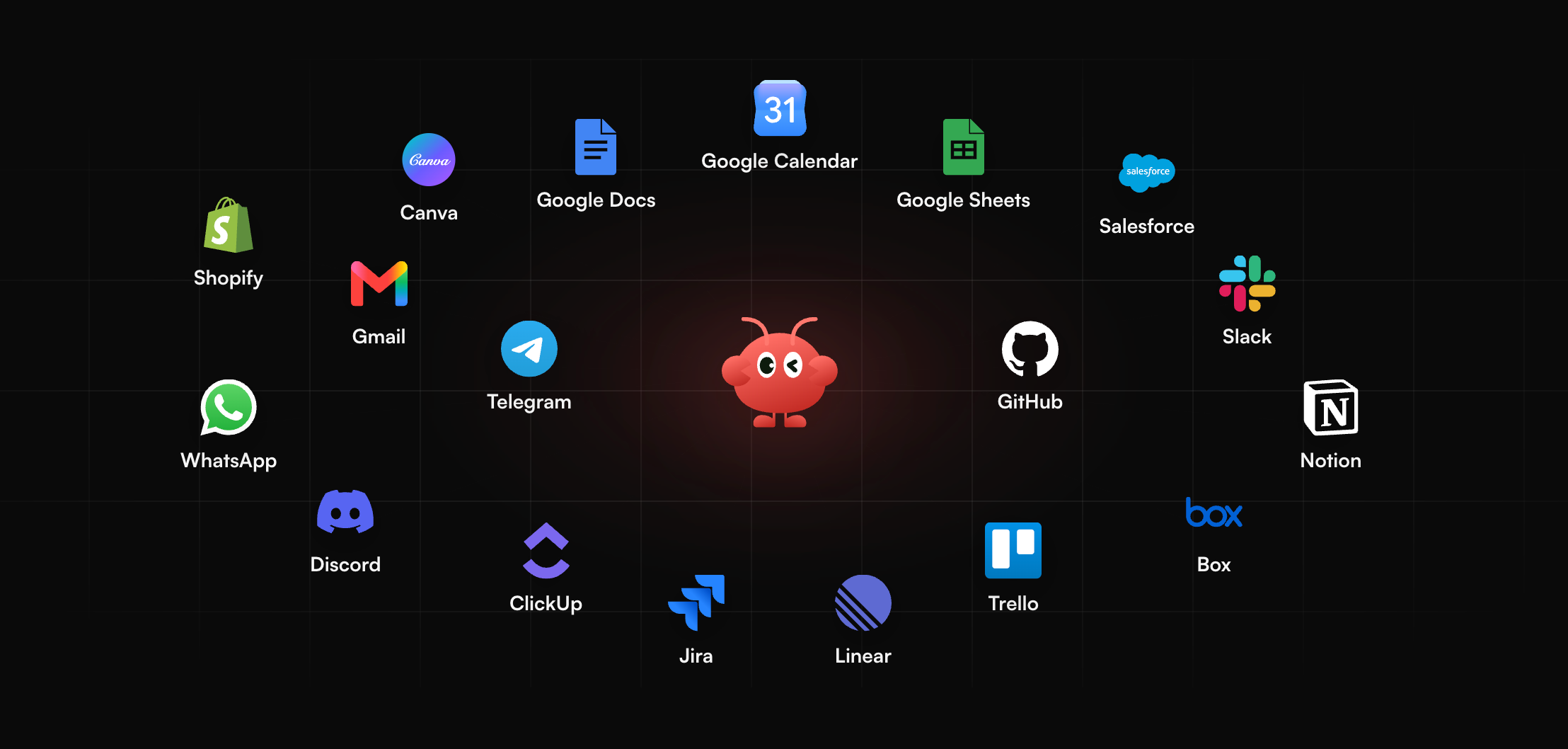
Google Stitch and Claude Design both end at a design artifact. Status updates, research digests, release notes, inbox triage, and deploy checks still need to run after the mockup ships.
MyClaw hosts managed OpenClaw or Hermes agents for that next layer. The agent stays always on. Scheduled jobs fire after you close the tab. You do not set up or patch a server. Agents here work with most popular models. Light follow-ups and heavier reasoning can share one workspace. MyClaw is not a host for Google Stitch or Claude Design. Keep the canvas where it is. Use MyClaw for the execution that starts once a design is approved.
A concrete week beats a vague plan:
- Pick one recurring task that begins after a mockup ships—weekly status notes, a research digest, or release-note drafts from the approved screens.
- Put that task on a MyClaw agent with the same brief you would give a teammate, including the links and files the agent may touch.
- After a week, compare what stayed done without you babysitting the session: answers kept, retries needed, and time you got back.
Keep Stitch or Claude Design for the canvas. Keep MyClaw for the always-on follow-through. When the design tool stops, the agent should not.
Google Stitch vs Claude Design Verdict
- Google Stitch when cash spend must stay at $0, a daily credit reset is fine, and UI screens or DESIGN.md matter most.
- Claude Design when brand systems, decks or one-pagers, and Claude Code handoff matter most, and plan usage covers the work.
- Both when free exploration and branded packing are separate stages.
- Neither replaces an always-on agent for recurring jobs after the mockup.
Pick the canvas for this week’s artifact. Park the follow-through on a managed agent.
Google Stitch vs Claude Design Conclusion
Google Stitch vs Claude Design is a fork between a free Google Labs UI canvas and a plan-included Anthropic design-to-code workflow. Stitch wins on $0 access, daily-credit exploration, voice-driven iteration, and Google’s AI Studio → Antigravity → Netlify path (vendor, March–May 2026). Claude Design wins on brand-system lock-in, multi-deliverable briefs, and Claude Code handoff inside the same Anthropic plan (vendor, checked October 28, 2026).
An independent same-spec test on October 16, 2026 showed the practical split. Claude Design covered a large brief in one paste. Stitch needed screen-by-screen prompts for core coverage (Jesse Wei, third-party). The meters are different kinds of bills—one daily credits at $0 cash, the other shared plan usage. Match the meter to the job instead of forcing a single winner.
Run the same brief once in each tool this week. Keep the output that matches the job. Then move the recurring follow-ups onto a MyClaw OpenClaw or Hermes agent so the work continues after the canvas closes.
Skip the Setup, Run Best-in-Class AI Agents Now
Launch a managed OpenClaw or Hermes Agent workspace in minutes, with always-on hosting, updates, and support handled by MyClaw.