Gemini 4 Carbon vs Opus 5.5: Coding, Pricing and Access

By Nathan Cole
MyClaw Editorial
MyClaw
Run Best-in-Class AI Agents Now
Run OpenClaw or Hermes Agent on managed MyClaw hosting, so your AI agent stays online, updated, and ready for real work.
Start HostingAI Takeaway
- Which should I choose for coding today? Opus 5.5 is the practical starting point for broadly available coding work. Carbon is worth testing if you qualify for its staged rollout.
- Is Carbon more capable? It leads Artificial Analysis’s overall Intelligence Index, while the October 28 coding-agent comparison favors Claude Code with Opus 5.5. Neither result establishes a winner for every job.
- Is Carbon cheaper? Its announced introductory input/output rates are $2/$10 per million tokens. Standard rates match Opus 5.5 at $4/$20; task cost also depends on reasoning, retries and caching.
- What should decide the switch? A correct result on your own work, with less correction and an acceptable total bill. Keep the task, tools and acceptance checks consistent.
Gemini 4 Carbon vs Opus 5.5 at a Glance
As of November 2, 2026, the biggest practical difference is access. Google is opening Carbon to selected cyber defenders and trusted partners; broader developer and consumer availability is still forthcoming. Opus 5.5 is available through Claude, the API and major cloud platforms.
| Factor | Gemini 4 Carbon | Claude Opus 5.5 |
|---|---|---|
| Access | Restricted, staged rollout | Broadly available |
| Standard API input/output, per 1M tokens | $4 / $20 | $4 / $20 |
| Announced introductory input/output, per 1M tokens | $2 / $10 | No equivalent offer stated |
| Context window | 1M tokens | 1M tokens |
| Input types | Text, images, speech, video | Text, images |
| First evaluation to consider | Tasks using its broader input types, once access is confirmed | Repository changes and ongoing coding jobs |
Context and input specifications above come from Artificial Analysis’s model comparison. A 1M-token window accommodates substantial material, but useful repository context still needs selection: the relevant files, failing behavior and acceptance criteria.
For a migration from another Claude model, the Opus 5.5 review covers the integration considerations. Choose your access route before estimating costs; a Claude subscription and API billing are separate arrangements.

Which Is Better for Coding and Long-Running Agents?
Read the Model Scores and Agent Scores Separately
Artificial Analysis’s model comparison, checked November 2, tests Carbon at high reasoning against Opus 5.5 at max effort with default fallback:
| Evaluation | Carbon | Opus 5.5 |
|---|---|---|
| Intelligence Index | 59 | 58 |
| Terminal-Bench 4.0 | 65% | 60% |
| FrontierCode 2.0 | 41% | 46% |
Carbon’s aggregate lead sits alongside mixed coding results. It leads one listed coding evaluation; Opus leads the other. The practical implication is to match the test to the work you need completed.
A separate October 28 report gives Carbon with Antigravity CLI a Coding Agent Index score of 59, versus 62 for Claude Code with Opus 5.5. That report uses FrontierCode v1.1, while the current model comparison uses v2.0. Keep the versions and agent setups attached to those results.
The agent software determines how the model explores files, calls tools and recovers from errors. Reasoning settings and fallback models also affect performance. A fallback-enabled score can include work completed by another model after an intervention.
For coding agent workflows, check the patch, tests and behavior preserved. A successful migration with one review pass is a stronger reason to switch than a narrow lead on an aggregate index.
Visual Demos and Security Scores Answer Different Questions
An impressive 3D scene or animation is evidence of visual coding ability on that prompt. Maintaining a working application also involves dependencies, regression tests and existing constraints.
Google reports strong Carbon results in vulnerability detection, exploitation and patching. Its external cybersecurity evaluations were run without guardrails. Those conditions matter when judging what an accessible deployment may execute.
This comparison uses published evaluations. It does not claim an original hands-on test of either model.
Pricing: What Will a Finished Task Cost?
Gemini 4 Carbon pricing starts with an announced introductory rate of $2 per million input tokens and $10 per million output tokens. Standard rates become $4/$20 afterward. Google has not specified an end date for the introductory period.
Opus 5.5’s standard API rates are $4/$20, with cache reads at $0.20 per million tokens. Premium fast mode costs $8/$40, so identify the mode before comparing bills.
For an illustrative run with 100,000 uncached input tokens and 10,000 total billable output tokens, including reasoning, standard token charges would be:
(0.1 × $4) + (0.01 × $20) = $0.60.
The same token quantities at Carbon’s introductory rates would cost $0.30. Both examples exclude additional attempts and tool charges; they illustrate rates, not the number of tokens either model needs.
Artificial Analysis measured $7.76 per Intelligence Index task for Carbon high and $10.04 for Opus max/default fallback at standard pricing. Carbon costs less on that benchmark task mix, but the result is specific to those settings and evaluations.
For your workflow, count every attempt required to reach an acceptable result. Repeated context, reasoning and repairs can outweigh a lower token rate. Budget for workspace hosting separately from AI usage, then track recurring jobs by their cost per accepted result.
How to Compare Them on Your Own Workflow
Start with a job you can judge confidently: reproduce a bug, add a regression test and prepare a patch. Use a clean copy of the same repository snapshot for each run, with matching tools, instructions and acceptance criteria.
If Carbon is unavailable, save an Opus baseline now and repeat the task when access arrives. Record exact model versions and reasoning settings. “High” does not mean an identical compute budget across providers; the Opus 5.5 prompting guide helps configure the Opus side.
Keep a short record for each run:
- Quality: Does the patch solve the bug without breaking existing behavior?
- Correction: How many extra prompts or human edits were needed?
- Time and cost: What did the complete run consume, including retries?
- Execution: Which tools, settings and fallback models actually handled the task?
Inspect the regression test, too. A passing suite proves little if the agent removed an assertion or quietly changed the requirement. Run several representative jobs before moving a recurring workflow.
For background repository tasks, the Coding Agent skill can delegate work to coding tools and monitor progress. You still define the evaluation and review its results. Compare models inside a common setup when possible; if you compare different coding agents, treat the outcome as a comparison of the complete systems.
Keep Coding Work Running with MyClaw
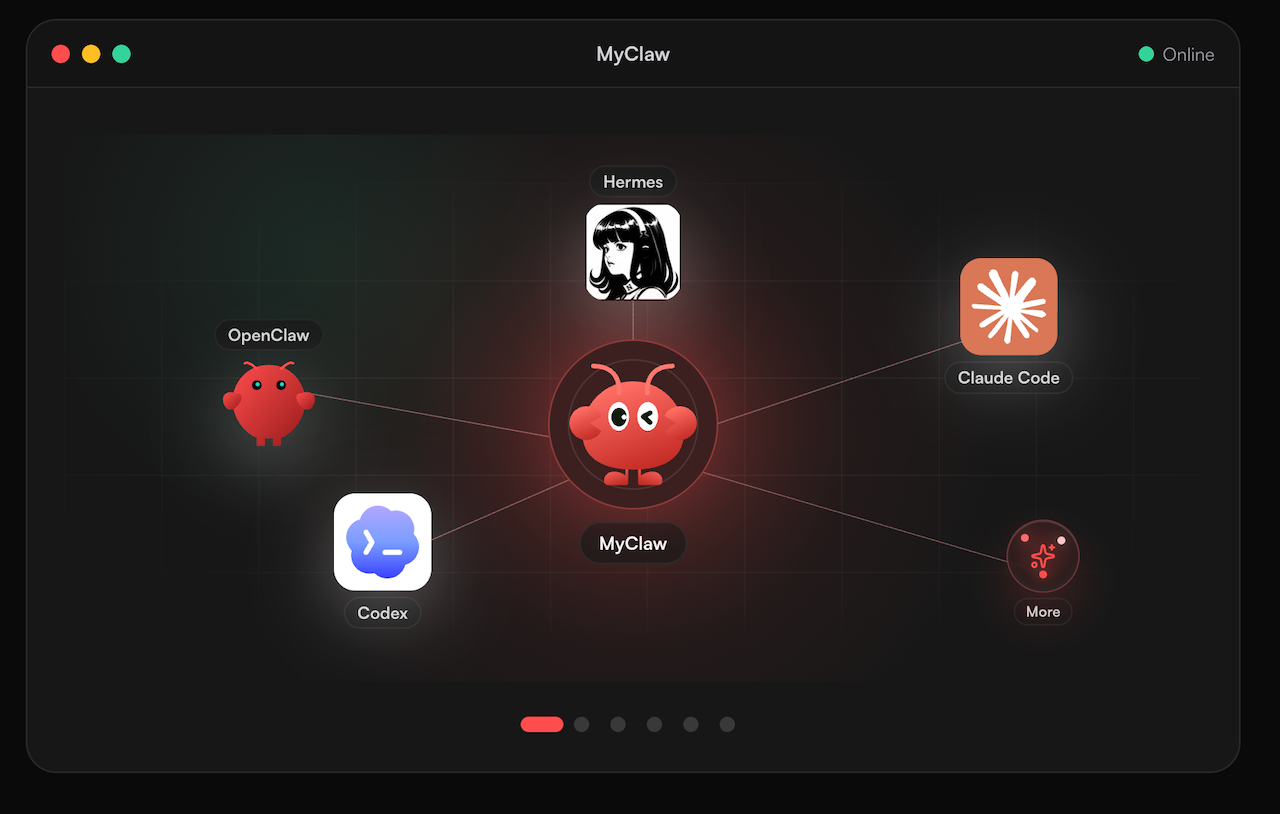
After choosing a model, you need a workspace that retains files and remains available for the next job. MyClaw provides managed hosting for private, always-on OpenClaw agents, with maintenance handled for you. OpenClaw coordinates tools while the selected model supplies reasoning.
This is useful when a successful one-off review becomes a recurring task: scheduled test runs, build investigations or code review summaries. Set it up around a concrete result you can check.
Step 1: Set Up a Focused Coding Workspace
Start a managed OpenClaw workspace with the repository context the task needs. Specify the expected output, required tests and actions needing your review. Begin with one reproducible failure or bounded review.
Step 2: Verify the Model and Run the Saved Task
Choose the exact model your configured provider exposes and record its supported reasoning controls. Confirm access and integration before attempting Carbon; hosting does not change its eligibility requirements. Save the patch, test output and usage record for comparison.
Step 3: Schedule the Job That Earns Its Place
Review several successful runs before setting a schedule. Set a usage budget and decide when the agent should request attention. If the job repeatedly needs manual rescue, narrow its scope before increasing frequency. Keep human approval for changes that need it.
Which Model Should You Choose?
Choose Opus 5.5 as your first trial when you need broad access and a coding workflow today. Put Carbon on your evaluation list when access is confirmed, especially if speech or video input is part of the job.
Before switching, set a concrete target: fewer correction rounds, a lower cost per accepted patch or faster completion at the same quality. Keep the current configuration unless the candidate clears that target across several representative tasks. That makes a model upgrade a measurable improvement to your work.
Skip the Setup, Run Best-in-Class AI Agents Now
Launch a managed OpenClaw or Hermes Agent workspace in minutes, with always-on hosting, updates, and support handled by MyClaw.
Get Started