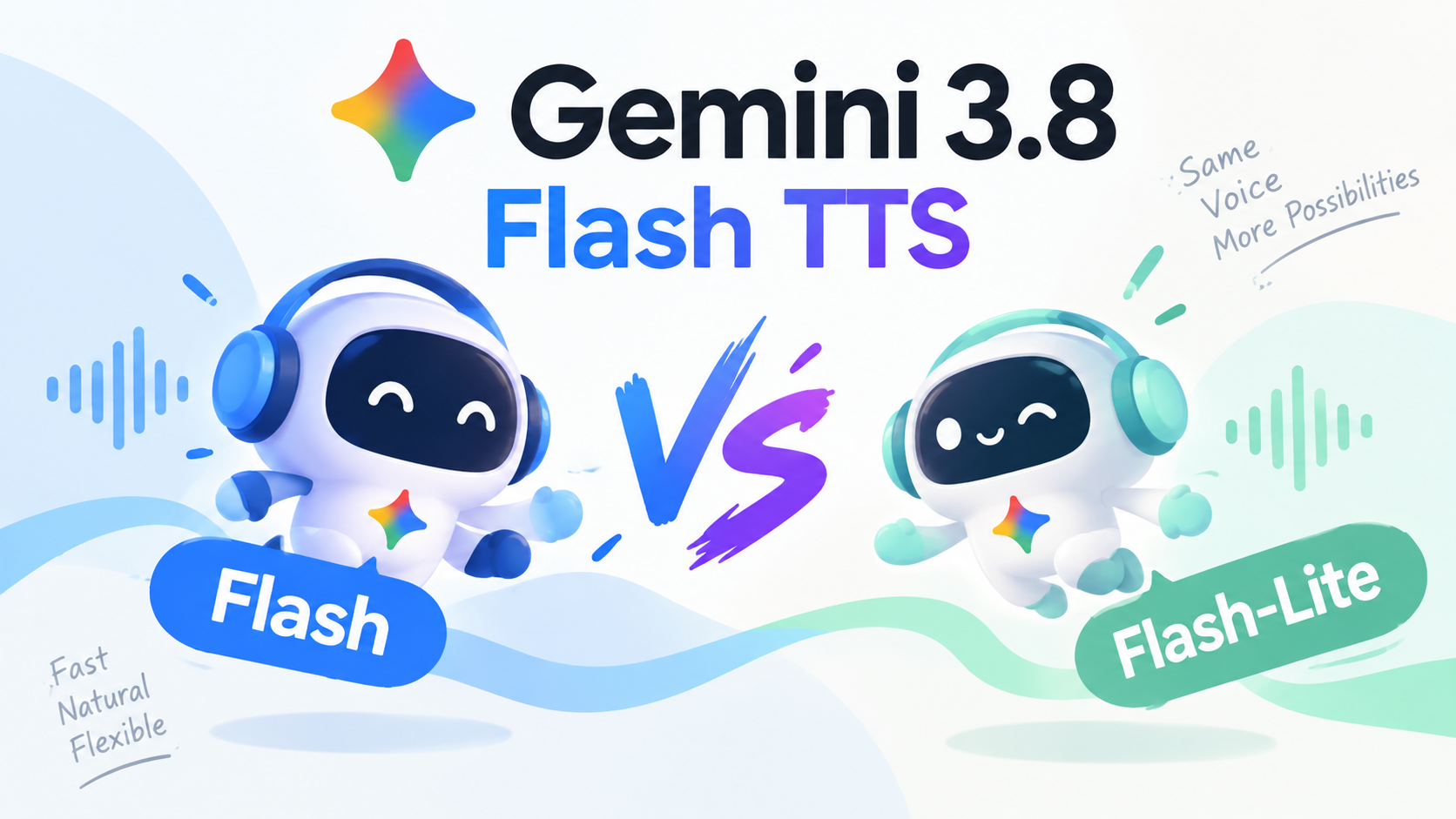
Gemini 3.8 Flash TTS: Flash vs Flash-Lite, Pricing & When to Use

By Julian Brooks
MyClaw Editorial
MyClaw
Run Best-in-Class AI Agents Now
Run OpenClaw or Hermes Agent on managed MyClaw hosting, so your AI agent stays online, updated, and ready for real work.
AI Takeaway
- What is Gemini 3.8 Flash TTS?Gemini 3.8 Flash TTS is Google’s dedicated text-to-audio SKU
gemini-3.8-flash-tts— a studio/creative speech model with about 130 languages, not the Flash chat LLM covered in the Gemini 3.8 Flash review. - How does Flash-Lite TTS differ from Flash TTS?
gemini-3.8-flash-lite-ttstargets throughput, latency, and cost with about 101 languages, ships on Google Vids for consumers, and is the recommended replacement forgemini-3.1-flash-tts-preview. - Where can you access Gemini 3.8 Flash TTS today?Both SKUs are live on the Gemini API and Google AI Studio; Notebook surfaces Flash TTS and Vids surfaces Flash-Lite. Gemini Enterprise is coming soon, and Vertex or Cloud TTS pages may still lack the 3.8 IDs.
- What does Gemini API pricing look like through end-2026?Official Standard rates are $0.50 per 1M input for both, with audio out at $9 per 1M for Flash TTS and $6 per 1M for Flash-Lite TTS through 2026-12-31; those figures double on 2027-01-01 — never invent MyClaw dollars from these stickers.
- When should you pick Flash TTS versus Flash-Lite TTS first?Choose Flash TTS when delivery quality, dialects, or multi-speaker acting is the bottleneck; choose Flash-Lite TTS when volume, read-aloud, or latency-sensitive agent cascades win.
Gemini 3.8 Flash TTS at a Glance
For chat or agent reasoning on the text lane, start with the Gemini 3.8 Flash Review; this page covers the text→audio SKUs only. Google’s Keyword launch around 23 September 2026 shipped Flash TTS and Flash-Lite TTS with a shared prompting and speech_metadata schema, so teams can swap model IDs without a second integration.
| Detail | Flash TTS | Flash-Lite TTS |
|---|---|---|
| Model ID | gemini-3.8-flash-tts | gemini-3.8-flash-lite-tts |
| Role | Creative / studio fidelity | Throughput, latency, cost |
| Languages (API model pages) | ~130 | ~101 |
| Modalities | Text in → audio out | Same |
| Token limits | Input 8,192 / output 16,384 | Same |
| Consumer surface | Gemini Notebook | Google Vids |
| Dev access today | Gemini API + AI Studio | Same |
| Enterprise | Coming soon | Coming soon |
| Lineage note | New creative flagship tier | Replaces gemini-3.1-flash-tts-preview |
API and AI Studio already use the 3.8 TTS IDs; Notebook and Vids carry the consumer story; Gemini Enterprise is still “coming soon.” Cloud Text-to-Speech and Vertex Gemini-TTS docs may still lack gemini-3.8-*tts IDs — say so when a checklist asks for Vertex today.

Flash TTS vs Flash-Lite TTS
Flash TTS wins when studio narration, dialects, two-speaker scenes, or vocal direction matter more than pennies per million audio tokens. Flash-Lite TTS wins for high-volume production, single-speaker read-aloud, voice-replication workloads, or realtime agent cascades when ~101 languages cover the job. Official Gemini API audio-out pricing favors Lite ($6 vs $9 per 1M through end-2026; both double on 2027-01-01). Shared schema means the call is workload and budget — not a rewrite of your integration.
Voice Design, Replication, and Production Limits
Flash TTS leans on generative voice design from natural-language prompts, a production library Google claims in the thousands, and about thirty original or prebuilt studio voices. Line-by-line direction uses structured speech_metadata, inline angle-bracket vocal events, and native two-speaker scenes. Voice replication from roughly thirty seconds of sample plus matching verbal consent carries SynthID on generated audio and C2PA notes for replicated voices.
Replication is not universal. Via AI Studio, Google footnotes blocks in Illinois, Texas, the EEA, the UK, Switzerland, and India — plan consent and geo before promising clone flows. Voice remixing is still “coming soon.” Unary output defaults to WAV (audio/wav) with a RIFF header, a migration bump if older stacks expected raw PCM audio/l16. Ceilings stay text-in / audio-out only, with multi-speaker emphasis on two speakers per request. Official pages reviewed here publish no numeric latency SLA; secondary $/hour conversions stay unverified — prefer the official $/1M table. Keep Gemini 3.8 Flash vs 3.7 Flash for text-generation lineage only — not a TTS comparison.
When Flash TTS or Flash-Lite TTS Is the Right Default

Pick Flash TTS for Studio and Nuanced Delivery
Flash TTS is the quality-first default for audiobooks, regional dialects, multi-speaker dialogue, and vocal-burst acting where pronunciation and long-form stability matter. Reach for it when a producer would rather pay the higher audio-out rate than re-record a flat take. Notebook is the consumer surface; AI Studio and the Gemini API are the builder path.
Pick Flash-Lite TTS for Volume and Agent Cascades
Flash-Lite TTS fits high-volume pipelines, everyday single-speaker read-aloud, and cost- or latency-sensitive agent cascades where speech is one hop in a larger loop. Vids is the consumer surface; the same Lite ID replaces gemini-3.1-flash-tts-preview. For agent-voice product context — not a TTS substitute — see Lindy AI Voice Agent when stacking orchestration around speech.
When to Skip or Wait
Skip forcing 3.8 TTS on Vertex or Cloud TTS checklists until those docs list the IDs. Skip if you need Live or audio-in agent products — different Gemini surfaces. Skip remaking LLM tables here if you already chose the Flash text model for chat. Soft-skip promising MyClaw Chat will always expose the exact TTS IDs; try related Gemini labels or a hosted agent when picker inventory lags.
Honest Strengths and Limits
Stick to Google’s API model pages, pricing page, and launch framing. Hume scores in Google’s launch narrative are vendor-cited, not independent proof.
Pros:
- Clear Flash vs Flash-Lite split: studio fidelity versus throughput, latency, and cost
- Broad language coverage (~130 vs ~101) with a shared prompting and speech-metadata schema
- Voice design from prompts, two-speaker scenes, and structured line direction
- Intro Standard API pricing through 2026-12-31 ($0.50 in / $9 or $6 audio out per 1M) before the 2027-01-01 step
- Live Gemini API and AI Studio access today, plus Notebook and Vids surfaces
Cons:
- Text-in / audio-out only — not a Live audio-to-audio agent surface
- Voice replication geo-blocked in several regions via AI Studio; remixing still coming soon
- Enterprise API still “coming soon”; Vertex and Cloud TTS pages may lack 3.8 IDs at draft time
- No official numeric latency SLA; secondary $/hour estimates stay unverified here
- Vendor-cited Hume scores are not a substitute for your own listen test
On MyClaw, guest Chat access is capped — limited guest access, automatic routing, and a single guest chat per AI Chat pricing. That is a try path, not forever-free model tokens, and Chat or hosting invoices stay separate from Google’s $/1M TTS stickers.
Try Related Gemini Models in MyClaw Chat or an Agent
Soft mid-late path: use Chat to try related Gemini labels when exact TTS IDs are missing, freeze one voice or agent job so “better” cannot mean vibes, then keep the workspace online if swaps should survive sleep. Do not invent MyClaw dollars for TTS.
Step 1: Open Chat and Check the Live Picker
Open MyClaw AI Chat and look for gemini-3.8-flash-tts, gemini-3.8-flash-lite-tts, or labeled Gemini TTS entries if your workspace lists them. If only related Gemini Flash or host-agent options appear, run the live label, note the substitution, and keep TTS IDs for a later config or API path. Guests get a limited try under automatic routing; signed-in plans unlock available models under Chat fair-use rules.
Step 2: Freeze One Voice or Agent Job to Compare
Pin one audiobook paragraph, two-speaker scene, read-aloud batch, or agent cascade with a written pass/fail rule before the first audio token. Optionally compare Flash TTS versus Flash-Lite TTS on the same script when both IDs are available — score with listen tests, not a leaderboard screenshot.
Step 3: Keep the Workspace Online for Model Swaps
When winning prompts and voice settings should survive laptop sleep, move them into an always-on OpenClaw agent on MyClaw so you can swap related Gemini labels or revisit TTS IDs without rebuilding the workspace. Soft next step: start in Chat, then host when the loop must stay up.
Final Call: Match the TTS SKU to the Workload
Default to Gemini 3.8 Flash TTS when delivery quality, dialects, or multi-speaker acting is the bottleneck. Default to Flash-Lite TTS when volume, latency, or audio-out cost wins and 101 languages cover the job. Price the 2027-01-01 cliff before you scale, and keep Vertex expectations honest until Cloud TTS lists the 3.8 IDs. For earlier Flash text context, Gemini 3.7 Flash Review stays in the LLM lane — not a speech bake-off.
Start with one frozen script on API, AI Studio, or a related Gemini try in MyClaw Chat, note substitutions if the TTS ID is missing, and move the loop to hosted OpenClaw when always-on beats a browser tab.
Skip the Setup, Run Best-in-Class AI Agents Now
Launch a managed OpenClaw or Hermes Agent workspace in minutes, with always-on hosting, updates, and support handled by MyClaw.