Dola Seedream 5.0 Pro Review: Features, Pricing, Pros and Cons

By Emma Reed
MyClaw Editorial
MyClaw
Run Best-in-Class AI Agents Now
Run OpenClaw or Hermes Agent on managed MyClaw hosting, so your AI agent stays online, updated, and ready for real work.
AI Takeaway
- What is Dola Seedream 5.0 Pro? It is ByteDance's top Seedream image model, built for text-to-image work, image-to-image with one or several references, marker-based editing and layer decomposition. On BytePlus ModelArk its model ID is dola-seedream-5-0-pro-260628, and BytePlus's model list shows it as updated July 8, 2026 (vendor-stated, read October 21, 2026).
- What does "Dola" mean in the name? Dola is the brand ByteDance uses on BytePlus for its Seed models, such as Dola Seed and Dola Seedream. Dola is also the name of ByteDance's overseas consumer assistant app, but that app and this API model are separate products.
- What stands out about it? Edits guided by boxes, arrows and handwritten notes, splitting one image into up to 16 transparent layers, native text in 14 extra languages, and output at 1K, 1.5K or 2K (vendor-stated).
- What does it cost to use? BytePlus's standard pay-as-you-go price is $0.045 per image, with the first reference image free and each extra reference at $0.003 (vendor-stated, October 21, 2026).
- Can I use Dola Seedream 5.0 Pro in MyClaw? Yes. Dola Seedream 5.0 Pro is available in MyClaw, and the three steps to try it come just before the Conclusion.
What Dola Seedream 5.0 Pro Is (and What Dola Means)
Seedream is ByteDance's image generation line, built by its Seed research team. On BytePlus, ByteDance's international cloud platform, the newer models carry the "Dola" prefix, so you will see Dola Seed for language models and Dola Seedream for images. BytePlus's ModelArk product page also lists the model as "Dreamina-Seedream-5.0-pro", whereas the documentation and model list use the Dola name, so expect both labels in the wild.

The naming gets confusing because Dola is also a consumer assistant app from ByteDance, which third-party reporting says was renamed from Cici around November 2025. ByteDance has not said which models power that app, so trying the Dola app does not amount to testing Dola Seedream 5.0 Pro through the API. This review covers the API model.
Within the 5.0 family, BytePlus lists three versions: Pro for the best image quality, Flash (dola-seedream-5-0-flash-260915) for speed and lower cost, and an earlier 5.0 lite. ByteDance's video counterpart is covered in our Seedance 2.5 overview.
This Dola Seedream 5.0 Pro review is based on ByteDance and BytePlus documentation and showcase material. No hands-on testing was done for this piece.
Specs and Pricing at a Glance
All details are vendor-stated, from BytePlus documentation updated October 13, 2026 and the BytePlus product page, read October 21, 2026.
| Item | Dola Seedream 5.0 Pro |
|---|---|
| Model ID | dola-seedream-5-0-pro-260628 |
| Tasks | Text-to-image, single or multi-image image-to-image, interactive editing, layer decomposition |
| Output resolution | 1K, 1.5K, 2K |
| File formats | PNG, JPEG |
| Prompt optimization | Standard mode and fast mode |
| Layer output | One base image plus up to 16 layers |
| Rate limit | 500 images per minute |
| Price | $0.045 per image (standard pay-as-you-go) |
| Reference images | First one free, extras $0.003 each |
BytePlus also sells first-purchase image packs (310, 800 and 1,555 images) that are valid for 30 days. The $0.045 figure is the standard pay-as-you-go rate from BytePlus's ModelArk pricing table, and the packs are a separate first-purchase option. Note too that each pack covers Dola Seedream 5.0 Pro images specifically, and unused images lapse once the 30 days are up.
Our own arithmetic at those listed prices: 100 images, each made from three reference images, would cost about $4.50 for the images plus $0.60 for the 200 extra references, or roughly $5.10. Layer decomposition and editing runs may be billed differently, so test a small batch first. If speed matters more than polish, the Flash version is positioned as faster and lower cost, and the fast prompt-optimization mode on Pro is another way to cut wait times (vendor-stated). For a look at OpenAI's newest image model and its pricing, read our GPT Image 2.5 breakdown.
Standout Features
Interactive Editing With Markers
The headline feature is editing by annotation. You can draw boxes, arrows or freehand marks on an image, or give coordinates, and the model applies changes only where you pointed. ByteDance's showcase includes turning an annotated sketch into a website hero section and reworking six boxed areas of a living room photo (vendor-stated). That kind of local control helps whenever a single region of a shot needs rework.
Layer Decomposition
Dola Seedream 5.0 Pro can split a single image into one base image and up to 16 layers, each a PNG with an alpha channel. BytePlus says it also returns each layer's position, stacking order and a short description, so you can move, resize, recolor or swap elements in a design tool afterwards (vendor-stated). For designers, this turns a flat render into something closer to an editable file. It also helps with reuse: a product shot can keep its subject layer while the background, price badge or headline text is swapped for each campaign, instead of regenerating the full image every time and hoping the product still matches.
Infographics and Multilingual Text
ByteDance highlights dense, text-heavy images such as educational posters, technical drawings and storyboards. The model renders text natively in 14 languages beyond English and Chinese, including Japanese, Korean, Arabic, Spanish, French, German and Vietnamese (vendor-stated), which matters for teams producing localized ads or signage. ByteDance's examples include a four-language subway safety poster and a medical poster translated into Arabic with a right-to-left layout (vendor-stated). Text accuracy in generated images has long been a weak spot for image models, so check spelling carefully in any language you cannot read yourself.
Photo Realism and Retouching
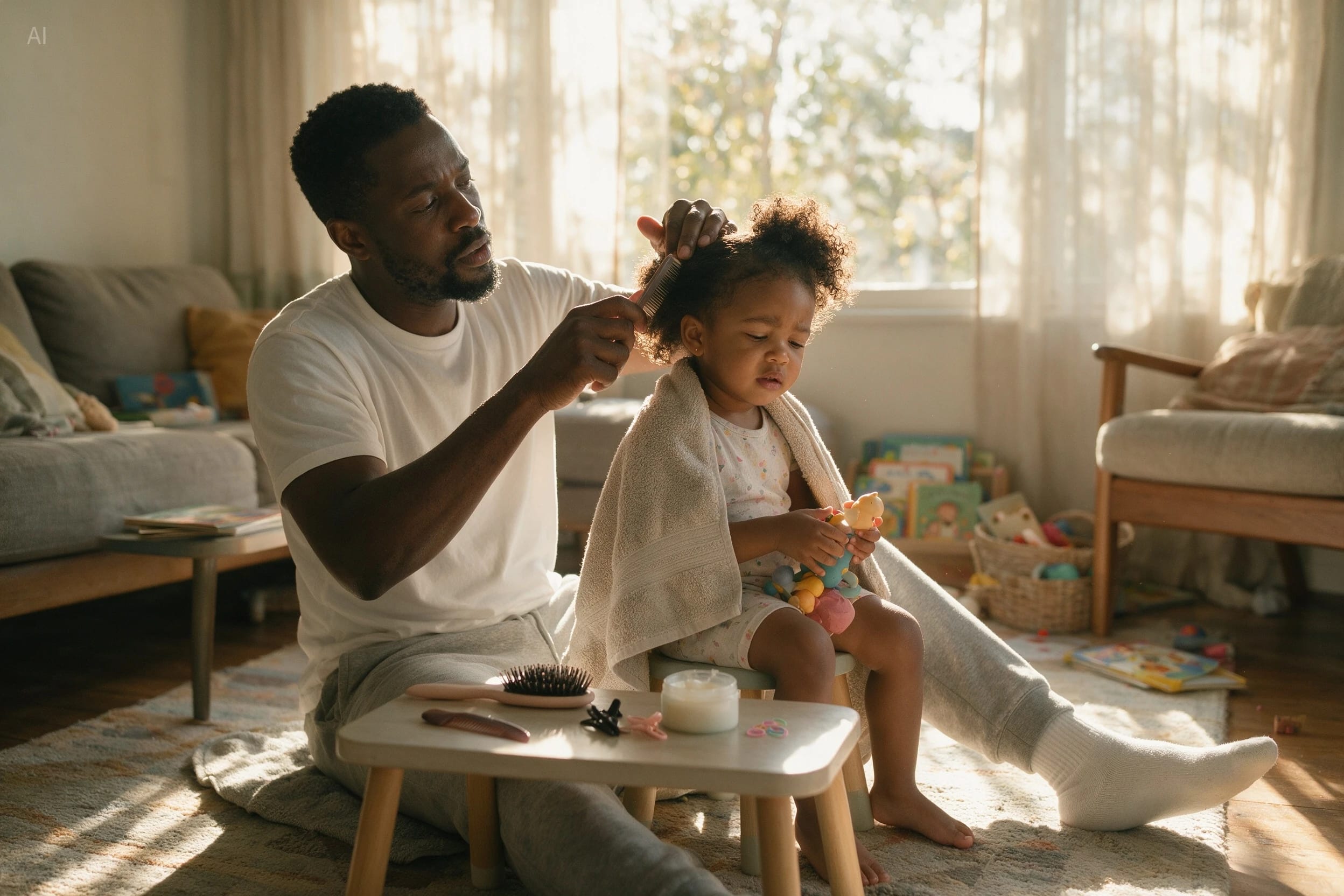
The Seed showcase also stresses realistic lighting, shadows and skin texture, along with retouching tasks such as removing blemishes while keeping results natural. As with all showcase images, these are chosen examples rather than average results. ByteDance also shows a 16-panel storyboard and a family photo with a set timestamp in the corner, both tests of following detailed, multi-part instructions (vendor-stated). To see a rival approach to editing, our Nano Banana 2.1 review covers Google's take on image editing.
Dola Seedream 5.0 Pro Pros and Cons
Pros: Dola Seedream 5.0 Pro
- Precise edits guided by on-image markers.
- Up to 16 editable layers from one image.
- Native text in many languages.
Cons: Dola Seedream 5.0 Pro
- Maximum output resolution is 2K.
- No public benchmarks yet.
- Image packs lapse after 30 days.
Who Should Use It and How It Compares
Based on the vendor material, Dola Seedream 5.0 Pro looks best suited to the following groups, though your own trial should have the final say:
- Designers and agencies who need to change one area of an image without regenerating the whole thing.
- Marketing teams producing the same visual in several languages.
- Educators and publishers who need infographics with lots of readable text.
- Developers building editors or canvases, since the layer output fits a front-end workflow.
Look elsewhere if you need print-size output beyond 2K, or if you want published benchmark evidence before choosing a model.
How it stacks up against GPT Image, Nano Banana or Qwen Image is hard to say yet, because ByteDance has released no benchmark results for this model and we found no independent ones. Its clearest differences on paper are marker-based editing and layer output rather than raw image quality. Rate limits are generous too, with 500 images per minute listed, which suits batch jobs such as product catalogs (vendor-stated). If raw resolution above 2K matters, look elsewhere. For a sense of how other image models compare, our matchup between Alibaba's and OpenAI's image models is a useful reference point. Whatever your shortlist, run the same five or ten real prompts through each model and judge the results side by side.
Run Dola Seedream 5.0 Pro in MyClaw
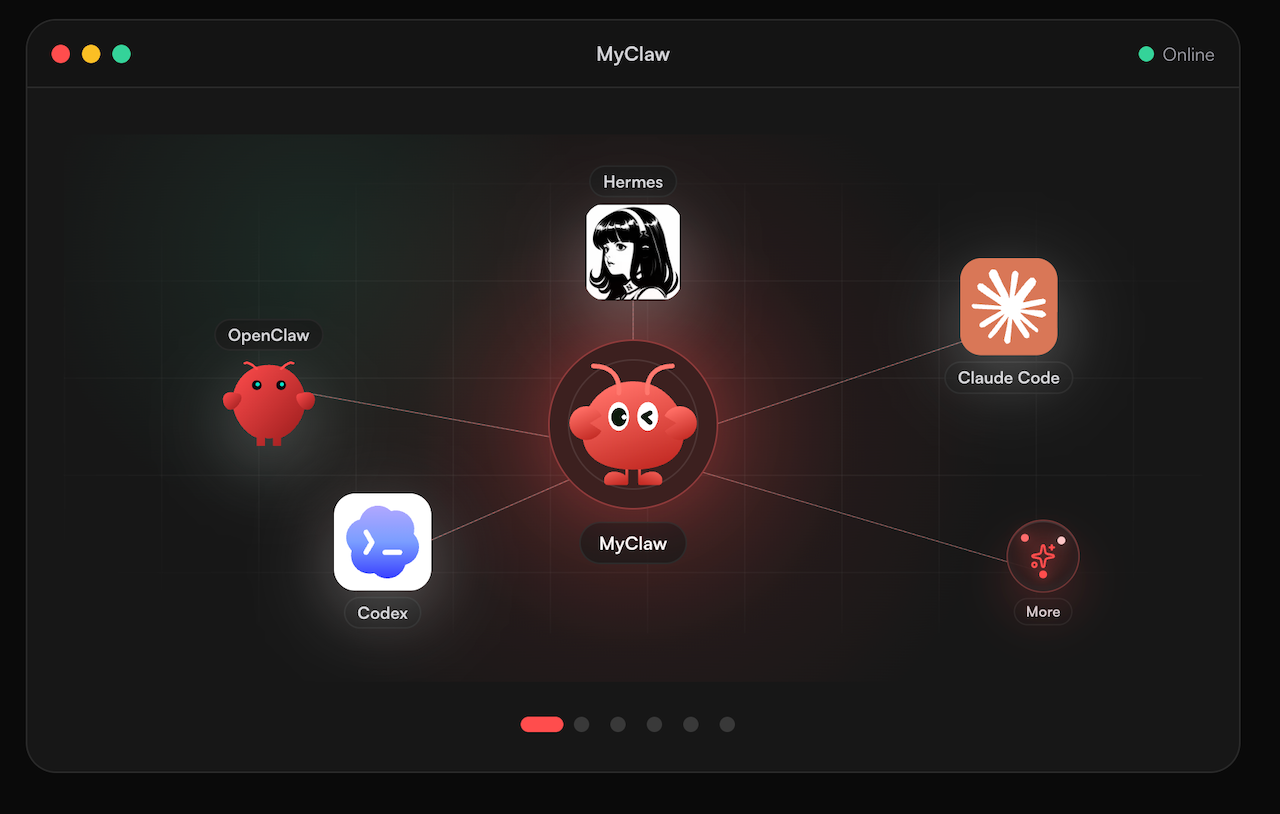
If you would like to try the model without setting up a BytePlus account and API calls, MyClaw is a simple option. MyClaw keeps a managed agent online day and night, with OpenClaw or Hermes underneath. You can reach it on Telegram or WhatsApp, by email, or through the web app. MyClaw also works with most popular models; Dola Seedream 5.0 Pro is one of the image models you can choose. To learn more about the frameworks underneath, see our OpenClaw explainer and Hermes agent overview.
- Sign up and open your MyClaw agent.
- Choose Dola Seedream 5.0 Pro as the image model.
- Send a prompt or an annotated reference image, then ask for changes until it looks right.
Conclusion
Dola Seedream 5.0 Pro stands out less for headline resolution and more for control: marker-guided edits, 16-layer decomposition and native multilingual text are features designers can put to work right away. The trade-offs are a 2K output ceiling, image packs that lapse after 30 days and no public benchmarks yet. If precise editing matters more to you than raw pixels, it deserves a trial, either through BytePlus or by picking Dola Seedream 5.0 Pro inside MyClaw.
Skip the Setup, Run Best-in-Class AI Agents Now
Launch a managed OpenClaw or Hermes Agent workspace in minutes, with always-on hosting, updates, and support handled by MyClaw.