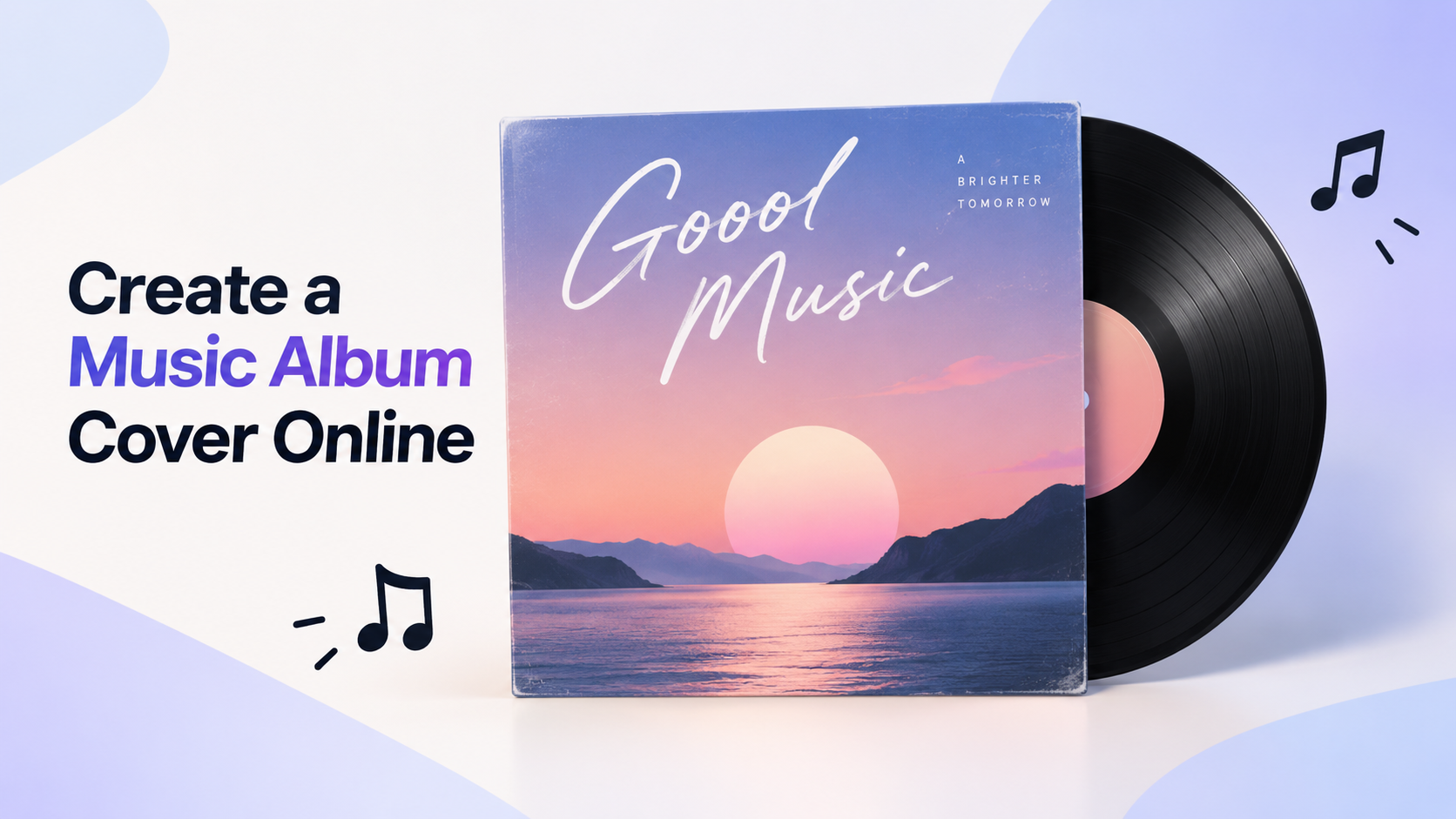
How to Create a Music Album Cover Online (2026 Guide)

By Nathan Cole
MyClaw Editorial
MyClaw
Run Best-in-Class AI Agents Now
Run OpenClaw or Hermes Agent on managed MyClaw hosting, so your AI agent stays online, updated, and ready for real work.
AI Takeaway
- Which route to a music album cover is fastest?Start with square artwork from an AI generator such as MyClaw's album cover tool, set the artist name and title in a design editor, and export a 3000 × 3000 pixel RGB JPG before you upload.
- What size should an album cover be?Aim for 3000 × 3000 pixels, because that single file clears DistroKid's 1000-pixel floor, Apple Music's 1400-pixel floor, and Spotify's accepted range of 640 to 10,000 pixels.
- Can I create a music album cover online for free?Yes, you can, since MyClaw offers limited free guest generation and Canva and Adobe Express both list free plans for adding text, though Kittl's free plan is limited to personal use.
- Should the AI write the album title on the cover?Usually it should not, because generated lettering is often misspelled or warped, so the safer route is to leave clear space in the image and add the type yourself.
- What gets an album cover rejected by distributors?Most rejections come from URLs, QR codes, social handles, streaming or social logos, prices, unlicensed stock photos, blurry or upscaled files, and artwork already used on another release.
Create Your Cover With MyClaw's Album Cover Generator
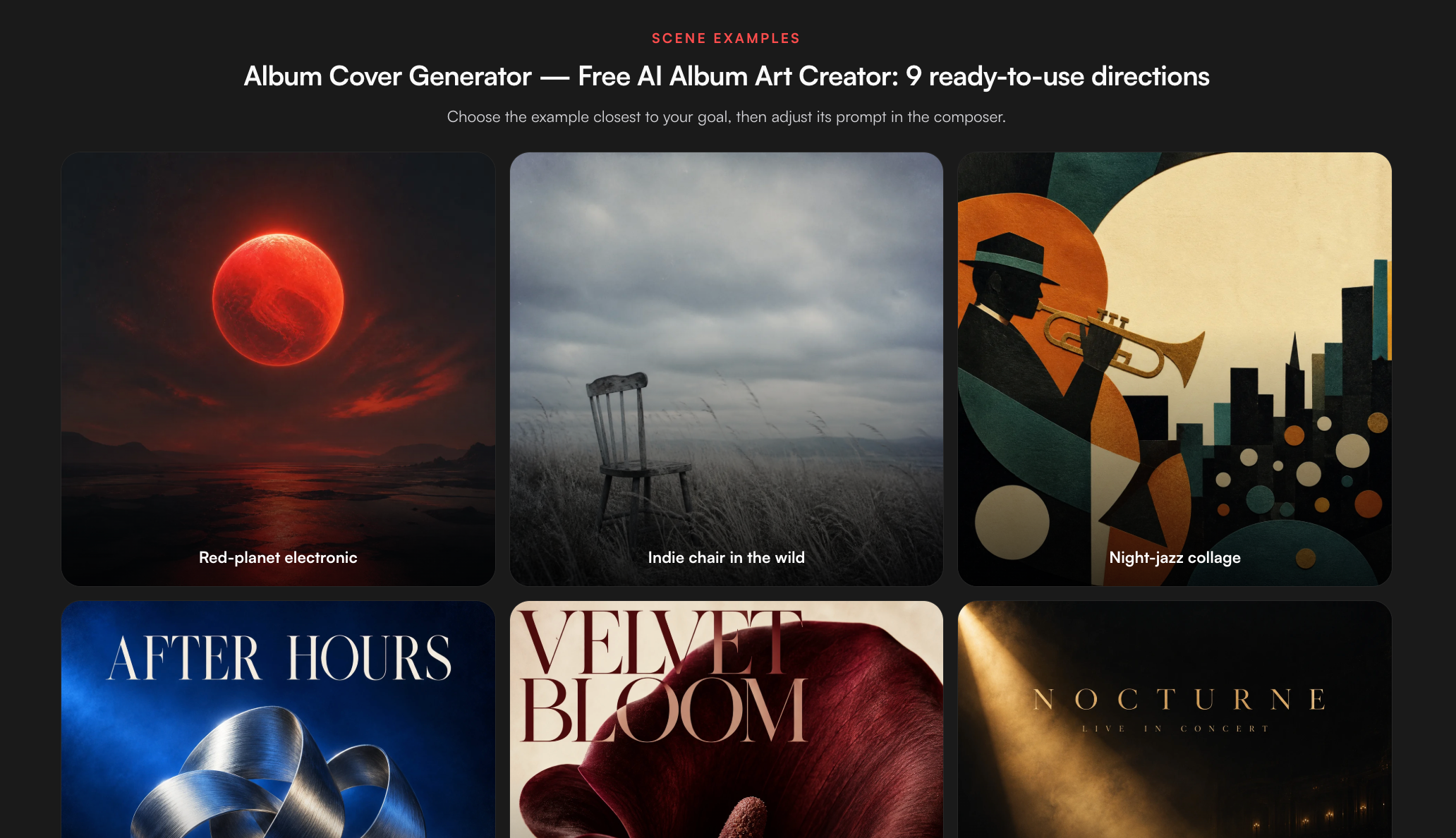
The MyClaw album cover generator is built for square cover art. You can type a prompt or upload a reference to edit, start from genre presets for electronic, indie, or jazz releases, and choose one of seven looks: photorealistic, cartoon, 3D, anime, digital art, abstract, or prompt-led. Output can be Standard, 2K, or 4K where the selected model supports it, and each run returns one, two, or four variations, with each image counting toward your usage. The default prompt keeps room for a title without rendering any letters, which suits the workflow below.
- Open the album cover generator and describe the release in one sentence: genre, mood, a single focal subject, and a colour palette.
- Keep the square ratio, pick a style, select the highest resolution on offer, and ask for four variations.
- Download the strongest direction, then continue with the typography and export steps in this guide.
Want ready-made prompt ideas by genre and a wider look at generators? Our AI album cover generator guide covers both.
Step 1: Turn the Music Into a One-Line Visual Brief
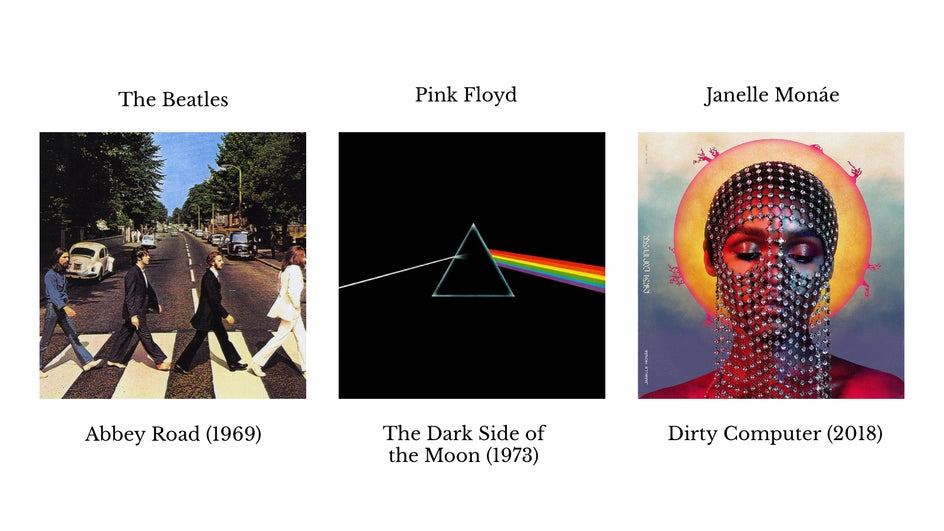
Learning how to create a music album cover starts before you open any tool. Play the lead track and write down five things: the release title, the genre, three mood words, one object or scene that could stand for the record, and two or three colours. A brief such as "late-night synthwave single, lonely and neon, an empty highway, magenta and deep blue" gives a generator far more to work with than "cool cover for my song."
Keep the brief tied to your own world. Photos you shot, places you recorded, or a recurring symbol from earlier releases all make better anchors than a famous record you admire.
Step 2: Generate and Shortlist Artwork
Run the brief once, then adjust a single element per round, such as lighting, camera distance, or style, so you can tell which change helped.
Judge every candidate at small size. On phones, a cover often appears no bigger than a thumbnail, so shrink each image on screen and ask three questions. Is there one clear focal point? Does it still read in a glance? Is there an empty area where a title could sit without fighting the subject?
Shortlist two or three images. If none hold up, rewrite the brief rather than generating dozens more variations. For models with tighter layout control, our GPT Image 2.5 overview explains where it handles composition well.
Step 3: Add the Artist Name and Title
Take the chosen image into a design editor for the lettering. Canva, Adobe Express, and Kittl all let you drop in an image and place text over it, and any layered editor works too.
Keep the type simple:
- Use no more than two fonts, one for the artist and one for the title.
- Place text inside the empty area you planned for, away from the edges.
- Check contrast; light letters on a busy light background disappear at thumbnail size.
- Include only the artist name and release title, since stores reject URLs, handles, and extra slogans.
Make sure the names match your distributor metadata exactly, since a mismatch can delay review.
Step 4: Export at Distributor Specs
Export once, at a size every store accepts. The table summarises each service's official help pages, checked October 13, 2026.
| Service | Formats | Size | Other rules |
|---|---|---|---|
| DistroKid | JPG | Minimum 1000 × 1000, ideal 3000 × 3000 | RGB, a single image, no reuse across releases |
| Apple Music | JPEG or PNG at 100% quality | Minimum 1400 × 1400, 3000 × 3000 or larger recommended | Square, original art preferred |
| Spotify | JPG, PNG, or TIFF, lossless | 640 to 10,000 pixels | 1:1, sRGB 24-bit, colour profile applied rather than embedded, no upscaling |
A 3000 × 3000 RGB JPG at maximum quality satisfies all three. Other distributors such as TuneCore, CD Baby, and UnitedMasters list size ranges that also include 3000 pixels, according to a third-party summary, so confirm on their own help pages before you upload.
Watch your source resolution. A 1024-pixel default render or a 2K file falls short of the 3000-pixel ideal, and Spotify warns against upscaled artwork. Generate at 4K where the model allows it, then resize down to 3000 × 3000.
Step 5: Run the Rejection Checklist
Before you submit, scan the final file against the reasons stores most often bounce artwork:
- No web addresses, QR codes, or social media handles.
- No logos for streaming services, social platforms, or brands you do not own.
- No prices, release dates in the future, or words like "CD" or "vinyl" that refer to physical formats.
- No blurry, pixelated, stretched, or rotated images.
- No stock photos unless your licence covers album artwork.
- No nudity or graphic content that breaks store policy.
- No artwork already used on a different release of yours.
Step 6: Check Rights Before You Release
You need the right to use every part of the cover commercially. Start with the generator's terms of service and confirm that its outputs can be used on a commercial release. Do the same for any font, texture, or stock element you added in the editor.
Avoid prompts that name living artists, copyrighted characters, or real people, since a recognisable likeness or character can cause trouble however the image was made. Keep your prompts and edit files in case a distributor asks how the art was made.
Copyright treatment of AI-assisted artwork differs between countries and is still developing, so check your local rules, and speak with a qualified adviser if a release carries significant commercial stakes.

Online Album Cover Tools Compared
Features reflect each vendor's own descriptions.
| Tool | Best for | Notes |
|---|---|---|
| MyClaw | Generating original square cover art | Seven styles, genre presets, 4K where the model supports it, up to four variations; leaves text to an editor |
| Canva | Adding text to finished art | Album cover templates and a free plan, with some elements reserved for Pro, per Canva |
| Adobe Express | Template layouts and quick edits | Templates and a free plan, with premium editing features paid, per Adobe |
| Kittl | Stylised typography | Templates and text effects; the free plan is personal use only, so a commercial release needs a paid plan, per Kittl |
A common pairing is MyClaw for the image and one of the editors for lettering. If you prefer an all-in-one AI design agent, our Lovart AI review weighs that approach.
Design Tips That Hold Up at Thumbnail Size
- One subject. A single strong focal point beats a crowded collage on a phone screen.
- High contrast. Separate the subject from the background with light, colour, or both.
- A limited palette. Two or three colours read faster and feel more deliberate.
- Series consistency. Repeat a frame, colour, or font across singles so fans spot new releases.
Stylised looks can work well for certain genres. Our guide to pixel art backgrounds shows how a retro style can carry a chiptune or lo-fi release, and our Design Arena AI alternative roundup compares other ways to test visual ideas.
Verdict: Is Making Your Own Album Cover Online Worth It?
For independent artists, the decision to create a music album cover online usually pays off: it is fast and inexpensive, as long as you treat AI output as raw material rather than the finished file.
Pros:
- Original artwork in minutes, with several directions to compare.
- Full control over mood, palette, and typography.
- Free options from MyClaw (limited guest use), Canva, and Adobe Express can cover a first release, but Kittl's free plan excludes commercial use.
Cons:
- Default resolutions may need a 4K render to reach 3000 pixels cleanly.
- AI lettering is unreliable, so text needs a separate editor.
- Rights and store rules still require a manual check.
If you want to compare image models before committing, our head-to-head of Qwen's and OpenAI's image models breaks down their strengths.
Skip the Setup, Run Best-in-Class AI Agents Now
Launch a managed OpenClaw or Hermes Agent workspace in minutes, with always-on hosting, updates, and support handled by MyClaw.