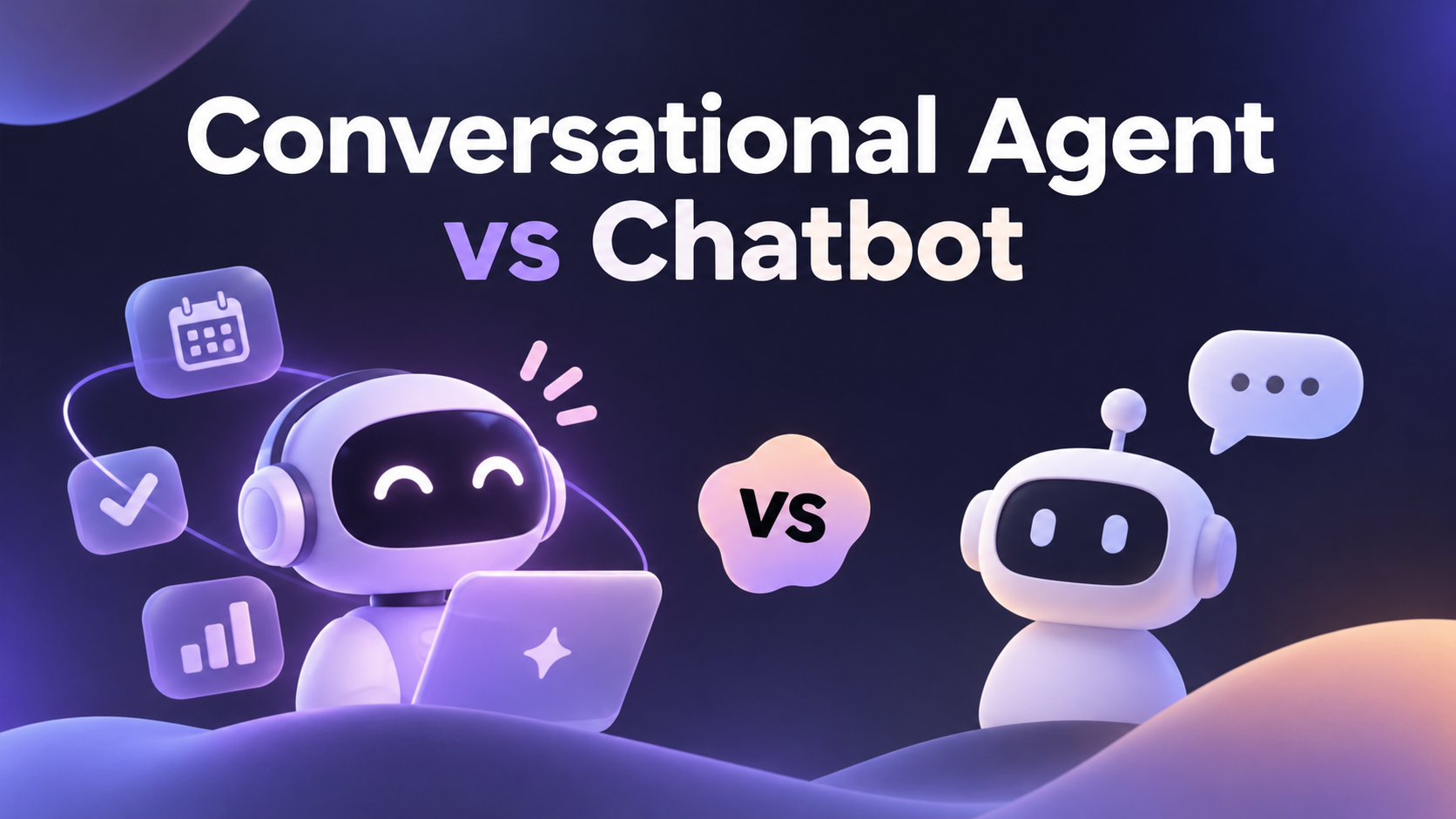
Conversational Agent vs Chatbot: Key Differences and When to Use Each (2026)

By Alex Morgan
MyClaw Editorial
MyClaw
Run Best-in-Class AI Agents Now
Run OpenClaw or Hermes Agent on managed MyClaw hosting, so your AI agent stays online, updated, and ready for real work.
AI Takeaway
- What is the core difference? A chatbot answers questions or follows predefined flows. A conversational agent tracks context across turns, picks its own tools, and completes multi-step tasks in connected systems.
- Is every LLM chatbot a conversational agent? No. A large language model can chat fluently and still be a chatbot if it cannot call tools, keep state, or act. Add tools, state, and data access, and it starts behaving like an agent.
- When is a chatbot the right call? For bounded, predictable jobs such as FAQs, order status, opening hours, and guided troubleshooting, where speed and simple governance matter most.
- When do you need a conversational agent? When a request spans several systems, needs reasoning over messy input, or has to read and write records, such as processing a refund or rebooking a trip.
- Want a conversational agent that keeps working while you are offline? A hosted OpenClaw or Hermes agent on MyClaw uses popular LLMs for free, runs scheduled jobs, and answers you on Telegram or WhatsApp, with no server work on your side.
What a Chatbot Is
A chatbot is software that holds a conversation in order to answer a question or walk you through a defined process. The earliest versions were rule-based: they matched keywords to scripted replies or moved you through a decision tree. Modern chatbots often run on a large language model, so replies sound natural, but the structure underneath is the same.
The defining trait is control flow. In a chatbot, the developer decides at design time what happens at each step. You ask a question, the bot classifies it, pulls an answer from a knowledge base, and returns text. If it can do anything beyond that, it is usually a hard-coded action, such as handing you to a human or opening a ticket.
That design is a strength when the job is narrow: a chatbot is fast and easy to audit because every path is known in advance.
It breaks when you step off the script. Ask a question that combines two systems, or ask it to change something rather than look it up, and a chatbot will either loop, guess, or escalate. Memory is typically limited to the current session, so it forgets you the moment the window closes. For how chatbots compare with fully autonomous systems, see AI agent vs chatbot.
What a Conversational Agent Is
A conversational agent completes tasks through multi-turn dialogue. The conversation is a means to an outcome, not the outcome itself.
Three capabilities separate it from a chatbot. First, it keeps state: it remembers what you said three turns ago, what it has already checked, and what is still missing. Second, it resolves intent, asking clarifying questions when your request is ambiguous instead of guessing. Third, it acts: it can call tools and connected systems to read or write data in the middle of the conversation.
Crucially, the model decides the next step at runtime. Rather than following a fixed path, it looks at the goal, checks intermediate results, and chooses which tool to use next. A well-designed agent confirms before risky actions, such as issuing a refund or sending a message on your behalf, and hands off to a person when it reaches the edge of its permissions.
The model alone is not the agent. The same LLM can power a plain chatbot or a capable agent depending on what surrounds it. The layering is broken down in AI agent vs LLM.
Conversational Agent vs Chatbot at a Glance
| Dimension | Chatbot | Conversational Agent |
|---|---|---|
| Control flow | Predefined by the developer | Chosen by the model at runtime, toward a goal |
| Memory | Session-only or none | Tracks state across turns, often across sessions |
| Tool use | None or hard-coded calls | Selects tools based on reasoning |
| Actions | Returns text or scripted handoffs | Reads and writes in connected systems, with confirmation |
| Data access | One knowledge base at a time | Multiple systems per request |
| Latency | Low, usually a single model call | Higher, several steps and tool calls |
| Failure mode | A wrong or vague answer | Errors that compound across steps, including wrong actions |
| Setup and governance | Simple to define and audit | Needs permissions, logging, and approval rules |
| Best fit | FAQs, status checks, guided flows | Multi-step tasks, cross-system requests, follow-through |
How They Differ in Practice

Memory and Context
A chatbot treats most messages as fresh questions. A conversational agent carries a working picture of the task: your preferences, earlier answers, and what it has already tried. That is why you can say "do the same for next week" and an agent knows what "the same" means.
Tools and Actions
In the conversational agent vs chatbot split, chatbots tell you things and conversational agents do things. The agent can search, check a calendar, query a database, draft an email, or update a record, then report back in the same thread.
Autonomy and Oversight
With autonomy comes the need for guardrails. Chatbots rarely need approval steps because they cannot change much. Agents should have clear limits on what they can touch, a confirmation step before irreversible actions, and logs you can review afterward. This shift from generating content to taking action mirrors the wider move described in agentic AI vs generative AI.
Cost, Latency, and Risk
Each extra step an agent takes adds time and model usage. For a simple lookup, that overhead is waste. For a task that would otherwise need a person to jump between three apps, it is a bargain. Risk follows the same curve: a chatbot's worst case is a bad answer, while an agent's worst case is a bad action, so scope its permissions to match.
Conversational Agents and Chatbots in Customer Support
Support is where conversational agents and chatbots most often work side by side, and the strongest setups use both.
A common pattern has three tiers. A chatbot sits at the front door and handles the high-volume, low-risk questions: shipping times, return policies, password resets. When a request needs an account-specific action, the conversation moves to a conversational agent that can look up the order, check eligibility, and process the change after the customer confirms. Anything outside policy, emotionally charged, or high in value goes to a human, with the full context attached so the customer does not have to repeat themselves.
Take a refund. The chatbot can explain the policy. The agent can verify the purchase date, confirm the item, issue the refund, and send a confirmation. A rebooking request works the same way: the agent checks availability, offers options, and completes the change once you pick one.
Deployment patterns are covered in conversational AI agents for businesses.
How to Choose
Work through a few questions before you pick:
- Can you list every path? If the questions and answers are finite and predictable, a chatbot is simpler and faster.
- Does the task change anything? If it needs to write records, send messages, or trigger workflows, you need an agent.
- How many systems are involved? One knowledge base suits a chatbot. Several connected tools point to an agent.
- What is your risk tolerance? Agents need approval rules and logs. If you cannot set those up yet, start with a chatbot.
- Do you need follow-through over time? Proactive check-ins, reminders, and recurring tasks are agent territory.
A practical path is to start bounded, then add tools one at a time behind confirmation steps as trust grows.
Run an Always-On Conversational Agent Without a Server
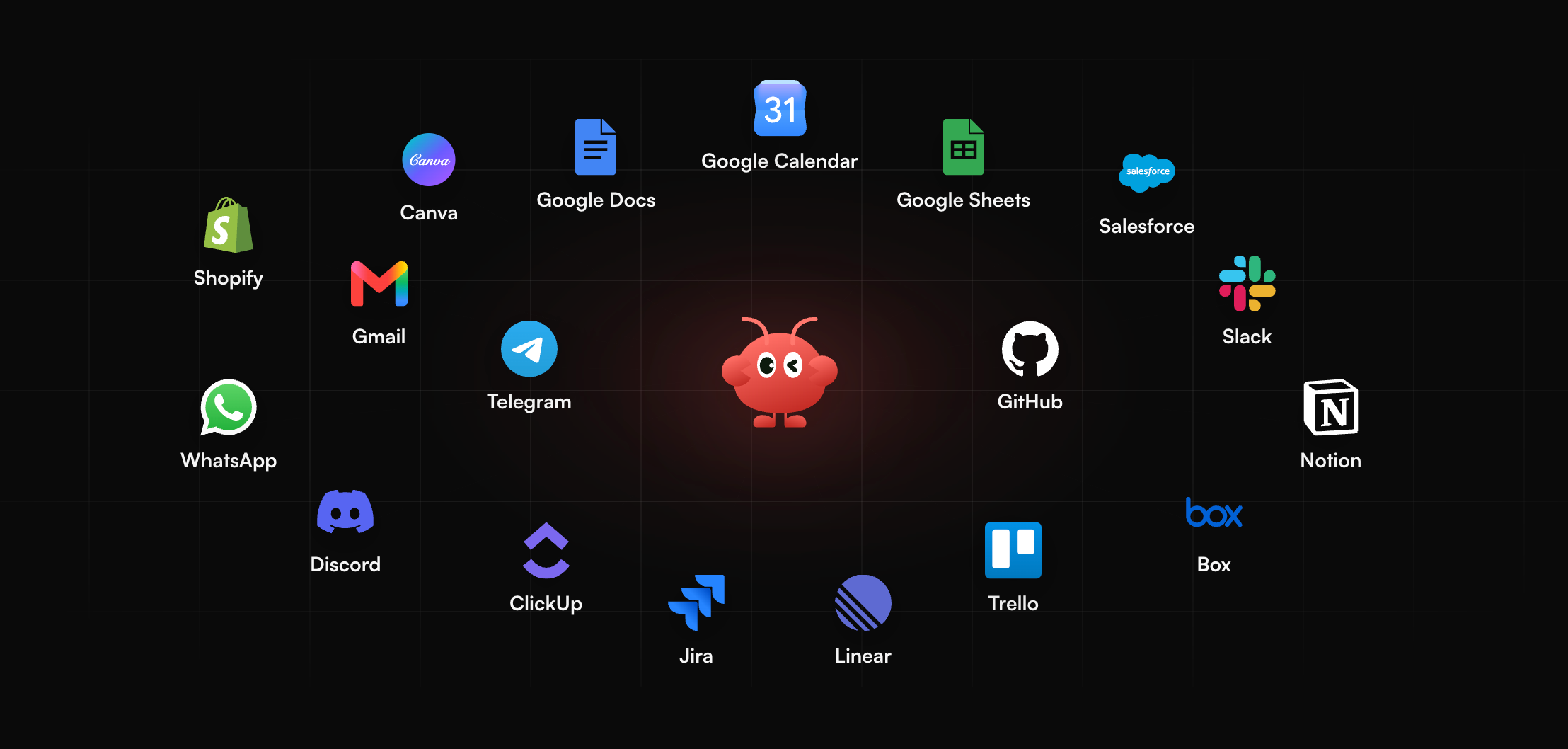
If you need an agent but do not want to manage infrastructure, MyClaw runs a hosted OpenClaw or Hermes agent for you. It stays on around the clock, works with popular LLMs for free, and you reach it through Telegram, WhatsApp, email, or the browser. It can also run scheduled jobs, so it acts even when you are not chatting with it.
In practice, that looks like a morning brief arriving in Telegram before you open your laptop, replying "draft a follow-up" in the middle of a WhatsApp thread and getting a ready-to-send draft back, or receiving a Friday recap of the topics you asked it to track.
Getting started takes three steps:
- Create your agent. Sign up and choose OpenClaw or Hermes as your agent.
- Connect a channel. Link Telegram, WhatsApp, email, or use the browser.
- Give it a task or schedule. Ask a question, assign a multi-step task, or set a recurring job like a daily brief.
New to the underlying agent? Start with what is OpenClaw.
Conclusion
The conversational agent vs chatbot question comes down to one idea: chatbots talk, conversational agents resolve. If your needs are predictable and read-only, a chatbot is the lean, reliable choice. If they span systems, require actions, or benefit from memory and follow-through, a conversational agent earns its extra complexity. If you are weighing options for your own day-to-day tasks, compare the best personal assistant AI picks.
Skip the Setup, Run Best-in-Class AI Agents Now
Launch a managed OpenClaw or Hermes Agent workspace in minutes, with always-on hosting, updates, and support handled by MyClaw.