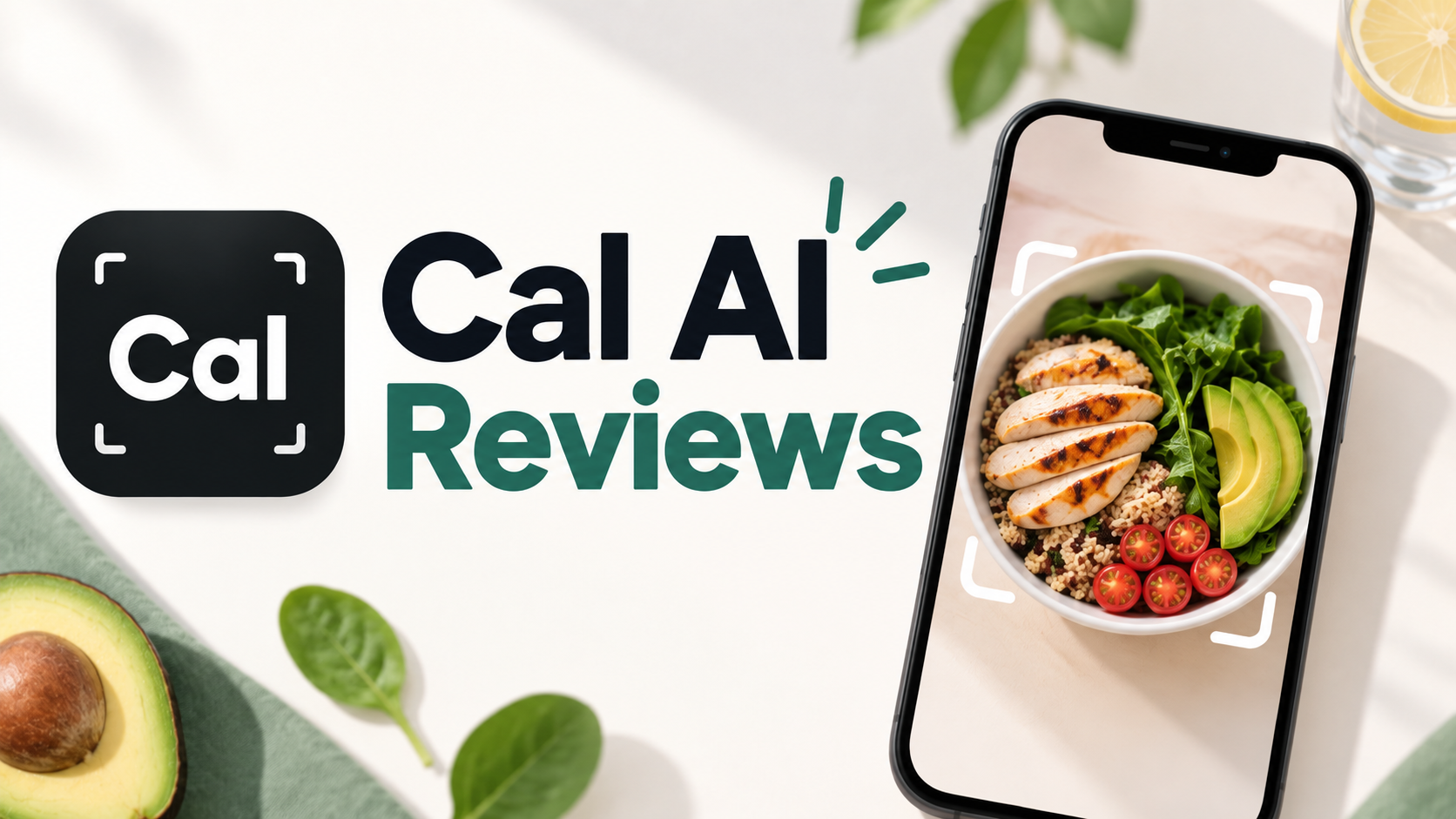
Cal AI Reviews 2026: Accuracy, Cost & Who It’s For

By Emma Reed
MyClaw Editorial
MyClaw
Run Best-in-Class AI Agents Now
Run OpenClaw or Hermes Agent on managed MyClaw hosting, so your AI agent stays online, updated, and ready for real work.
AI Takeaway
- What is Cal AI? Cal AI (calai.app) is a mobile calorie and macro tracker that estimates nutrition from a meal photo, barcode, or description — not Cal.com’s scheduling Cal.ai.
- Is Cal AI free? You can download it free, but the photo AI scan most people want typically needs a paid subscription after a short trial; confirm the live paywall in the app.
- How much does Cal AI cost? Reported prices vary by region and A/B tests (often monthly or yearly Unlimited plans); treat App Store / Google Play checkout as the source of truth before you subscribe.
- How accurate is Cal AI? Official help copy puts it around ~80%; simple, visible foods fare better than mixed plates, sauces, and hidden oils — use it as a ballpark logger, not clinical precision.
- How do you cancel? Cancel in Apple or Google subscription settings; deleting the app does not stop billing.
What Cal AI Is (and What It Is Not)
Cal AI is the photo-first calorie tracker at calai.app. Snap a meal, scan a barcode, or type a short description, and you get estimated calories plus protein, carbs, and fat. It runs on iOS and Android, walks new users through a short lifestyle quiz into a daily plan, and sells speed over spreadsheet logging. Official App Store copy is blunt — food-scanning analysis results require a subscription.
Name collision matters. Cal.com’s Cal.ai is a scheduling / AI phone-calling tool with its own pricing. Search results for “cal ai cost” sometimes mix the two. This review covers only the consumer calorie app.
In 2026, MyFitnessPal announced it had acquired Cal AI. Public statements describe Cal AI as remaining a standalone app rather than folding into MyFitnessPal’s core product. Treat that as ownership context, not a forever feature guarantee.

What You Get in Practice
Low-friction logging is the pitch: if typing every ingredient makes you quit, the camera loop is the point. Official help covers Apple Health / Google Fit steps. What your install unlocks — the quiz, the plan, and whether scan is paywalled — is the free-vs-paid signal that counts. Influencer demos are not the free tier.
What Cal AI Reviews Get Right
Store ratings and social proof lean positive on polish and speed: with decent lighting, a simple meal logs in seconds. High star averages and “aesthetic” UI callouts keep showing up because the product is built to feel light, not clinical.
That praise holds when photo logging is the only tracking you will keep doing. If the camera habit keeps you honest at lunch, Cal AI’s ROI is real even when estimates are imperfect. A lightweight habit tracker streak — separate from the scan — is how many people keep the week from going quiet.
Recurring Complaints to Weigh
The same review corpus repeats a few frictions. Complex restaurant plates, sauces, and hidden oils produce the biggest misses. Trial-to-paid conversion and unclear Unlimited SKUs frustrate people who read “free download” as free scanning. Cancel confusion is common because billing lives in the stores, not inside the app. After 2026 ownership news and a brief App Store billing dispute that was later resolved, some users ask harder trust questions before uploading meal photos. Read the paywall carefully and treat estimates as estimates.
How Accurate Is Cal AI’s Photo Tracking?
Cal AI’s own FAQ language puts accuracy around 80%. Prefer that over stronger marketing claims in social clips or blog copy. No consumer photo logger is a lab assay.
Simple, visible foods and barcode-backed packaged items tend to land closer. Mixed dishes, layered bowls, off-camera dressings, and oils absorbed into food are where reviews complain most. Good lighting, clear focus, and filling the frame help; keep the app updated because models change.
Practical habit: log the photo, then correct obvious misses before you close the day. A short evening daily brief can nudge that pass without turning dinner into spreadsheet work. If you follow a tight diet protocol, work with a registered dietitian, or need clinical-grade precision, photo AI alone is the wrong primary tool. Use Cal AI as a ballpark logger that keeps the habit alive — not a substitute for weighed ingredients when stakes are high.
Cal AI Cost: Free vs Paid, Trials, and Cancellation
Free download does not mean free photo AI. You can install without paying, but the camera scan most ads show typically sits behind a subscription. Manual-style logging may still work unpaid; the scan people came for is usually gated — verify what your build unlocks.
Prices are not a single public SKU. App Store listings show multiple “Unlimited” in-app purchases at different dollar amounts. Secondary roundups commonly report ~$9.99/month or ~$19.99–$29.99/year, plus occasional weekly or other variants — commonly reported ranges, not a fixed official menu. Cal AI A/B-tests paywalls by region and offer. Treat the live App Store, Google Play, or in-app checkout as the source of truth before you subscribe.
Trials and auto-renew. Many users report a short trial (often about three days) that asks for a payment method up front and converts unless cancelled. Exact length and renewal text appear at checkout — read them. For a weekend-only test, set a calendar reminder or a small Day 6 automation-style nudge so the trial does not quietly renew.
How to cancel (delete ≠ cancel). Official help is clear: cancel in phone settings, not by deleting the app.
- iPhone: Settings → your name → Subscriptions → CalAI → Cancel Subscription.
- Android: Google Play → profile → Payments & subscriptions → Subscriptions → CalAI → Cancel.
Refunds go through Apple, Google, or Cal AI depending on where you paid — check the receipt email if unsure.
Quick Cost Decision Checklist
- Do you mostly eat simple, visible meals — or layered restaurant plates?
- Do you need ballpark consistency, or protocol-level precision?
- Will you cancel the trial on a calendar reminder if it is not sticky?
- Are you comfortable storing meal photos in a cloud health app under current ownership?
If you will not use photo logging most weeks, skip the paid plan. Annual offers often look cheaper than monthly, but only if you stay subscribed long enough for the math to matter.
Who Should Use Cal AI (and Who Should Skip)
Good fit: casual trackers who abandon manual food diaries, people with fairly simple home meals, and anyone whose real bottleneck is speed. If “good enough macros plus a streak” beats abandoned spreadsheets, Cal AI matches the job.
Poor fit: precision macro athletes, heavy restaurant or buffet diets, and anyone unwilling to manage store subscriptions carefully. Clinical documentation or coach-grade weighed logs need more than photo AI as the system of record.
This is not an alternatives list. Other calorie apps exist; the decision is whether Cal AI’s camera-first tradeoff is worth your paywall. Reminders and check-ins often decide whether tracking lasts past week two — a personal AI assistant can sit beside the calorie app without replacing the camera.
Keep Meal Logging Sticky with MyClaw Habits
Cal AI answers “what is on this plate?” MyClaw is different on purpose: managed hosting for private, always-on OpenClaw agents that handle habits, reminders, daily briefs, and life-admin routines. It is not a calorie counter or photo food scanner. Use Cal AI (or any logger you prefer) for intake estimates; use an agent when the hard part is showing up. Want an agent to hold planning constraints — targets, leftovers, grocery limits? LLMN meal planning is routine support for that, not a Cal AI clone.
- Start one health-adjacent routine. Pick a single streak — a nightly “did I log meals?” check-in or a Sunday review of what derailed the week. Keep the language about habits and follow-through, not scanning calories.
- Connect tools you already use. Point the agent at calendar, chat, or notes you open daily. Keep human review on anything sensitive; the agent should nudge and draft, not silently change health decisions.
- Add a brief or reminder on a schedule. A morning summary or recurring nudge beats hoping you remember at 10 p.m.
Bottom Line
Cal AI is worth a careful trial if you want ballpark photo calorie logging, accept estimate-level accuracy, and will cancel through Apple or Google settings before a forgotten trial becomes a surprise charge. Skip the paid scan if your meals are mostly complex plates, you need protocol precision, or you will not open the camera most weeks. Reach for MyClaw only for agent-backed habits around the goal, not as a photo-log substitute. Check live MyClaw pricing rather than mapping any calorie-app SKU over.
Skip the Setup, Run Best-in-Class AI Agents Now
Launch a managed OpenClaw or Hermes Agent workspace in minutes, with always-on hosting, updates, and support handled by MyClaw.