Best Document Automation Tool: 6 Options Compared (2026)

By Olivia Hart
MyClaw Editorial
MyClaw
Run Best-in-Class AI Agents Now
Run OpenClaw or Hermes Agent on managed MyClaw hosting, so your AI agent stays online, updated, and ready for real work.
AI Takeaway
- What is the best document automation tool overall? It depends on the job: outgoing proposals and e-sign, incoming PDF extraction, Microsoft 365 orchestration, or a hosted agent that runs document jobs on a schedule.
- What is the best tool for automating PDF document workflows? For high-volume intake and field extraction, Docsumo-style IDP platforms lead; for fixed layouts, a parser may be enough (vendor pages, November 2026).
- What are the best automation tools for document management? Dedicated DMS platforms such as M-Files handle filing, retention and governed workflows; generation and e-sign tools cover a different part of the stack.
- Do I need one platform or a stack? Most teams combine generation or IDP with an orchestrator; pick the tool that owns the bottleneck, then wire the rest.
- When does a hosted agent fit? MyClaw fits when you want an always-on OpenClaw or Hermes agent to draft, file, digest or route documents without running your own server.
Best Document Automation Tools Compared
Document automation splits by job—create and sign, extract data from PDFs, orchestrate across apps, or govern a document library. The table below compares six options by primary job. Every price is vendor-stated, in US dollars, verified November 3, 2026, unless noted; plans change, so confirm on the vendor site before buying. For the wider builder landscape, see AI Workflow Builder and No Code AI Agent Builder.
| Tool | Best for | Vendor-stated pricing |
|---|---|---|
| MyClaw | Always-on agent for drafting, filing, digests and routing | See MyClaw's plan page |
| PandaDoc | Proposals, quotes, contracts and e-signatures | Free; Starter $19/user/mo; Business $49/user/mo annual (PandaDoc, November 3, 2026) |
| Docsumo | PDF intake, extraction and review queues | Free trial to 1,000 pages; Business/Enterprise quoted (Docsumo, November 3, 2026) |
| Microsoft Power Automate | Orchestration across Microsoft 365 and apps | Premium $15/user/mo; Process $150/bot/mo; Hosted Process $215/bot/mo yearly (Microsoft, November 3, 2026) |
| DocuSign | Agreement and signature-first workflows | Personal $11/mo; Standard $30/user/mo; Business Pro $45/user/mo annual billed monthly (DocuSign, November 3, 2026) |
| M-Files | Metadata, retention and approval workflows | Quoted enterprise pricing (M-Files, November 3, 2026) |
MyClaw: A Hosted Agent for Document Jobs
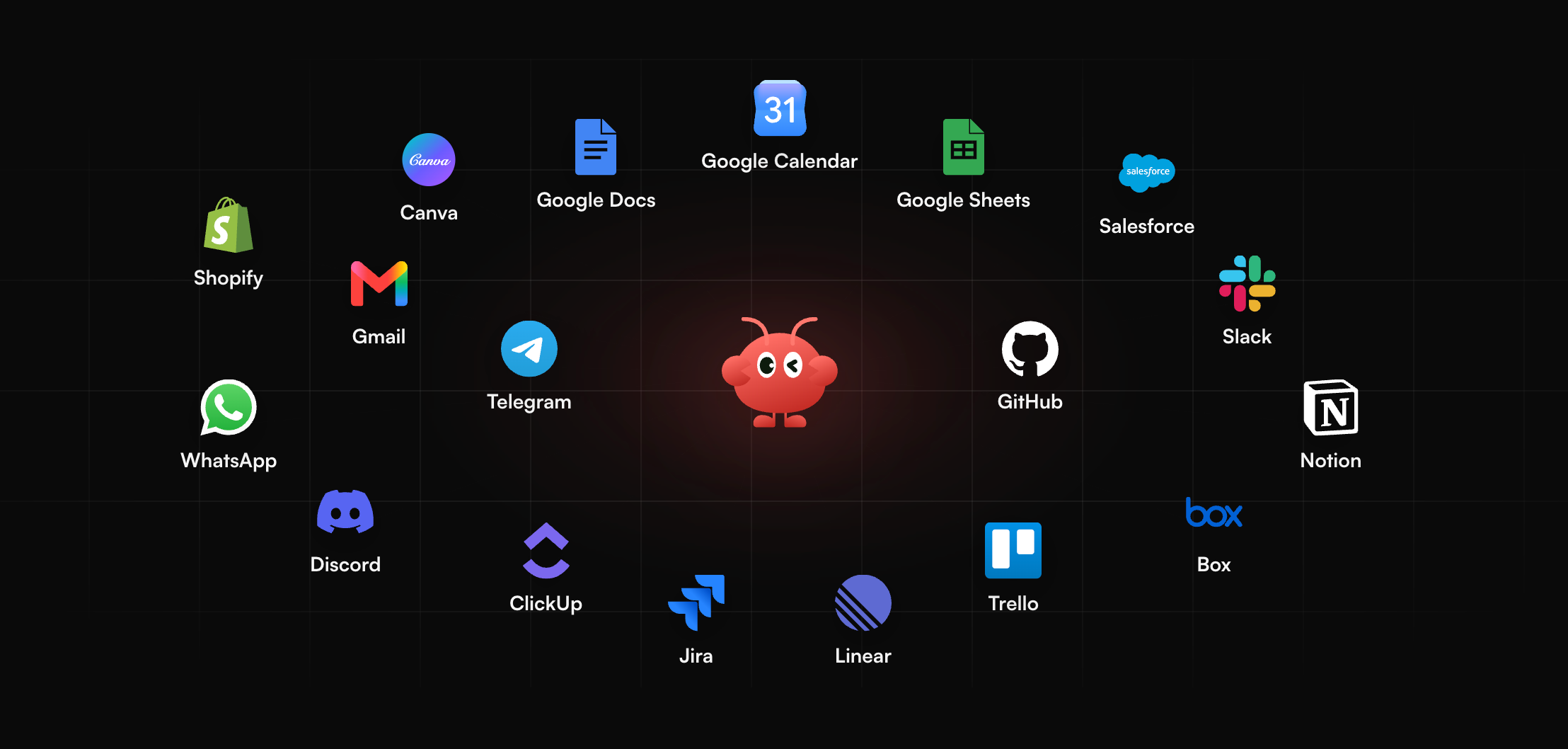
MyClaw describes itself as a managed platform for deploying and running AI agents. It runs OpenClaw and Hermes Agent, stays up 24/7 with no server work on your side, and reaches you over email, Telegram, WhatsApp or a browser. It can connect to the files, apps and data you already use (MyClaw homepage, November 3, 2026).
For document work, treat it as a standing helper: assign an overnight PDF inbox digest, a draft proposal pack from a short brief, or a filing reminder, and the agent asks only when review is needed. The homepage lists daily reports, inbox triage and page watching; the same always-on pattern covers document digests and routing.
MyClaw is not a packaged DMS, e-signature suite or IDP engine. We do not claim OCR accuracy figures, compliance certifications or ticket-style queues beyond what the homepage lists. You supply the documents, rules and sign-off. New to the framework? Start with What Is OpenClaw.
- Start a MyClaw agent running OpenClaw or Hermes.
- Connect the drives, inboxes or apps that hold your documents, plus the chat channel where results should land.
- Assign one recurring document job in draft-first mode, such as a morning PDF digest with flagged exceptions, then widen only after the drafts hold up.
Pros
- Always on, so scheduled document jobs continue overnight.
- Reachable from channels you already use; you choose the drafting, filing and digest tasks.
Cons
- You define the jobs yourself rather than getting a ready-made DMS or e-sign product.
PandaDoc: Best for Proposals and E-Signatures

PandaDoc is built for client-facing documents: proposals, quotes, contracts and the e-signature loop that closes them. Teams draft in a drag-and-drop editor, reuse content-library blocks, track opens and send for signature in one product. Paid plans list Starter at $19 per user per month and Business at $49 per user per month when billed annually, plus a free plan for light e-sign use (PandaDoc pricing page, November 3, 2026).
It fits sales and customer success teams that live in outbound paperwork. CRM hooks and approval workflows appear on higher tiers. It is not aimed at high-volume inbound PDF extraction—use an IDP tool for that bottleneck.
Pros
- Strong editor and content library for proposals and quotes.
- Built-in tracking and e-sign in one product.
Cons
- Seat cost rises quickly for large sales teams on annual Business.
- Inbound PDF extraction is not the primary job.
Docsumo: Best for PDF Intake and Extraction

Docsumo is an intelligent document processing platform: files arrive by email, upload or API, get classified, and fields and tables move into a review queue before results leave through an API or webhooks. That makes it a clear pick for the best tool for automating PDF document workflows at volume—especially lending, insurance, healthcare and accounts payable. Docsumo lists a free trial for up to 1,000 pages; Business and Enterprise are quoted (Docsumo, November 3, 2026).
It is not an e-signature product or a DMS. After extraction, many teams hand clean data to an orchestrator or ERP. Test it on your worst layouts; the review queue matters more than a clean demo.
Pros
- Built for intake, classification, extraction and human review.
- API and webhooks to push checked data into the next system.
Cons
- Paid plans are quoted rather than fully public.
- Signing and long-term records governance stay elsewhere.
Microsoft Power Automate: Best for Microsoft 365 Stacks
Power Automate is Microsoft's orchestration layer: cloud flows, desktop RPA and connectors across Microsoft 365 and many other apps. Document reading sits inside that toolkit through AI features such as AI Builder, not as a dedicated IDP product. List prices show Premium at $15 per user per month, Process at $150 per bot per month and Hosted Process at $215 per bot per month, paid yearly (Microsoft Power Automate pricing, November 3, 2026).
Choose it when files and approvals already live in Microsoft 365 and you need routing more than a specialist editor or extractor. Varied PDFs often still need an IDP partner upstream. For always-on helpers outside Microsoft, see Best Personal Assistant AI.
Pros
- Deep Microsoft 365 fit and a large connector catalog.
- Clear public list pricing for Premium and Process tiers.
Cons
- Premium connectors and AI document features can require higher licenses.
- Not a full substitute for IDP on highly varied PDFs.
DocuSign and M-Files: Signature Workflows and Document Management
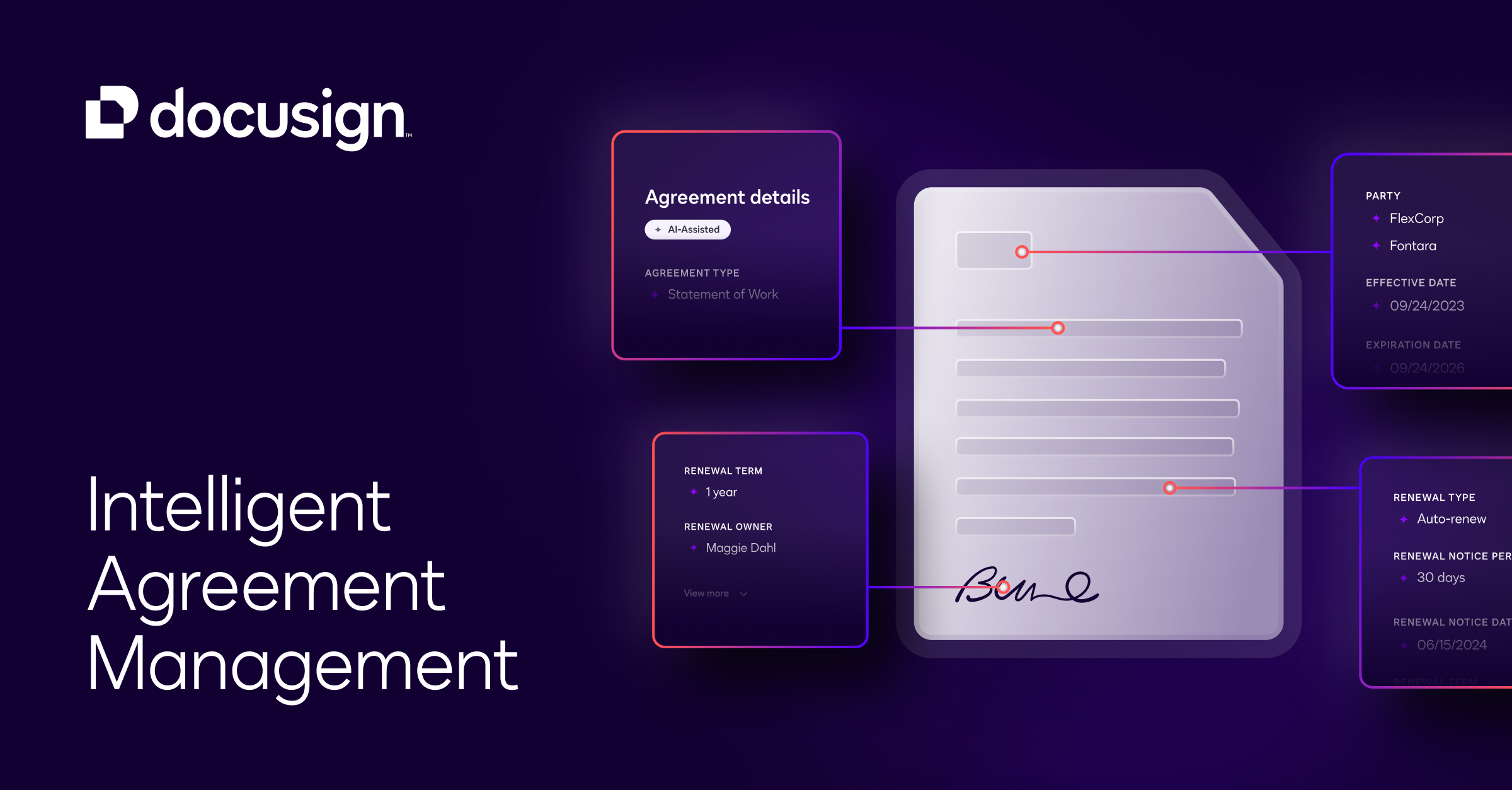
DocuSign leads when the bottleneck is getting agreements signed and tracked. Self-serve eSignature list prices show Personal at $11 per month, Standard at $30 per user per month and Business Pro at $45 per user per month on annual plans billed monthly (DocuSign eSignature plans, November 3, 2026). Envelope allowances apply; enhanced or CLM scopes are quoted. It is signature-first—generation and deep extraction usually sit elsewhere.
M-Files covers document management: metadata-driven filing, retention and approvals for teams that need a governed library. Pricing is quoted for enterprise deals (M-Files, November 3, 2026). Together they show why document-management automation and broader document automation are related but not identical—one stresses records and control, the other create-sign or extract-route loops.
Pros
- DocuSign: widely recognized e-sign and agreement tracking.
- M-Files: metadata, retention and governed approvals for libraries.
Cons
- DocuSign alone does not replace generation or IDP.
- M-Files pricing is not fully public; expect a sales process.
How to Choose the Best Document Automation Tool
Match the tool to the bottleneck, then stack what you still need:
- Outgoing client docs → PandaDoc; signature-led agreements → DocuSign.
- Inbound PDFs, AP packs or lending files → Docsumo-style IDP.
- Microsoft-centric routing → Power Automate.
- Governed library, retention and metadata → M-Files or a similar DMS.
- Standing document jobs with human review and no servers to run → a MyClaw-hosted OpenClaw or Hermes agent.
One product rarely owns create, extract, sign and store. Pick the owner of your pain, wire the rest, and keep a person in the loop for exceptions. New to hosted agents? Read OpenClaw Getting Started and Best Hermes Agent Hosting before production jobs.
Conclusion
There is no single best document automation tool for every team. PandaDoc and DocuSign win on outbound paperwork and signatures, Docsumo on PDF intake, Power Automate on Microsoft orchestration, and M-Files on governed document management. MyClaw sits beside them as an always-on agent for drafting, digests and routing. Shortlist by job, run a real sample through your top two options, then expand the workflow.
Skip the Setup, Run Best-in-Class AI Agents Now
Launch a managed OpenClaw or Hermes Agent workspace in minutes, with always-on hosting, updates, and support handled by MyClaw.