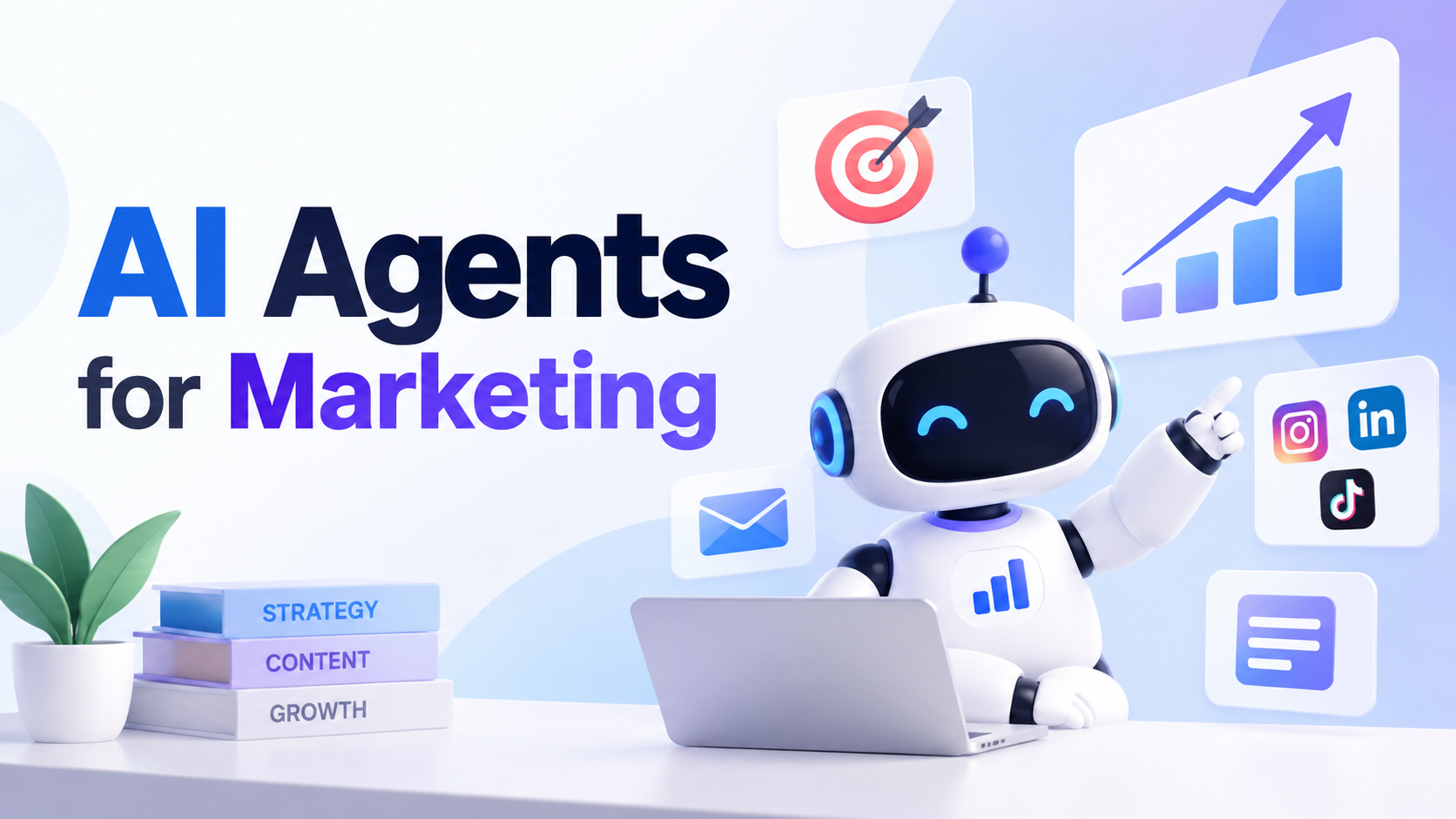
AI Agents for Marketing: What They Are and How to Use Them

By Julian Brooks
MyClaw Editorial
MyClaw
Run Best-in-Class AI Agents Now
Run OpenClaw or Hermes Agent on managed MyClaw hosting, so your AI agent stays online, updated, and ready for real work.
AI Takeaway
- What are AI agents for marketing? AI agents for marketing are goal-driven systems that use tools, memory, and multi-step loops to research, draft, monitor, and prepare campaign work—not just answer one prompt at a time.
- What is agentic AI for marketing? Agentic AI for marketing means the agent can plan sub-steps, act across apps or browsers, evaluate results, and continue until a goal or guardrail stops it, while humans set strategy and approvals.
- How do you use an AI agent for marketing campaigns? Start with one recurring campaign workflow—such as a weekly brief, competitor check, or performance digest—connect only the needed data sources, keep publishing and spend behind human review, then expand after quality holds.
- Which marketing jobs fit agents first? High-frequency, data-rich, high-friction work fits first: content and SEO research, campaign briefs, outreach drafts, social monitoring, inbox replies, and scheduled performance summaries.
- Where does MyClaw fit? MyClaw hosts a private, always-on OpenClaw agent so marketing routines, skills, and tool access can keep running without you maintaining the server—alongside your existing ads, CRM, and automation stack.
What Are AI Agents for Marketing?
AI agents for marketing are operators you give a goal, context, and tools—not chat windows that only answer one question. A marketing agent can gather sources, draft a brief, compare competitors, queue follow-ups, and flag anomalies across a campaign cycle. That differs from a chatbot that stops when the reply ends, and from fixed marketing automation that only follows paths you already drew in a journey builder.
Agentic AI for marketing is that loop: set a goal, plan sub-steps, use tools (browser, files, APIs, skills), observe results, adjust, and stop at the goal or a guardrail. Humans still own strategy, brand voice, and irreversible actions. Agents prepare and operate around campaigns; they do not replace Ads Manager, CRM journeys, or judgment about claims and spend.

Persistence matters because marketing ops are weekly, not one-shot. Memory, files, and schedules let an agent remember last week’s winners, reopen a competitor page on Monday, and assemble a digest while the laptop is closed.
How Agentic AI Differs from Chat and Automation
Chat is one-shot answers. You ask for a subject line; you get a subject line. Useful, but it does not keep watching the inbox or rebuilding a brief from fresh SERP data.
Classic marketing automation is fixed if-this-then-that: enroll a contact, wait three days, send email B. Powerful for known journeys—and brittle when the next step needs research, judgment, or a new tool path.
Agentic AI sits between them. It can open a browser, read exports, apply a skill rubric such as Marketing Mode for strategy frameworks, draft options, and loop until a stop condition. Treat it as a layer around your stack—not a reason to rip out HubSpot, Klaviyo, or GA4. Those systems still hold lists, sends, and reporting truth; the agent helps research, prepare, and monitor the work between them.
Campaign Use Cases for Marketing Agents
Treat AI agents for marketing campaigns as practical loops you can run this week. Prefer draft / recommend / approve over fully autonomous spend or publish.
Content, SEO, and Campaign Briefs
Agents shine when clustering keywords, checking SERPs, scoring refresh candidates, and turning findings into briefs writers can ship. An SEO AI agent workflow covers the niche version—audits, briefs, and weekly reports—while a broader marketing agent may also fold paid angles, landing-page notes, and channel priorities into the same packet.
Research, Competitor, and Market Monitoring
Scheduled checks on competitor pages, pricing, messaging, and social or community signals beat ad-hoc tab surfing. Pair them with a morning digest so humans only open exceptions. Competitor monitoring is a natural always-on routine: watch, summarize, queue next actions—without claiming the agent should silently change positioning.

Outreach Drafts, Inbox, and Social Support Work
Personalized outreach drafts, campaign reply triage, and social post drafts for approval are high-friction and high-frequency. Keep send and publish behind review. An email-automation style agent helps on the reply side: sort intent, draft follow-ups, and route leads while you stay the final sender. For paid creative structure and copy variants, skills such as Ad Expert help plan and write—they do not replace Ads Manager or silent live spend.
Reporting, Daily Briefs, and Cross-Channel Digests
Weekly ROAS or CPA narratives from exports, anomaly flags, and Monday recaps are classic agent jobs. The value is consistent framing across channels—not inventing metrics your dashboards do not support. Tie digests to schedules so the story arrives when the team starts work, not when someone remembers to pull sheets.
How to Use an AI Agent for Marketing
Practitioner guides converge on one pattern: one workflow, the right tools, brand context, tiered autonomy, then measure before you expand. That is the practical answer to how to use an ai agent for marketing.
Pick One Measurable Workflow
Good first goals look like a weekly campaign digest, a competitor monitoring brief, a content refresh queue, or paid creative variants for review. Avoid “run all marketing” as the opening prompt. Success is a repeatable output you can score for usefulness and time saved—not a vague promise of autonomous growth.
Connect Data, Brand Rules, and Tools
Give the agent the inputs it needs and no more: analytics exports, brand voice samples, past winners, CRM notes, landing URLs. Prefer read-only access first. Install focused skills when needed—Marketing Mode for strategy frameworks, Ad Expert for paid planning and copy structure—then connect browser, files, or channel tools only as the routine matures.
Set Approvals, Limits, and a Feedback Loop
Tier actions clearly. Auto: read, summarize, monitor. Queue for approval: drafts, budget recommendations, campaign structure proposals. Escalate: brand claims, live spend, public publish, and anything involving customer PII beyond policy. Measure time saved and output quality for a week or two before adding channels. When quality slips, tighten the rubric—do not just add more autonomy.
Limits, Guardrails, and Governance
Agents should not own unsupervised live ad spend, public posts, pricing promises, legal or compliance claims, or careless use of customer PII. Brand voice, claim substantiation, and audit logs belong to your team’s process, not to hope.
Expect the agent to be an always-on operator: gathering, drafting, monitoring, and routing. Humans own strategy and irreversible actions. Even email automation for reply triage should stay draft-and-route until you are the final sender. That separates OpenClaw-style agents from closed-loop media-buying pitches: agents plan and prepare; the platforms and APIs you configure still hold execution controls. If a tool cannot show what it changed, it is not ready for production marketing.
Run a Persistent Marketing Agent with MyClaw
MyClaw provides managed hosting for a private, always-on OpenClaw agent—useful when marketing work needs uptime, skills, files, browser access, and schedules without self-hosting. It complements HubSpot, Ads Manager, and analytics tools; it does not replace them. Hosting covers the agent’s cloud computer; AI token usage is separate from the subscription—check live pricing before mapping workload to a plan.
1. Launch a Private OpenClaw Workspace
Choose a managed plan that matches browse, file, and schedule load. Start with one narrow marketing routine—such as a Monday competitor digest or a weekly campaign brief—so you can judge quality before widening scope.
2. Add Marketing Skills and Connect Sources
Install the skills your workflow needs—for example Marketing Mode or Ad Expert—and connect only required sources: exports, docs, inbox, or browser access. Keep credentials scoped. Teach brand rules, approval gates, and what “good” looks like for the first deliverable.
3. Schedule Routines and Keep Humans in the Loop
Use heartbeat or cron so briefs, monitors, and digests run on time. Day 6 automation covers the proactive pattern: check on a cadence, report when something matters, stay quiet when it does not. Require human approval for publish, send, and spend-related actions until trust is earned.
Start with one recurring campaign workflow on a hosted OpenClaw agent, review outputs for a week, then expand only where quality holds.
Conclusion
AI agents for marketing and agentic AI excel at research, preparation, monitoring, and reporting around campaigns—not at replacing your CRM, ads platforms, or brand judgment. The reliable path is one measurable workflow, the right data and tools, clear guardrails, and persistence so routines survive when the laptop closes. MyClaw is the always-on runtime when you want OpenClaw without DevOps—hosting for a private marketing agent, not a turnkey suite. Pick one campaign loop, keep humans on irreversible actions, and grow from there.
Skip the Setup, Run Best-in-Class AI Agents Now
Launch a managed OpenClaw or Hermes Agent workspace in minutes, with always-on hosting, updates, and support handled by MyClaw.